
 ad-security/ad_miner
AD Miner is an Active Directory audit tool that leverages cypher queries to crunch data from the #Bloodhound graph database to uncover security weaknesses







Web-based reports features:
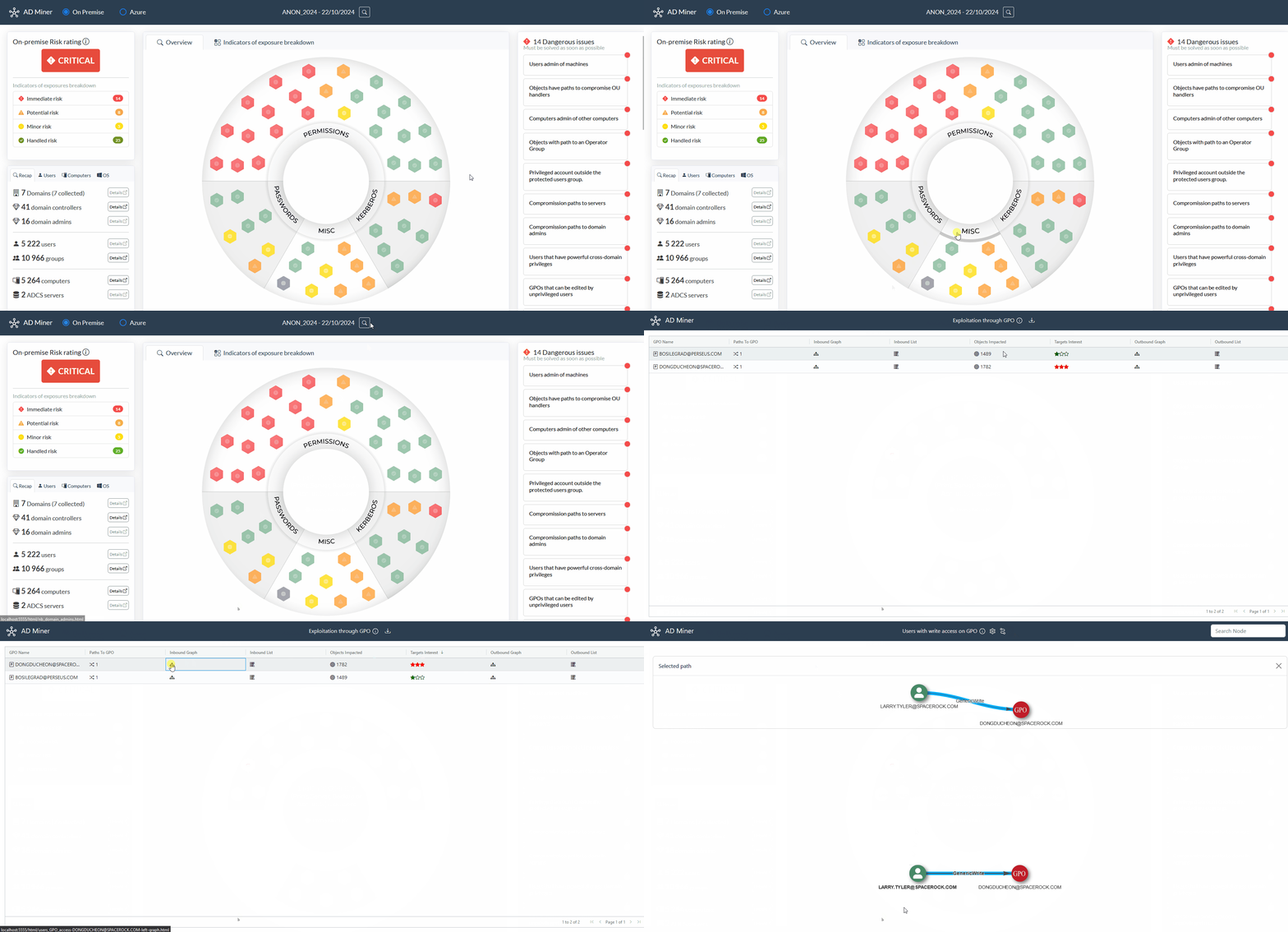
A risk-based rating of Active Directory weaknesses, along with comprehensive mitigation paths.
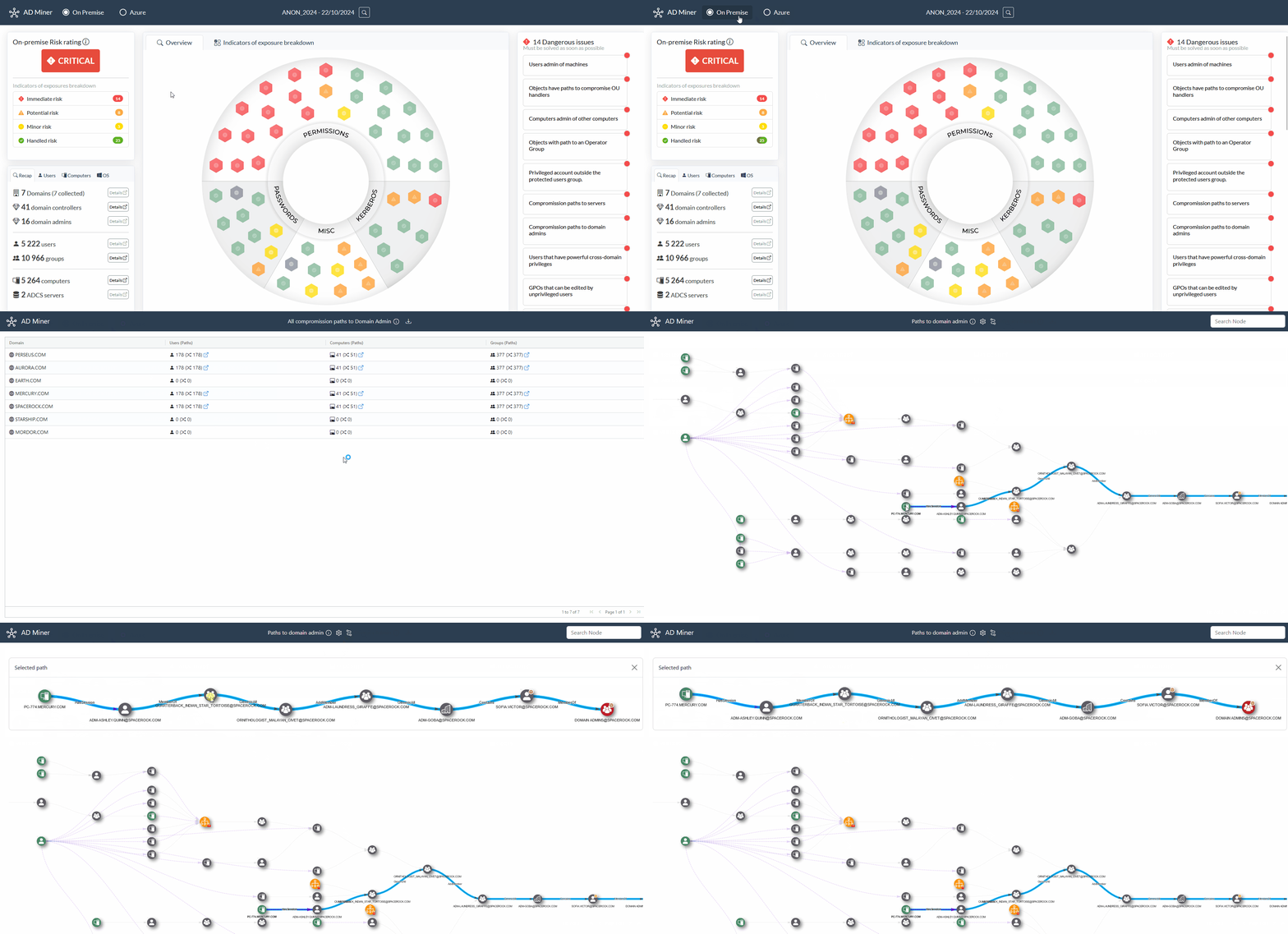
Search bar and controls that are carefully tailored to identify the most risky misconfigurations.
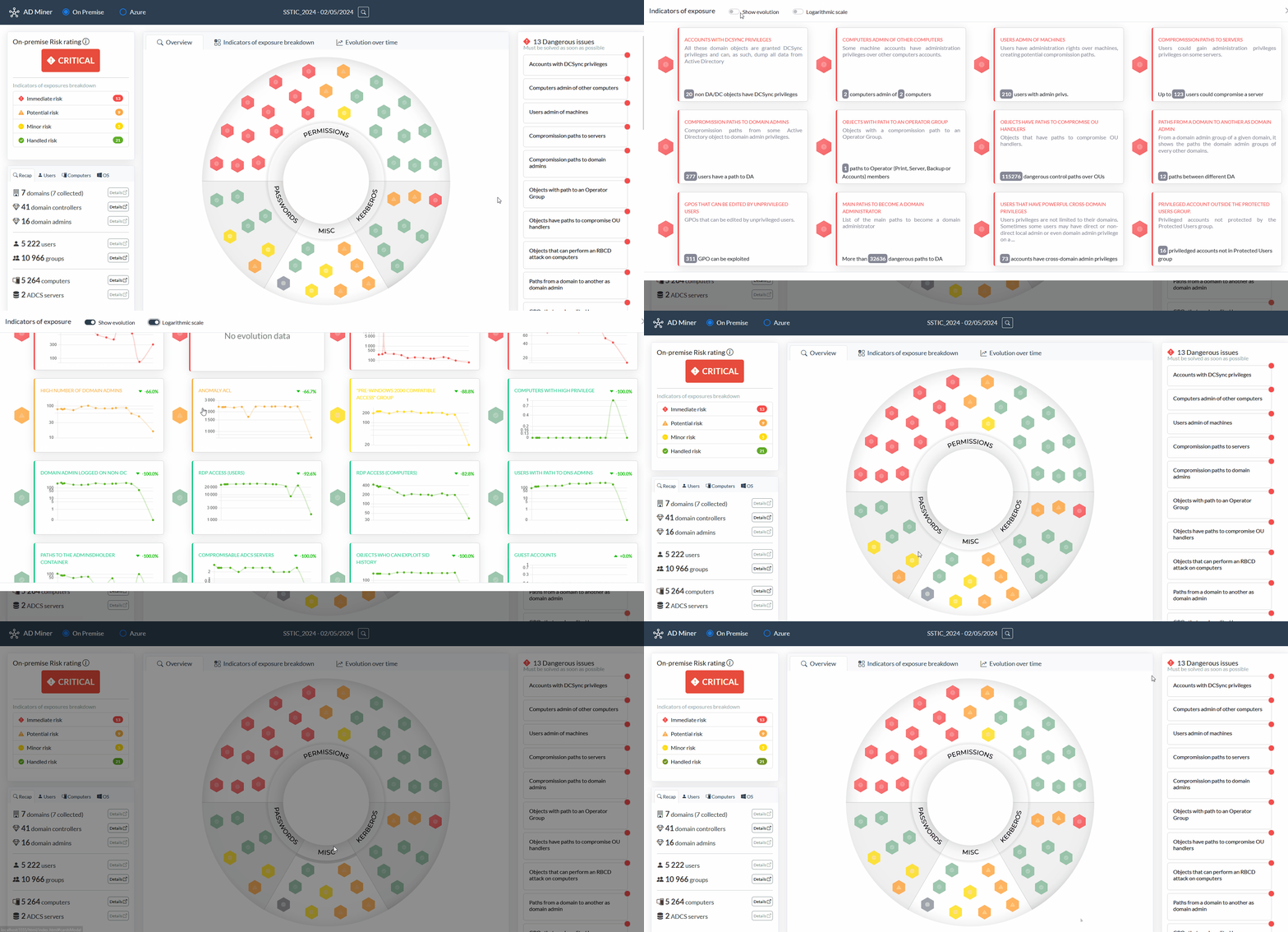
You can also observe indicators over time to help measuring mitigation efficiency.
AD Miner has been initially created by Forvis Mazars and is maintained by Grant Thornton Cybersecurity Audit & Advisory Team.
To run AD Miner, you first need a neo4j database which contains the Active Directory objects:
[!CAUTION] We strongly recommend using BloodHound Automation, as it installs the Graph Data Science Neo4j plugin, which :
- significantly improves computation time and overall performance.
- enables the use of Smartest Path instead of built-in Neo4j shortestPath() (i.e., Paths that are easier to exploit rather than least nodes hops).
To set up your BloodHound environment (including the GUI and Neo4j database), BloodHound Automation is highly recommended due to its seamless integration with the Graph Data Science plugin. Though it is perfectly fine to use the default BloodHound CE installation, be aware that you will miss out on the benefits of GDS (e.g., smarter pathfinding, improved execution speed, etc.).
By default, BloodHound creates a neo4j base accessible on port 7687.
The easier way is to do the following command using pipx:
pipx install 'git+https://github.com/AD-Security/AD_Miner.git'
ADMiner is also available on some Linux distributions:

pacman -S ad-minernix-env -iA nixos.ad-minerA Docker image is available to build. Build the image with the following commmand:
docker build -t ad-miner .
To run this on Windows with the BloodHound Community Edition data, use the commands below:
docker run -v ${PWD}:/tmp ad-miner AD-miner -b bolt://host.docker.internal:7687 -u neo4j -p mypassword -cf YOUR_PREFIX
To run this on Linux with the BloodHound Community Edition data, use the commands below:
docker run -v ${PWD}:/tmp --network host ad-miner AD-miner -b bolt://localhost:7687 -u neo4j -p mypassword -cf YOUR_PREFIX
Note that mounting the volume with -v is critical to get the output of the data. This assumes that the BHCE server is running on the Docker host with default settings.
Run the tool:
AD-miner [-h] [-b BOLT] [-u USERNAME] [-p PASSWORD] [-e EXTRACT_DATE] [-r RENEWAL_PASSWORD] [-a] [-c] [-l LEVEL] -cf CACHE_PREFIX [-ch NB_CHUNKS] [-co NB_CORES] [--rdp] [--evolution EVOLUTION] [--cluster CLUSTER]
Example:
AD-miner -cf My_Report -u neo4j -p mypassword
Cache files are generated at the completion of each Neo4j request. This feature allows you to pause or stop AD Miner at any point during its process without losing previously computed results. To leverage the cache, use the -c parameter. The cache files are stored in the cache_neo4j folder in your current repository. For the cache to be used, the report name must match the cache file's name prefix :
AD-miner -c -cf My_Report -u neo4j -p mypassword
To better handle large data sets, it is possible to enable multi-threading and also to use a cluster of neo4j databases, as shown in the following example (where server1 handles 32 threads and server2 handles 16) :
AD-miner -c -cf My_Report -b bolt://server1:7687 -u neo4j -p mypassword --cluster server1:7687:32,server2:7687:16
If password renewal policy is known, you can specify it using the -r parameter to ensure that password renewal controls align with your environment's settings (default is 90 days). For example, if the password policy is set to 180 days, you can use the following:
AD-miner -c -cf My_Report -b bolt://server:7687 -u neo4j -p mypassword -r 180
[!TIP] The default password of the Bloodhound CE neo4j database is
bloodhoundcommunityeditionorneo5jif you use BloodHound Automation
Options:
