 accentusoft/linkscope_client
Repository for the LinkScope Client software.

Get the installer for LinkScope Client from here:
https://accentusoft.com/downloads/
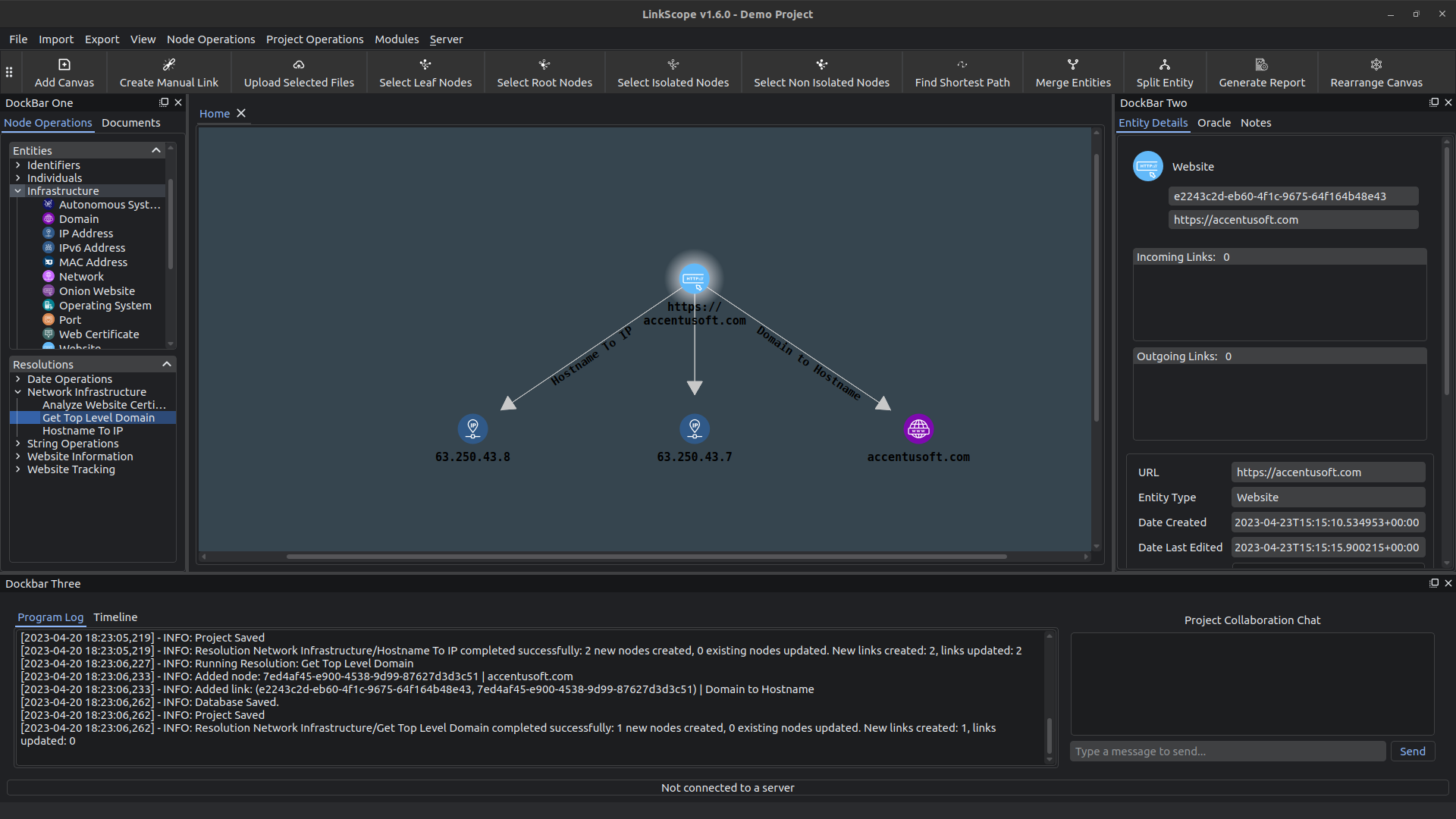
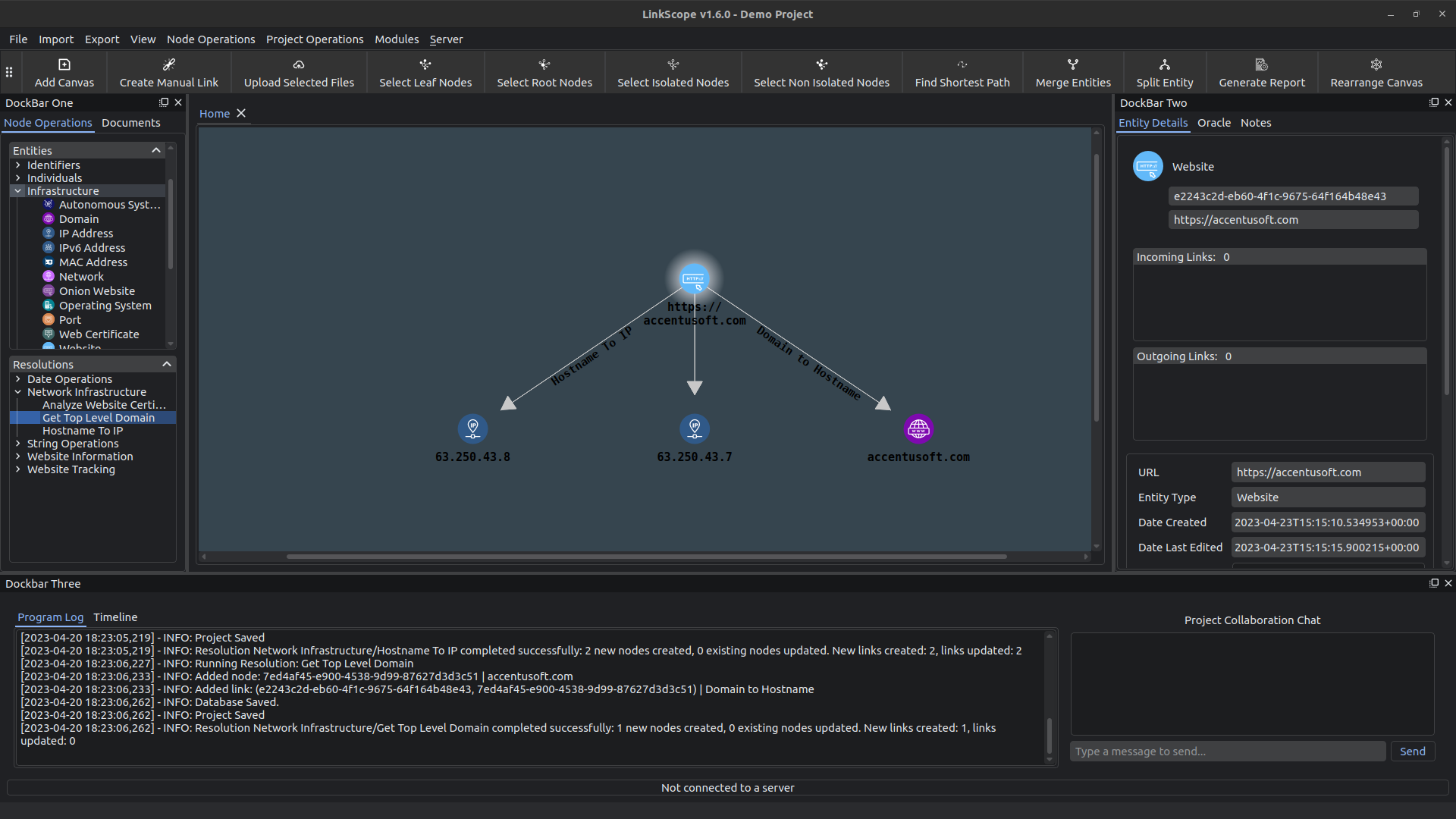
This is the repository for the LinkScope Client Online Investigation software. LinkScope allows you to perform online investigations by representing information as discrete pieces of data, called Entities.
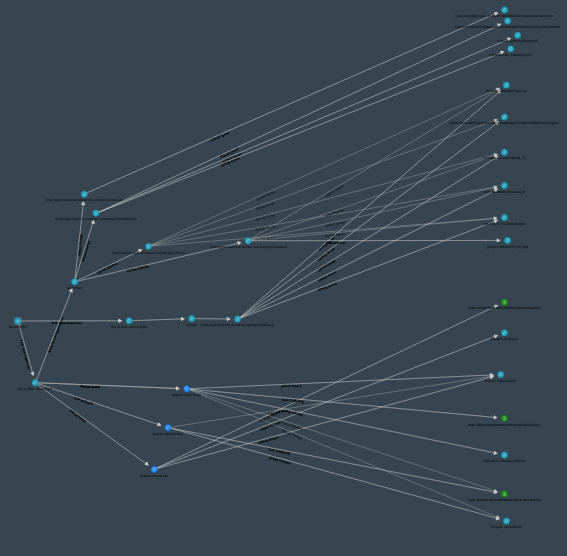
These Entities can then be explored through Resolutions, which take the attributes of Entities as input, and resolve them to different, but connected, pieces of information.
In that way, one can create a knowledge graph (or abstract art) for any particular domain, which should help investigators easily discover answers and insights that otherwise might have been hard to extract.
Some notable features of LinkScope include:
Currently, Linux (Ubuntu 22.04, but most Debian derivatives should work) and Windows 11 are supported.
Note that the SFDP graph layout does not function on Windows, as an essential graph related library is not available on that platform.
Since Version 1.0.0, installers are provided for Windows 11 and Linux (Ubuntu) platforms.
Download the latest installer for your platform from the Releases page, and run it to install the software: https://github.com/AccentuSoft/LinkScope_Client/releases/tag/v1.6.5
Note: On Ubuntu, you may need to mark the downloaded installer as executable before you can run it. To do this, right-click the installer, and from the drop-down menu, select 'properties'. On the dialog window that pops up, navigate to the 'Permissions' tab, and make sure that 'Allow executing file as program' is checked. You should at this point be able to run the installer by double-clicking it. If double-clicking the installer does not start it, you can also launch the installer through a terminal.
One could also clone the repository and run the software as-is.
Some dependencies need to be installed in order for the software to work properly. After downloading the release correspoding to your platform from the Releases tab, please perform the following steps to install the required dependencies:
sudo apt update && sudo apt install libopengl0 graphviz libmagic1 -ypip install -r requirements.txt --upgradeplaywright installpip install -r requirements.txt --upgradeloader.py script in the magic module folder of your python installation
or virtual environment.python PatchMagicWin.pyplaywright installThe software comes packaged in a 7zip archive. Uncompress the archive, and double-click the executable to start the software. On Windows, the executable should be named 'LinkScope.exe'. On Linux, it should be named 'LinkScope'.
The Wiki page contains a manual on using the tool, available here: https://github.com/AccentuSoft/LinkScope_Client/wiki
We have an introductory blog post that explains the basics of using the tool, available here: https://accentusoft.com/tutorials/first-steps-with-linkscope-client/
We also have some videos demonstrating how to use the software on our YouTube channel: https://www.youtube.com/channel/UC8h9Vde1OdezdC2cJ1nEUcw
LinkScope was built from the ground up to be modular! In this repository's wiki, there are instructions on how to create your own modules, which can contain custom Entities and Resolutions. There is also an example module in the Modules directory that can act as a template, and has a verbose description of most things that a module creator should need to consider.
Warnings and best practices on using the software:
Resolutions are essentially Python code that ingests information from various data sources. Make sure that the people providing you with code to run are trustworthy, and that you inspect all the modules you use before installing them.
Some resources that an investigator may access through the software may pose a risk to the investigator and/or the assets used during the investigation. Some examples include, but are not limited to: Sites that host malicious code, torrents for malware, or forums that contain illegal materials. Handling the risk of investigating targets and materials that may be harmful to the investigator and/or the equipment used during the investigation is completely up to the investigator.
We recommend utilizing virtual machines (VMs) during investigations that may call for interaction with unsafe resources in order to minimize the impact of mishandling dangerous resources.
If you are interested in more information about using the software, tutorials and case studies, check out our blog at https://accentusoft.com/blog/.
If you would like to contribute a post about your use of the software, please send an email to [email protected].