 aaaguirrep/offensive-docker-vps
Create a VPS on Google Cloud Platform or Digital Ocean easily with Offensive Docker included to launch assessment to the targets.

Create a VPS on Google Cloud Platform or Digital Ocean easily to use Offensive Docker and launch the assessments to the targets.
🎉🎉Digital Ocean Bonus🎉🎉 You can sign up with my referral link https://m.do.co/c/0d2d40f6a8a1 and get $100 free credit to try it out!
git clone --depth 1 https://github.com/aaaguirrep/offensive-docker-vps.git vps
cd vps
Create credentials folder.
mkdir credentials
ssh-keygen -t rsa -f offensive in the terminal. Empty passphrase is ok.# Initialize terraform provider
$ terraform init
Terraform has been successfully initialized!
# Create the resources
$ terraform apply -auto-approve
Apply complete! Resources: 6 added, 0 changed, 0 destroyed.
Outputs:
external_ip = x.x.x.x
Note: The instance type and the region used are: n1-standard-1 and us-central1. You can change the values on server.tf and main.tf
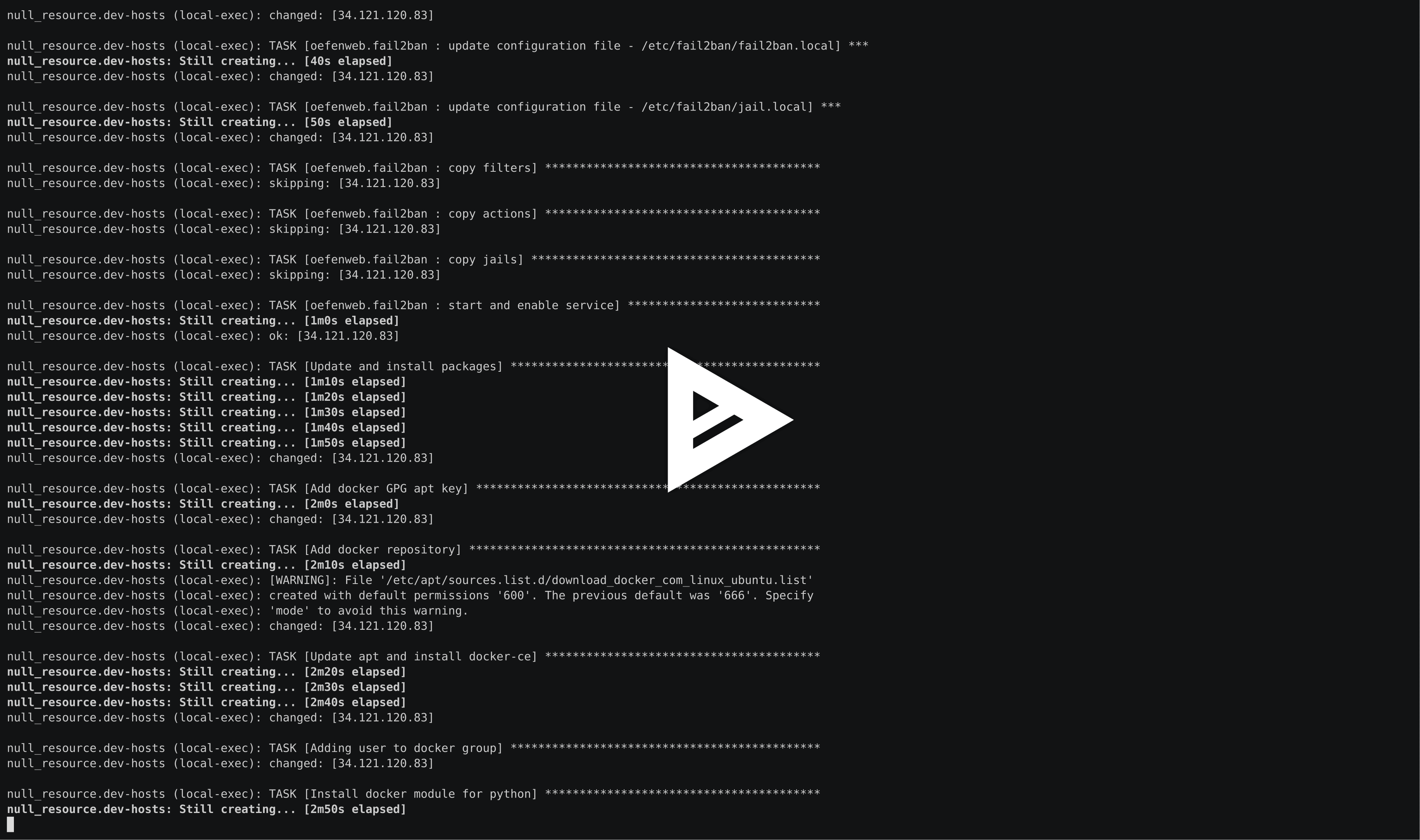
Demo
export TF_VAR_do_token="Personal_Access_Token_Here"# Initialize terraform provider
$ terraform init
Terraform has been successfully initialized!
# Create the resources
$ terraform apply -auto-approve
Apply complete! Resources: 6 added, 0 changed, 0 destroyed.
Outputs:
external_ip = x.x.x.x
Note: The droplet type and the region used are: s-2vcpu-4gb and nyc3. You can change the values on server.tf and variables.tf
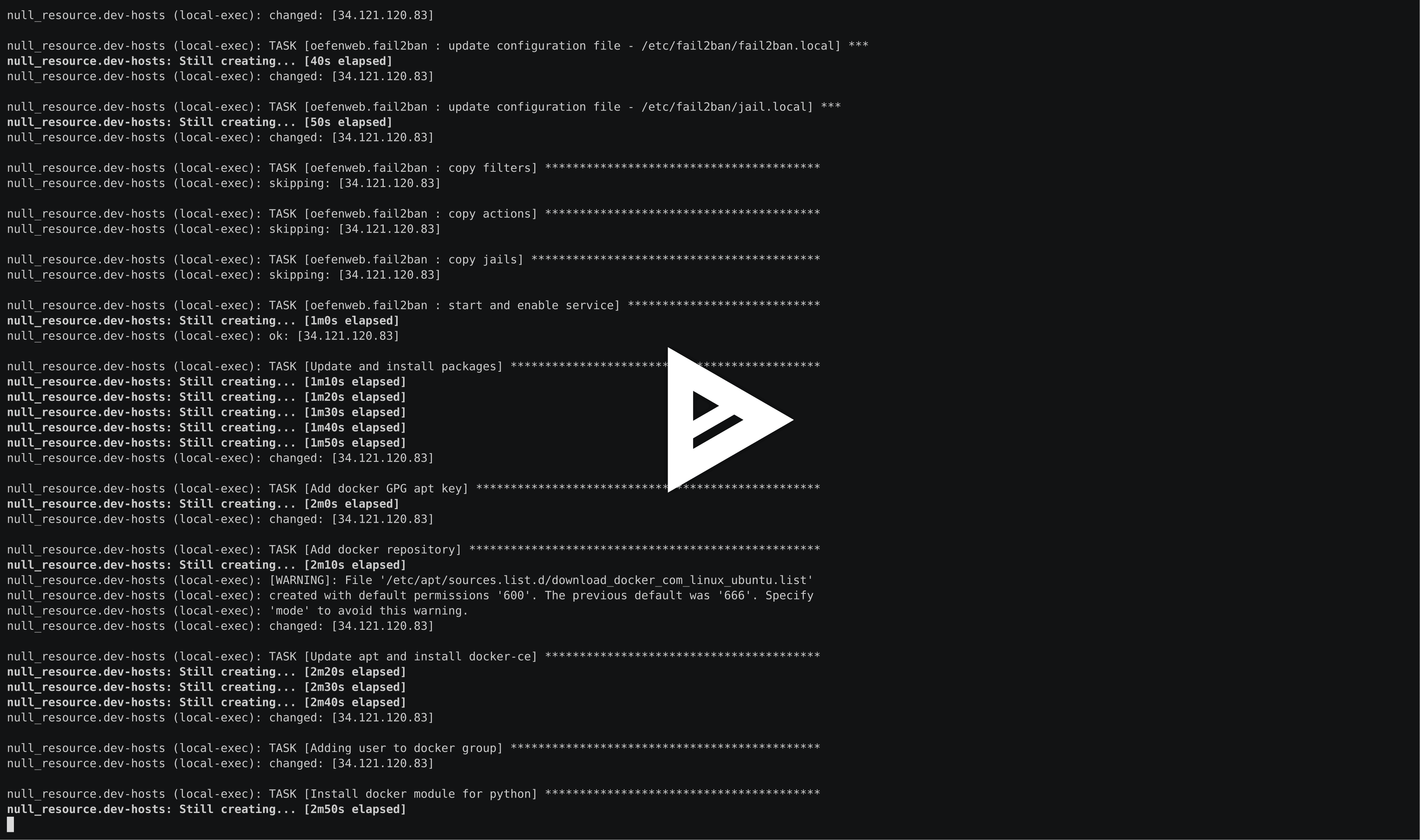
Demo
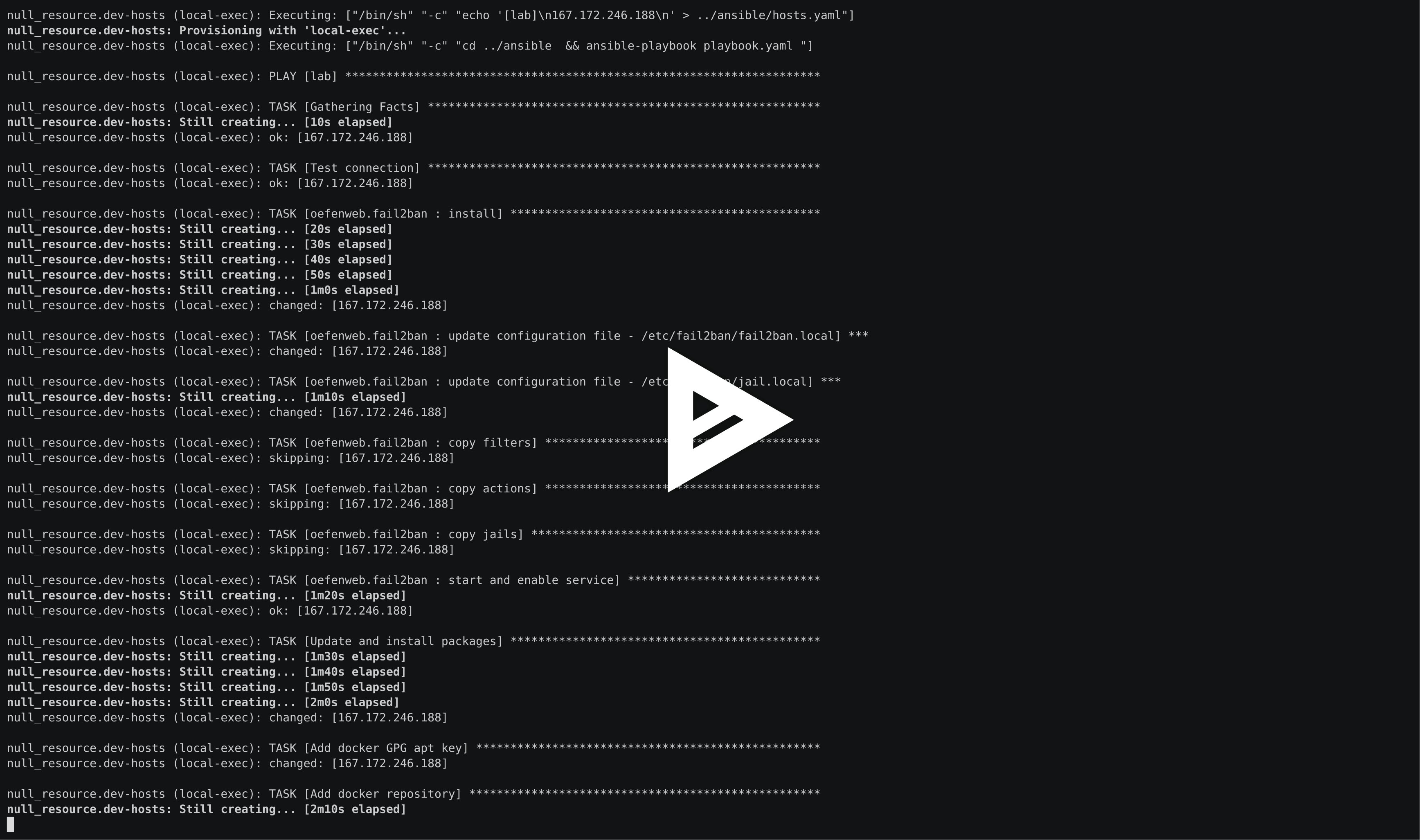
# Access to VPS
$ ssh [email protected] -i ../credentials/offensive
Demo
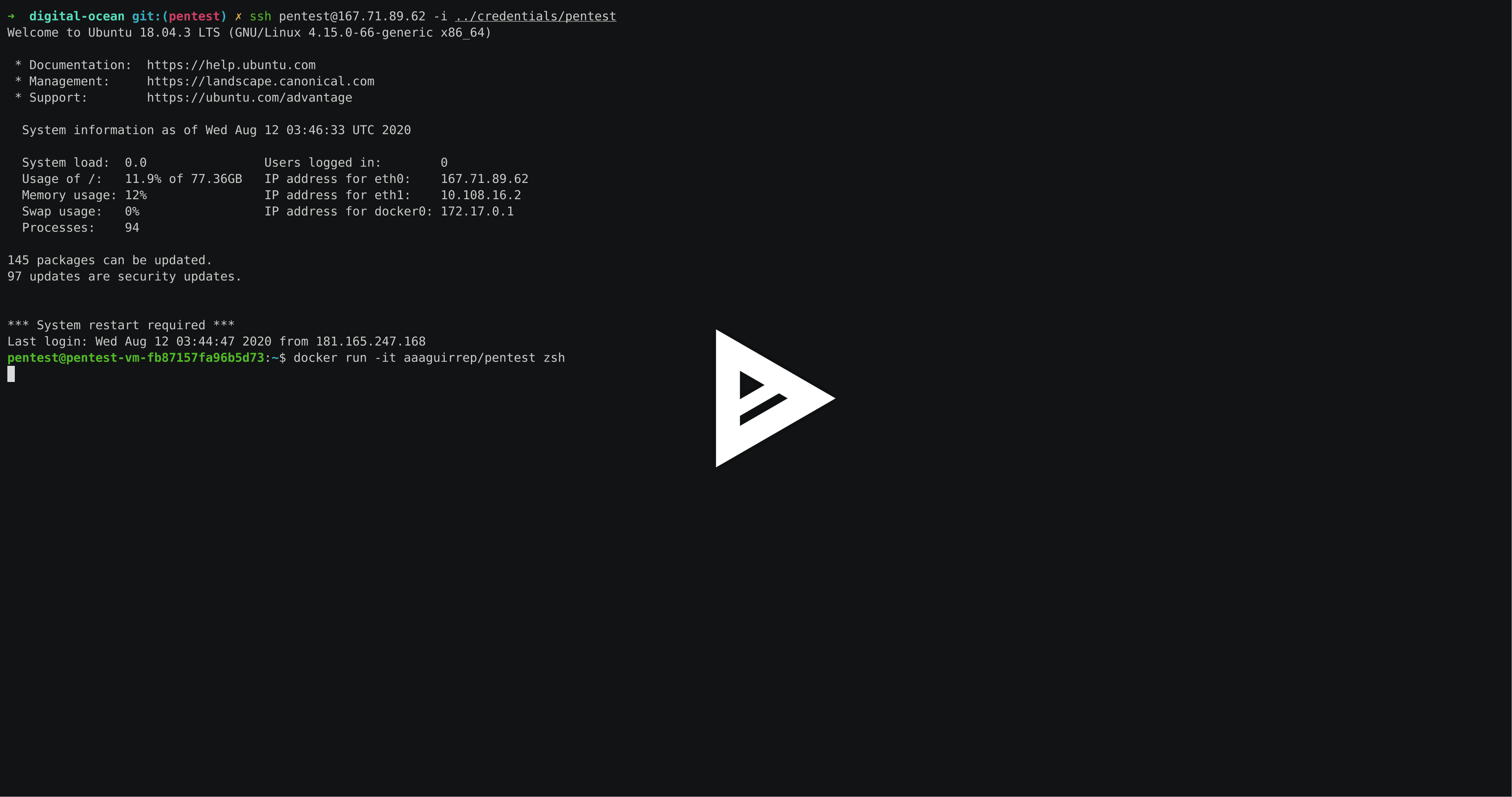
# Destroy the resource
$ terraform destroy -auto-approve
⚠️Note: For Digital Ocean, if you dont have a default VPC created in the region used it shows an error to destroy the VPC but no problem, it will destroy the others resources.
The service fail2ban has been installed to avoid brute force and block non-authorized users. 👻👻
Thanks for your donations, are always appreciated.

Copyright (c) 2020, Arsenio Aguirre
