 4ra1n/super-xray
Web漏洞扫描工具XRAY的GUI启动器




If this project has helped you, you can give it a Star to support the author
xray is an excellent vulnerability scanning tool, but currently only has a command-line version, started via the config.yaml configuration file. In many cases it is not easy to get started with, and a GUI tool is needed to help newcomers use it more quickly. This tool is merely a simple command-line wrapper, and does not directly call methods. In xray's plans, there will be a truly complete GUI version called XrayPro in the future, so stay tuned.
Prerequisites:
JRE/JDK 8+ environment (if using the exe version with built-in JRE, no Java environment is needed)java -jar SuperXray.jar (double-clicking to start in Windows will cause permission issues)xray (this tool also has a built-in one-click download panel)Note:
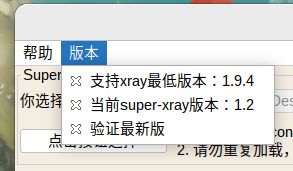
xray (currently version 1.9.4; this tool is not compatible with older versions of xray)exe files are supported: the system version uses the system's JRE, and the other has a built-in JRE 8Version 1.4 will fully adapt to the dark theme: (the light theme is discontinued)
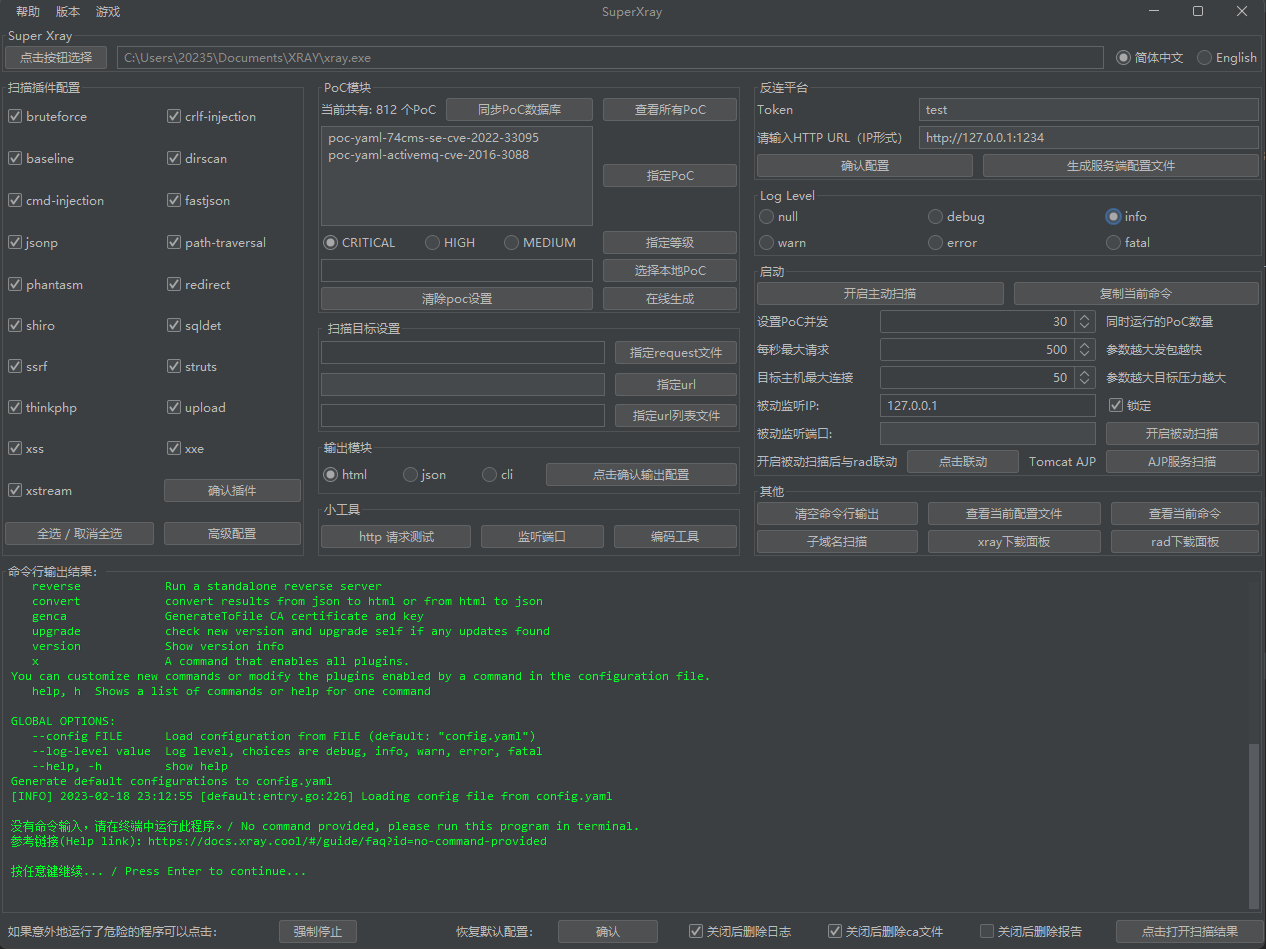
Supports Chinese and English:
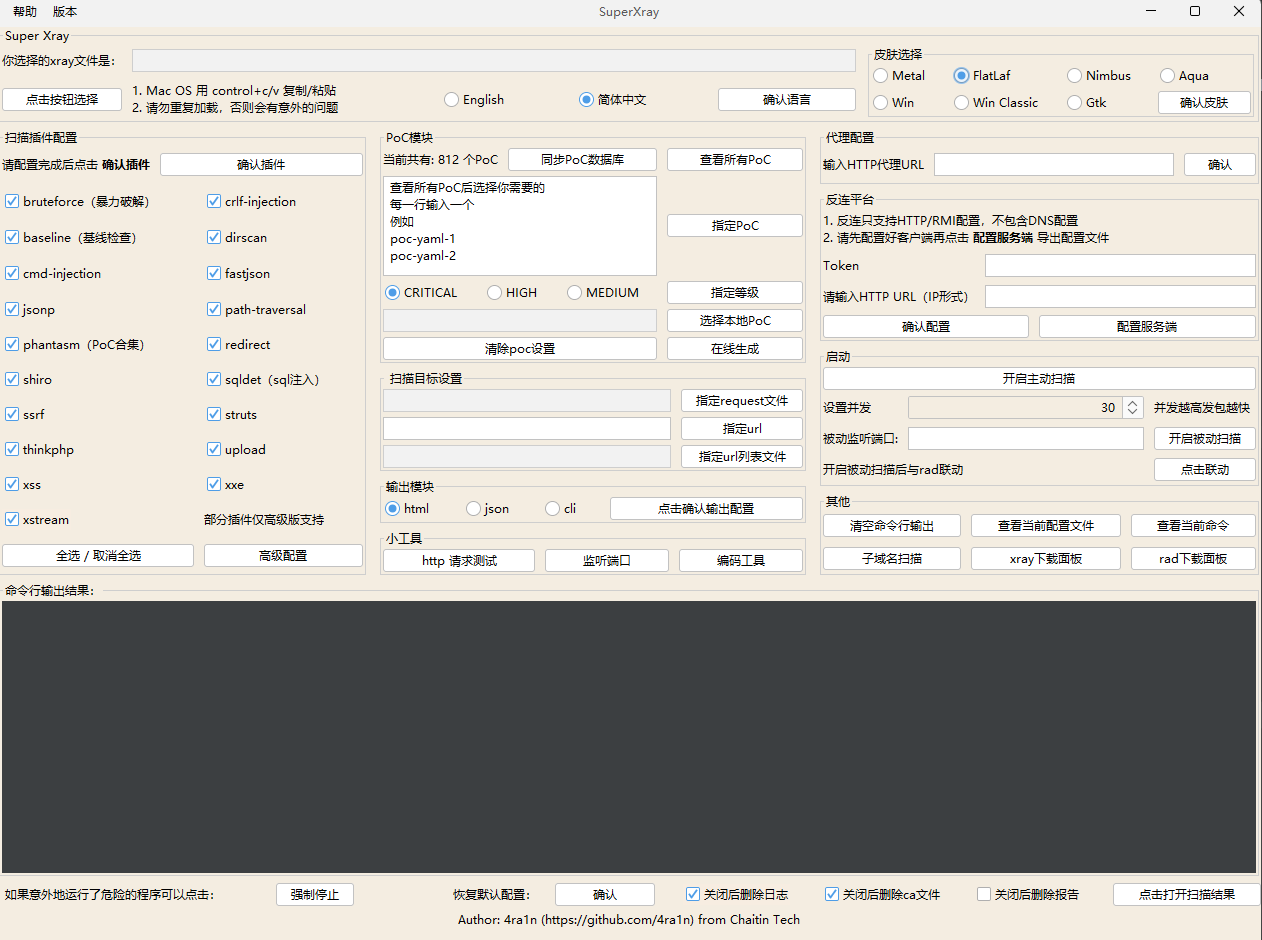
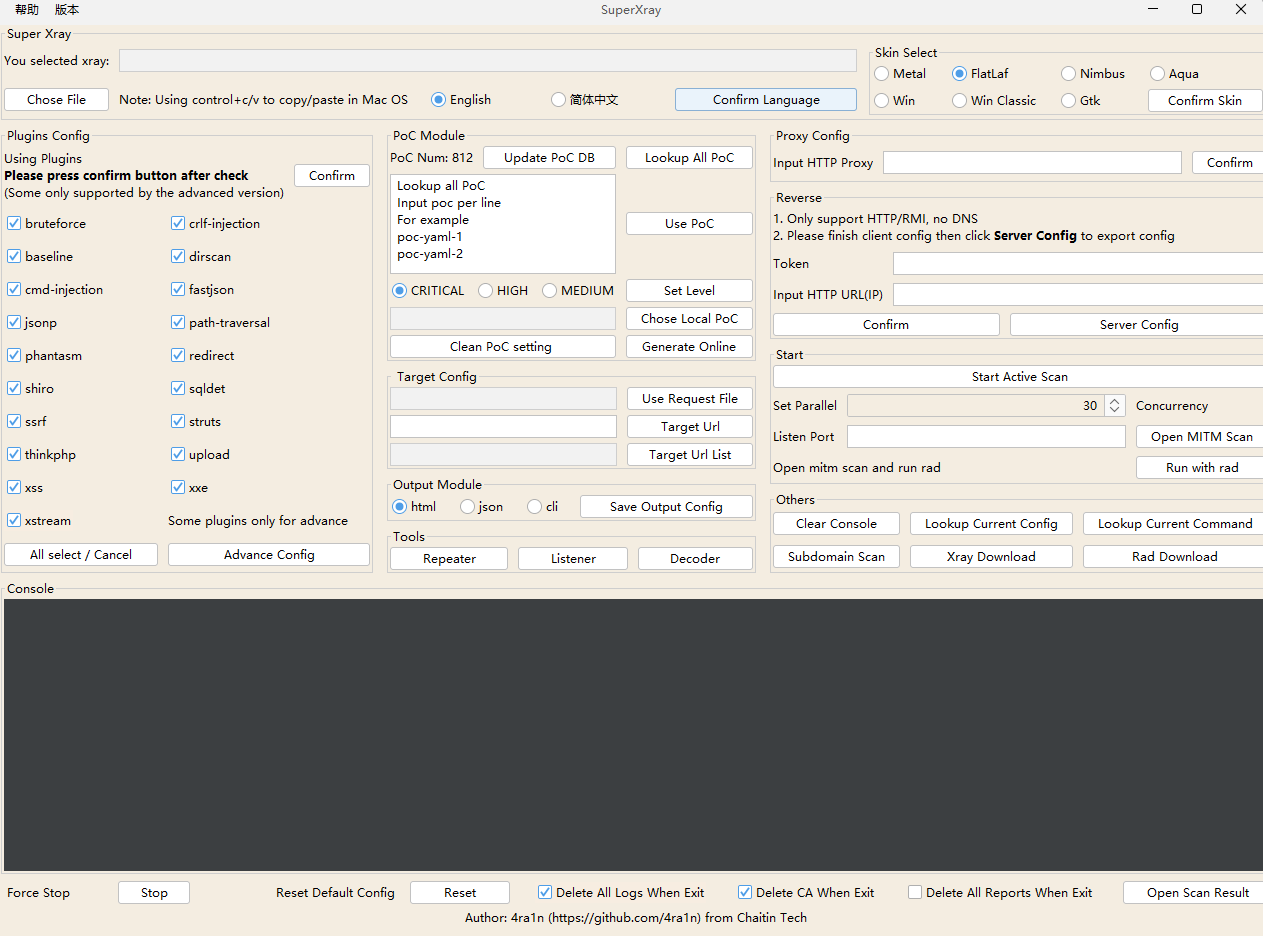
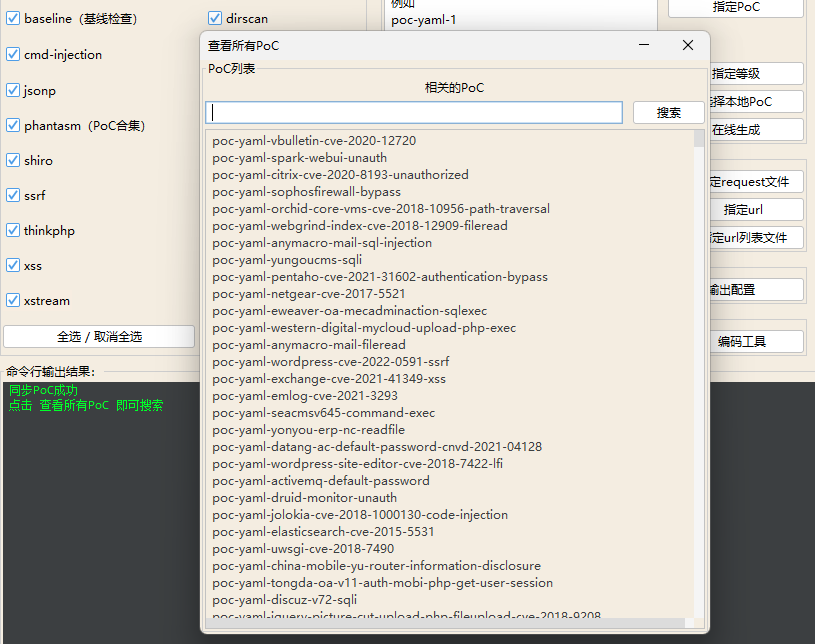
You can conveniently search for pocs and run them:
Latest version download address: Latest Release
After searching, copy them into the input box, note to separate by newlines
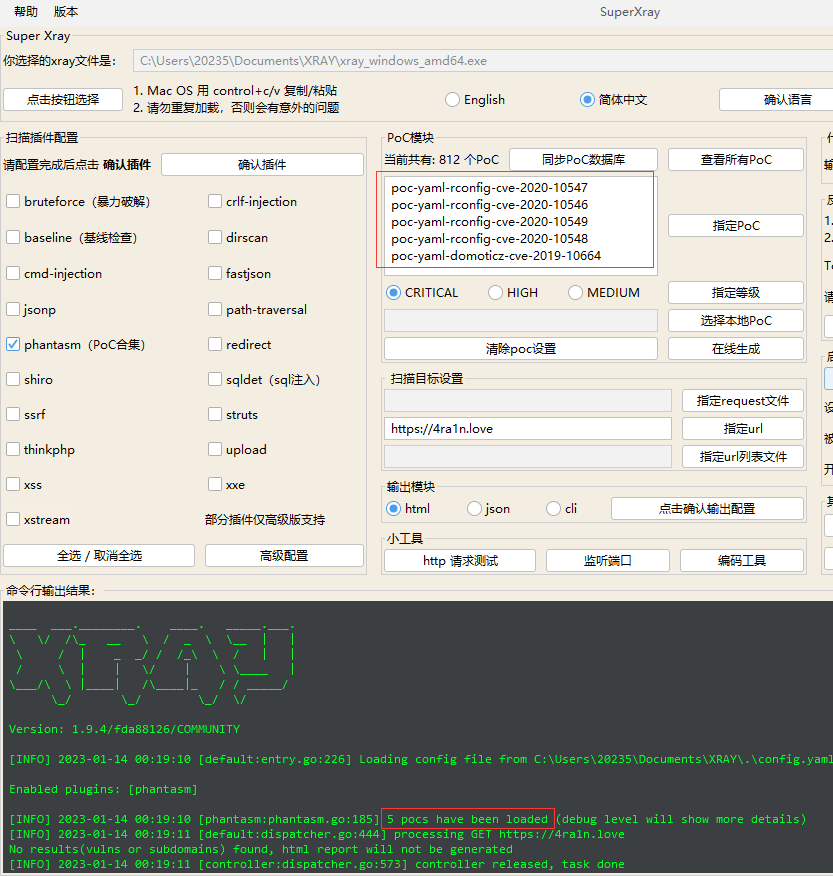
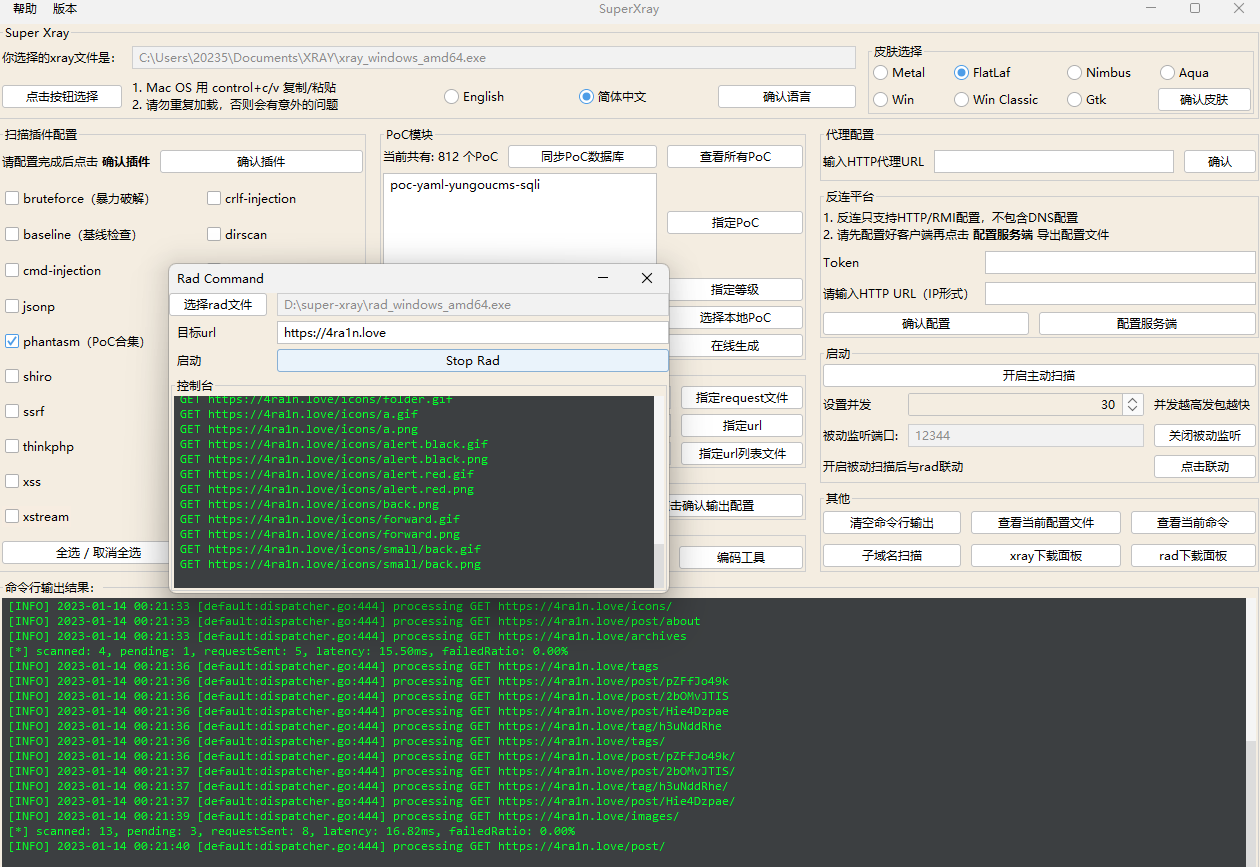
After version 0.8, it can be integrated with rad:
Note: first enter the port to start passive scanning, then open rad to work together
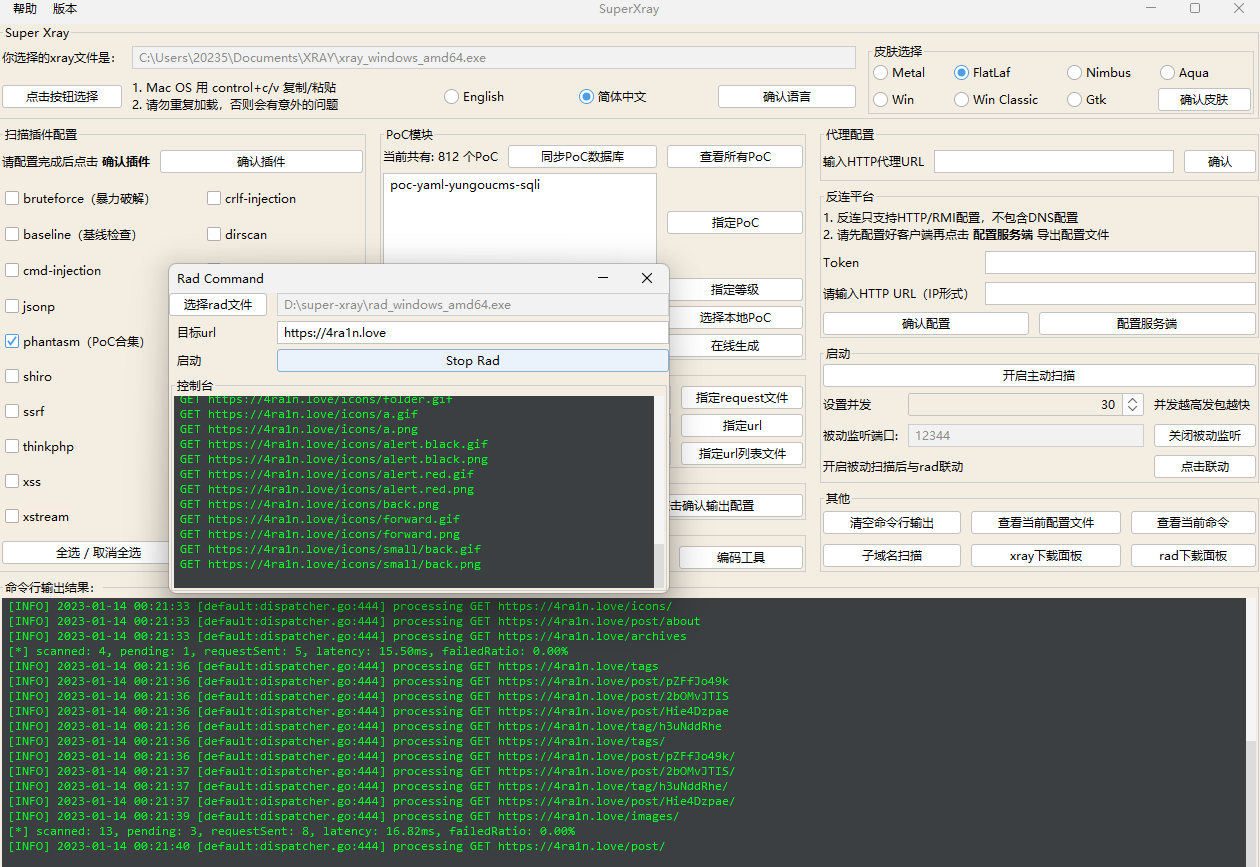
The 1.6 version of SuperXray enhances the RAD integration part, using a command table approach to solve the batch integration problem
For more questions, refer to the 1.6 version release document
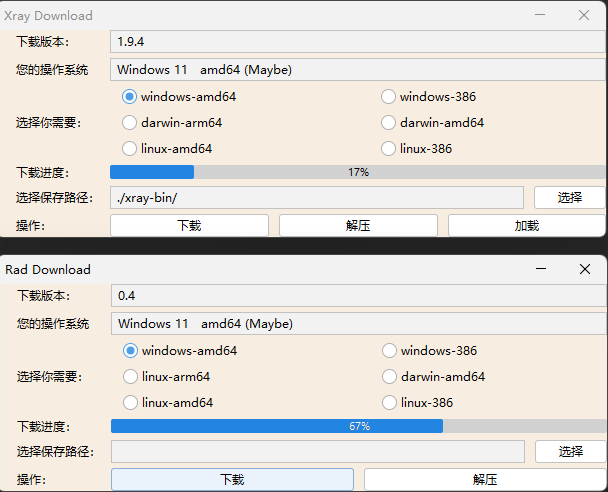
After version 1.0, a download panel was added
One-click download of the latest versions of the xray and rad tools:
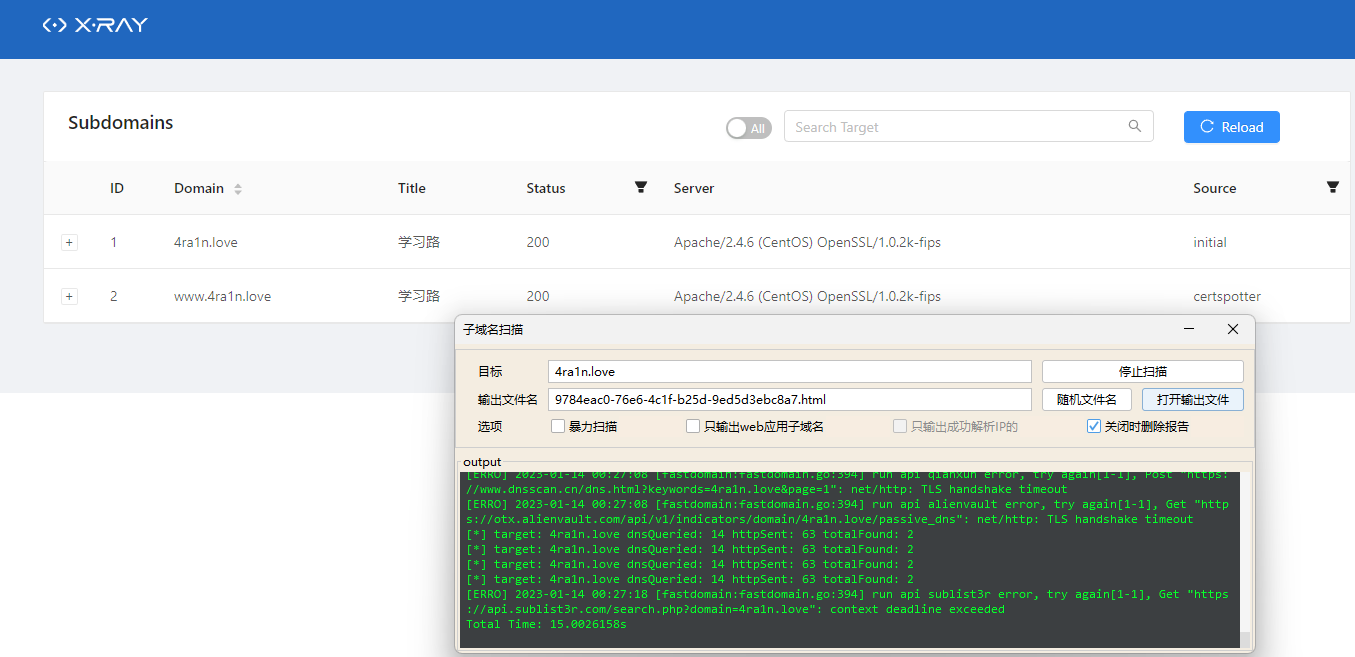
After version 1.0, subdomain scanning is supported, but it can only be used in the advanced version
(Testing the subdomain scanning feature of the xray advanced version shows good results)
Configure Serverreverse/config.yamlxray and this file to the server./xray reversetoken and http url (note it is in ip format, for example http://1.1.1.1:8080)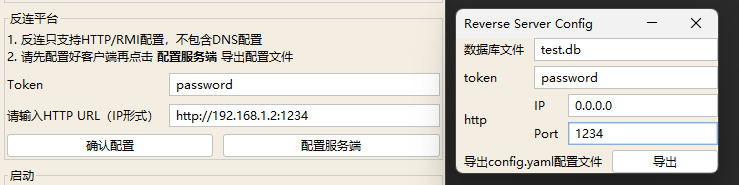
Supports Tomcat AJP and some Weblogic IIOP vulnerability scanning
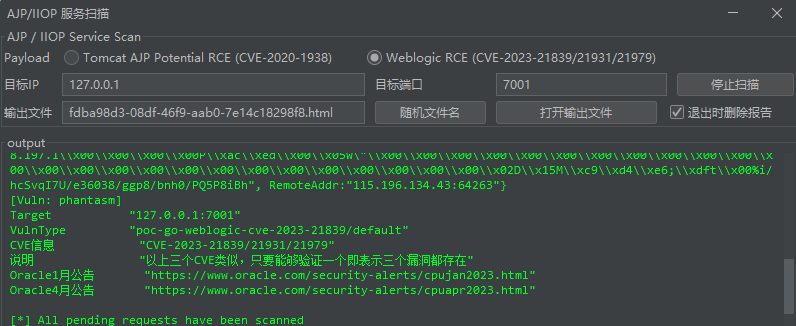
Help and support
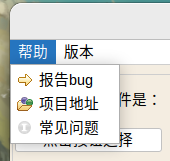
Version detection: Since the Github API is used to query the version, there may be some delay