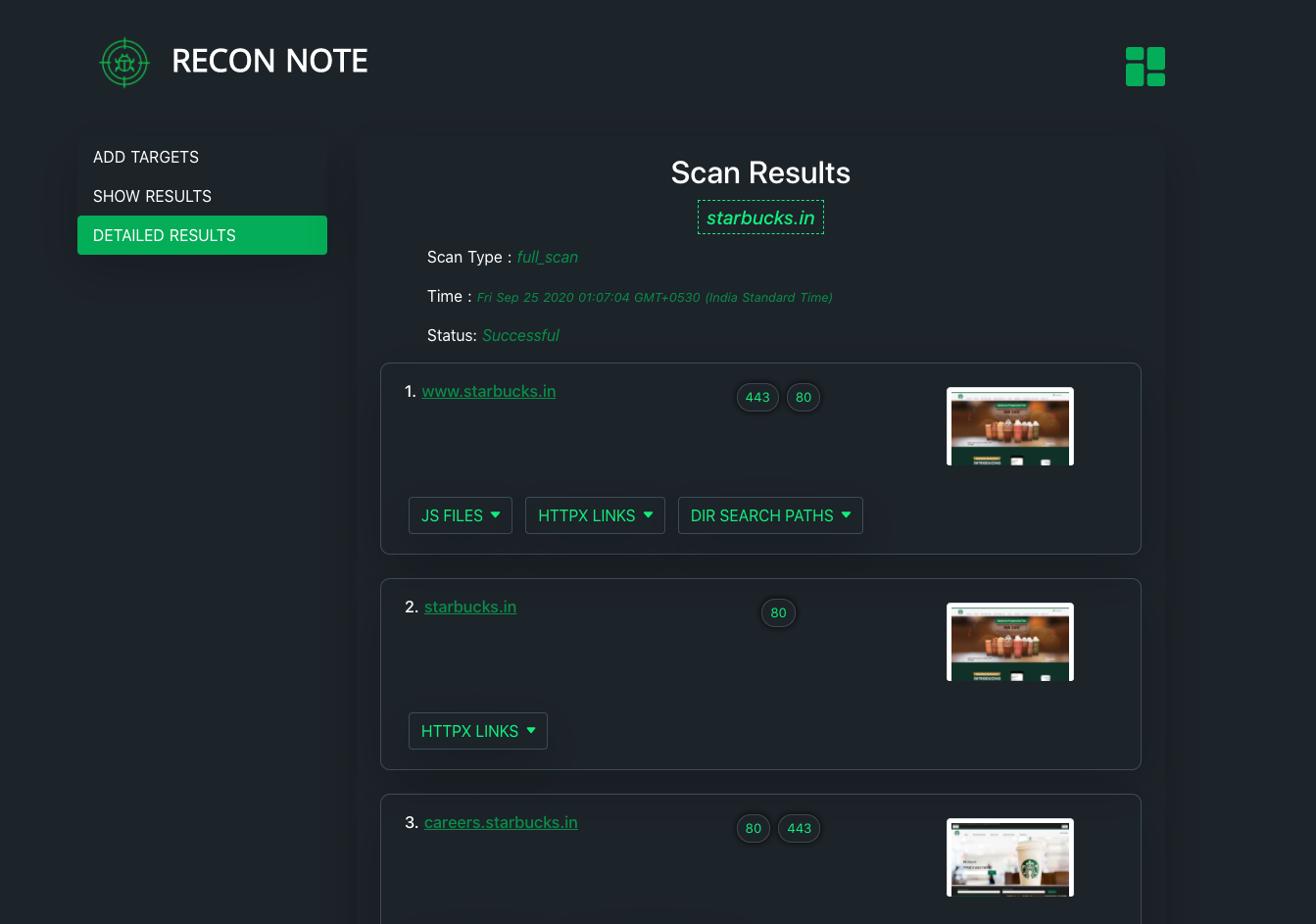
 0xdekster/reconnote
Web Application Security Automation Framework which recons the target for various assets to maximize the attack surface for security professionals & bug-hunters

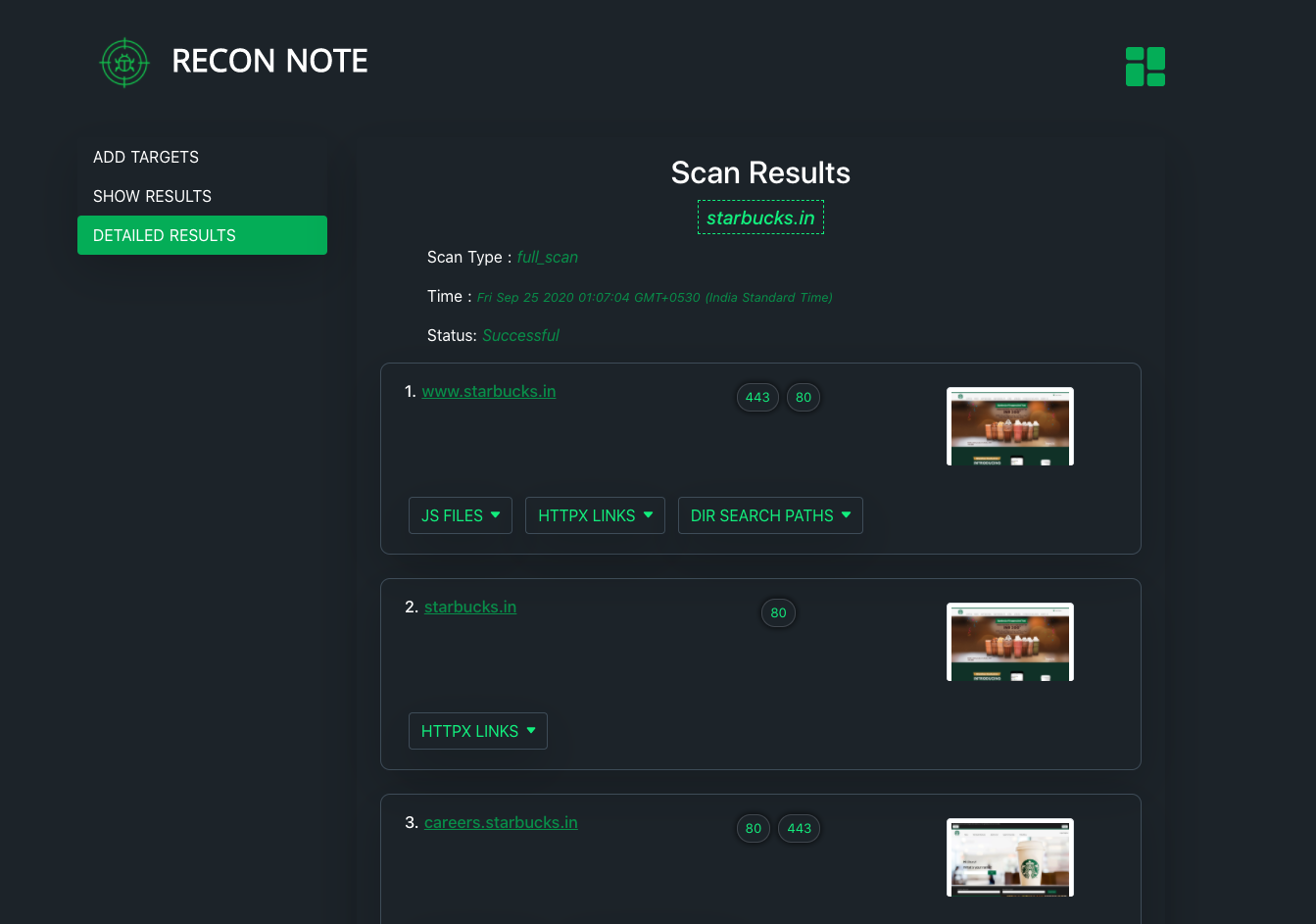
It takes user input as a domain name and maximize the attack surface area by listing the assets of the domain like -
1 - Install Docker & docker-compose according to you OS from here - https://docs.docker.com/get-docker/
2 - git clone https://github.com/0xdekster/ReconNote.git
3 - Open docker-compose.yml & change the volumes directory path to the output folder
example -
volumes: - /root/reconnote/output/:/var/www/html
4 - Change the API_HOST parameter value to your server/host ip or domain name.
5 - Run docker-compose build OR docker-compose build --no-cache
6 - Run docker-compose up -d
7 - Reconnote framework will be up at - {your-server}:3000
1- cd /ReconNote
2- docker exec -it reconnote_dekster_1 bash
3- cd /deksterrecon
4- nano amass-config.ini
5- Set your API keys and save, exit.
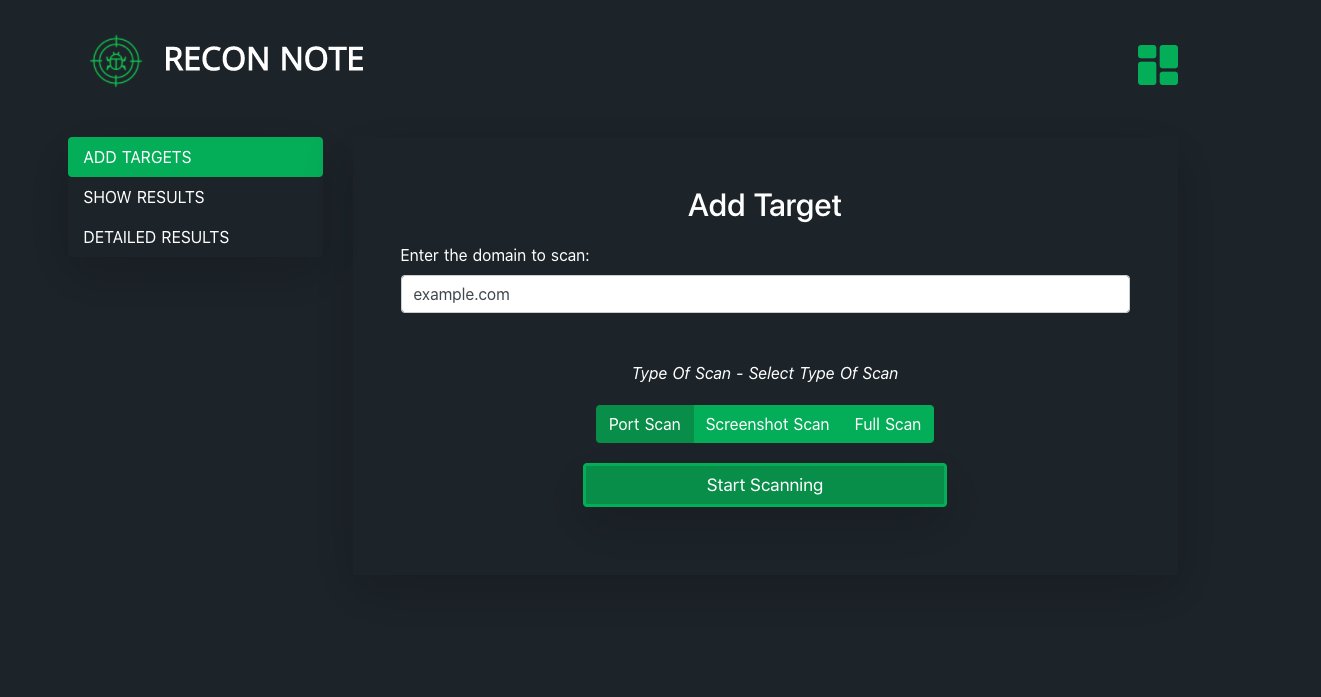
1 - Just enter domain/target name in Add Target & choose scan type
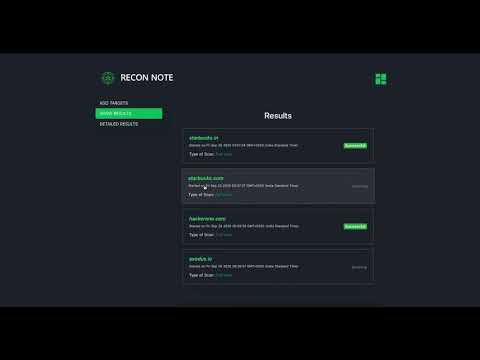
2 - Everything will be done by Reconnote and in few minutes you will get the Scan Results
This is an open source project so contributins are welcome. You can request a PR for any changes that can enhance the ReconNote framework be it UI enhancement , tools adjustment ,features , etc..
ReconNote Security framework have been created by using the open source security tools made by amazing security community -
1- Eduard Tolosa
2- Tomnomnom
3- Michen riksen
4- Project Discovery
5- Corben Leo
