 0xcub3/wblock
The next-generation ad blocker for Safari.


The end of Safari ad-blocking B.S.



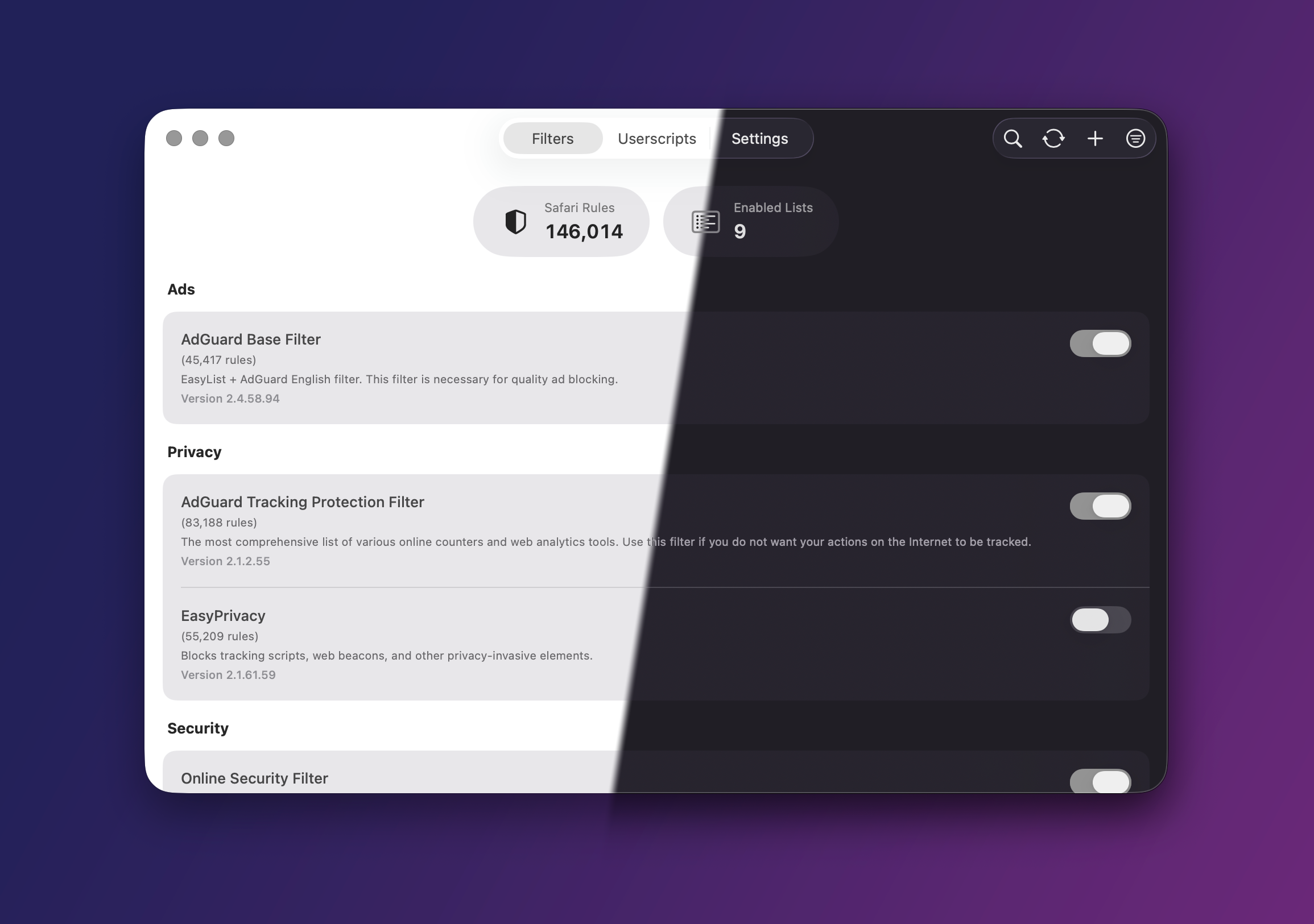
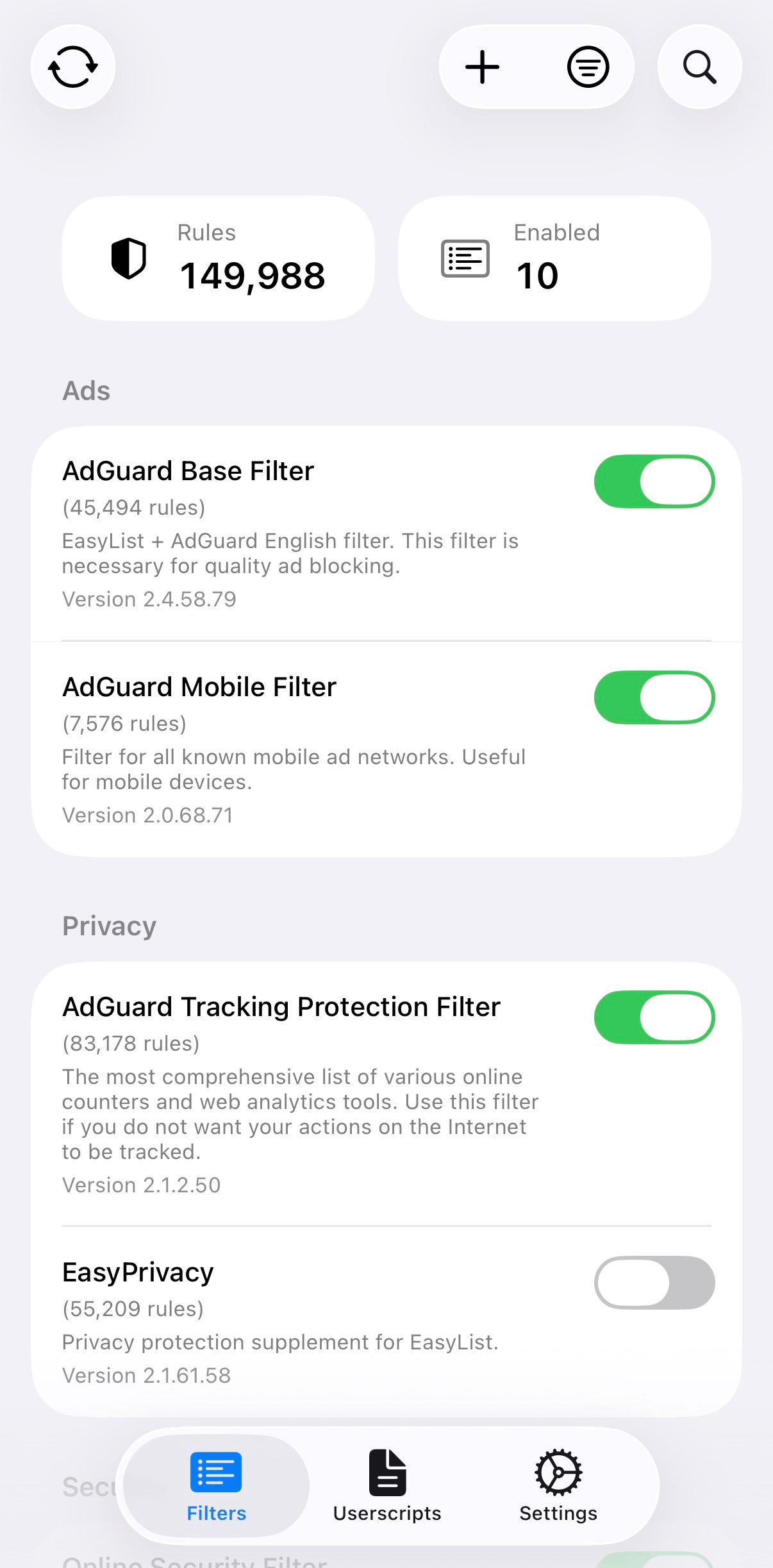
A Safari content blocker for macOS, iOS, iPadOS, and visionOS.
750,000 rules across 5 extensions, Protocol Buffer storage, LZ4 compression, and iCloud sync.
[!NOTE] Looking for a detailed comparison? Check out my comparison guide to see how wBlock stacks up against other Safari content blockers.
wBlock is free and open source.
If you want to support the project:

No. Use one general-purpose content blocker at a time.
There is no controlled study proving that every possible combination of ad blockers harms every page. However, browser architecture and extension documentation support avoiding overlapping blockers:
Extensions can make conflicting changes. Mozilla documents that when two extensions attempt conflicting modifications to the same response header, only one change may succeed. Multiple blockers can therefore produce order-dependent behavior rather than a predictable combination of their protections. See Mozilla’s webRequest documentation.
Request interception has measurable computational costs. Chromium describes serialization, inter-process communication, persistent-process, and extension-response processing costs associated with blocking request handlers. Running redundant filtering systems duplicates at least some rule evaluation and page-processing work. See Chromium’s explanation of Web Request and Declarative Net Request and Chrome’s Manifest V3 overview.
Major blocker maintainers explicitly advise against stacking. The official uBlock Origin README states: “Do NOT use uBO with any other content blocker.” It explains that another blocker can prevent uBO’s privacy or anti-blocker-defusing features from working correctly. See uBlock Origin’s official documentation.
Documented failure modes include slower loading and broken functionality. AdGuard warns that two blockers may compete over the same requests, causing slower page loading, broken websites, or video-playback problems. See AdGuard’s guidance.
For wBlock specifically, another blocker also makes troubleshooting impossible as well. When an advertisement survives or a site breaks, either blocker’s network rules, cosmetic rules, scriptlets, exceptions, or execution order may be responsible. The second blocker is therefore a confounding variable. Disable all other content blockers before reporting a wBlock issue.
/embed and youtube-nocookie frames to YouTube's own player so those iframes do not go blank. On watch pages it lets YouTube create and initialize its own <video> and SABR/MSE stream, then applies native controls and hides YouTube's custom chrome before it can paint. Hover-to-play thumbnail previews stay with YouTube so they cannot steal the watch player. Reusing the same media element preserves buffering and adaptive playback while restoring Picture-in-Picture and background playback. It mirrors YouTube chapters and subtitles into Safari's native media menus and skips known segments through SponsorBlock's privacy-preserving hash-prefix API. Its compact SB panel provides SponsorBlock-style category colors and per-category Auto skip, Show skip button, or Disabled behavior, plus minimum-duration, Undo-notice, current-video, and channel-exclusion controls. An opt-in DA panel can use DeArrow to replace submitted titles and thumbnails on the watch page and visible YouTube cards, restore originals on hover, or exclude the current channel. Results are session-cached; random fallback thumbnails, title reformatting, submissions, and voting remain features of the full DeArrow extension. SponsorBlock and DeArrow API data are used under CC BY-NC-SA 4.0. SB and DA sit on their own toolbar row below the quality and audio/video controls. On iPhone and iPad, Safari's native controls own playback while the compact toolbar appears above them; mobile quality choices apply only to the current video so a fixed range cannot stall the next ManagedMediaSource stream. Tube Cleaner also preserves the remote-playback restriction WebKit requires for that stream, while audio-only remains a macOS feature. It follows the active player as YouTube retains offscreen Shorts. Ads remain the responsibility of wBlock's content-blocking rules.
Performance
Content modification
|
Blocking
Configuration
|
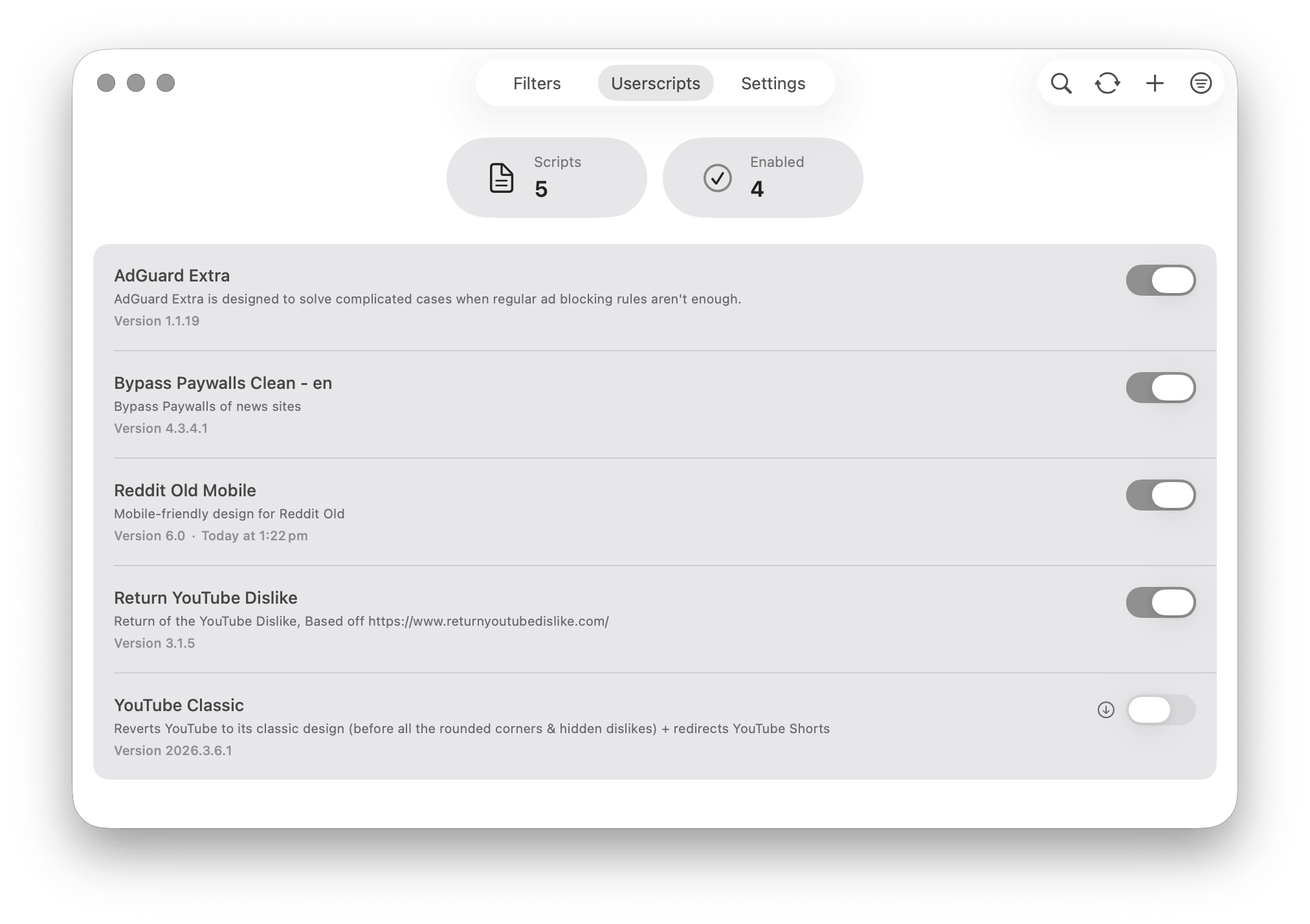
Userscript Management Manage paywalls, YouTube Dislikes, and more |
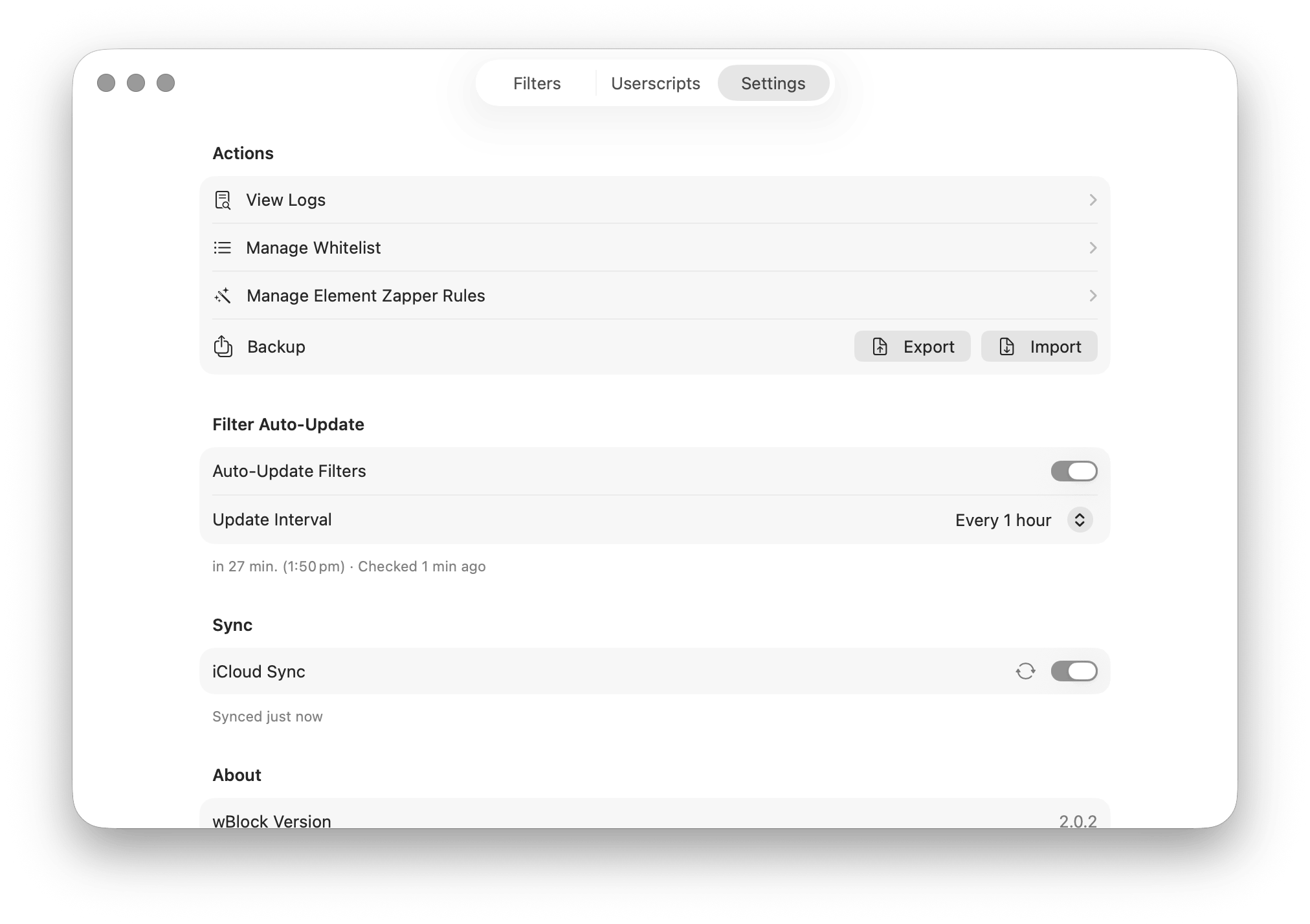
Settings & Customization Configure auto-updates, notifications, and preferences |
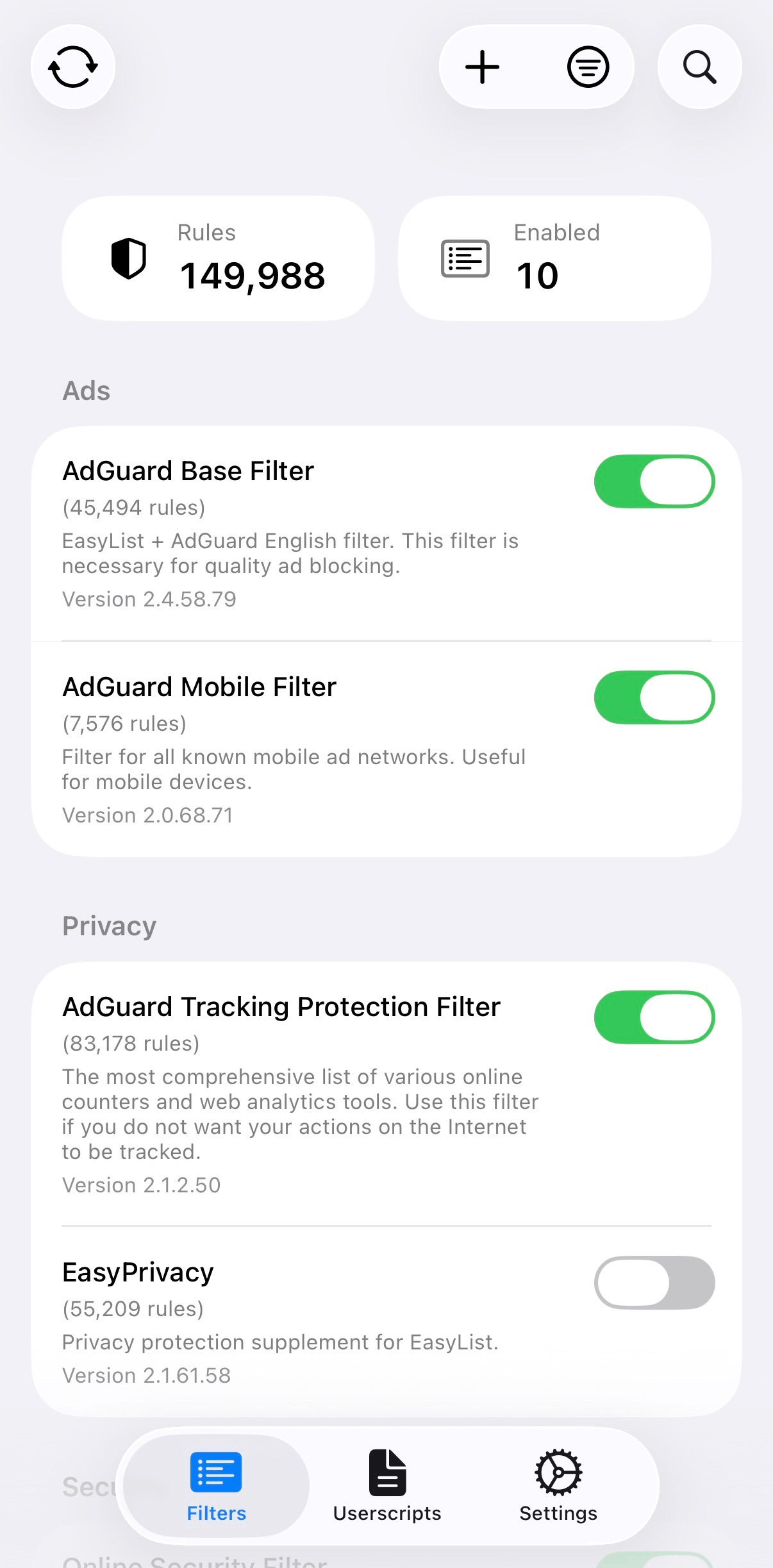
iOS Interface Full-featured blocking on iPhone |
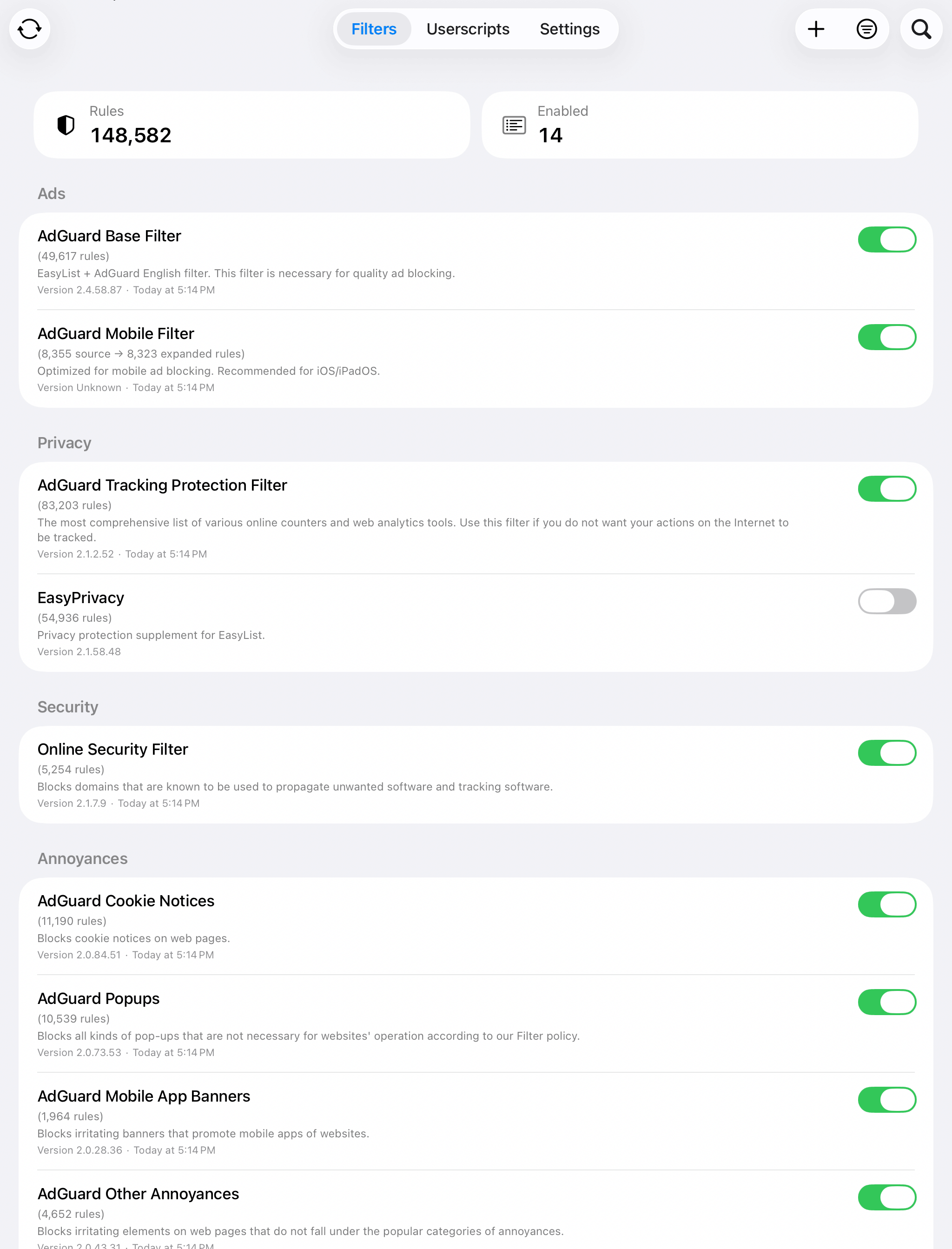
iPadOS Interface Full-featured blocking on iPad |
|
Core Architecture
|
Dependencies & Standards
|
Installing redundant blockers is not defense in depth when both tools compete at the same interception layer. It is an uncontrolled experiment with no control group.
<play-av>




