 0vercl0k/kepaboo
Neutralize KEPServerEX anti-debugging techniques


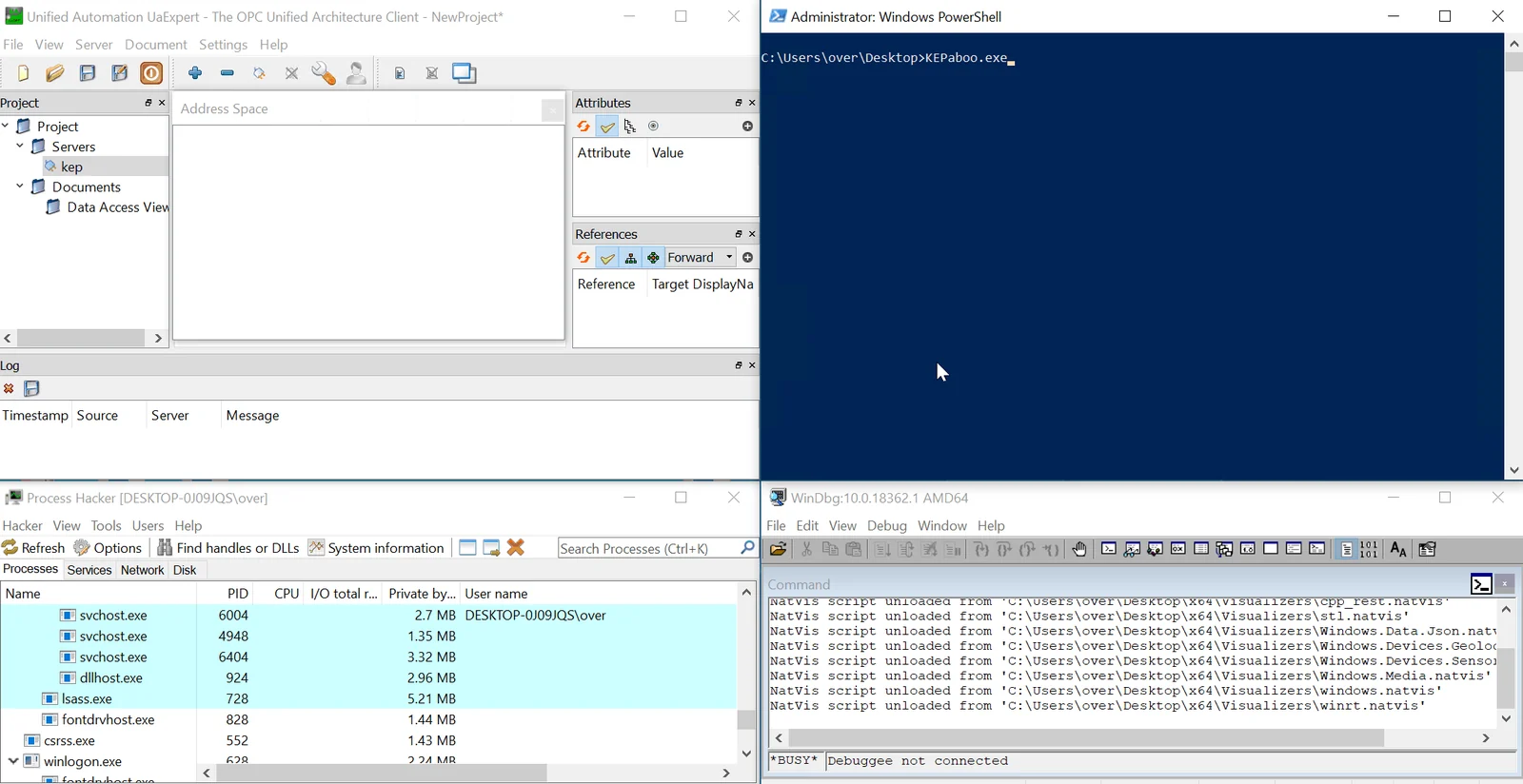
KEPaboo is a utility that neuters anti-debugging techniques used by KEPServerEX to prevent people from debugging their code. It is not a security issue, and it has been tested against on the version 6.12.361.0 (February 2023) on Windows 10 64-bit.
Download KEPaboo binaries from the Releases section and run it as an Administrator to register it as KEPServerEX's Debugger via Image File Execution Options. By doing so, KEPaboo can start automatically when KEPServerEx is launched.
When you start the KEPServerEx service, KEPaboo acts as a small proxy layer that performs the following tasks:
server_runtime.exe process and debugs itntdll's Export Address TableINT 2D instruction, and patches the code to restore the expected execution flowTo unregister KEPaboo without rebooting, run it as an Administrator again, and it will detect that it was previously registered and remove itself.
Note that the registry modification is volatile, which means that it will disappear after a reboot. If you want to use KEPaboo again, you will need to re-run it.
Clone the repository with:
(base) > git clone https://github.com/0vercl0k/KEPaboo.git
You can open the Visual Studio solution KEPaboo.sln or build it via the command line with:
(base) KEPaboo>msbuild /p:Configuration=Release src\KEPaboo.sln
Microsoft (R) Build Engine version 16.7.0+b89cb5fde for .NET Framework
Copyright (C) Microsoft Corporation. All rights reserved.

[...]

Build succeeded.
    0 Warning(s)
    0 Error(s)

Time Elapsed 00:00:00.42
Use the debug configuration, attach a debugger to KEPaboo.exe. You should see debug outputs in the console window of the debugger.
