

jumpserver v5.1.0
JumpServer is an open-source Privileged Access Management (PAM) platform that provides DevOps and IT teams with on-demand and secure access to SSH, RDP, Kubernetes, Database and RemoteApp endpoints through a web browser.

An open-source PAM platform (Bastion Host)
[![][license-shield]][license-link] [![][docs-shield]][docs-link] [![][deepwiki-shield]][deepwiki-link] [![][discord-shield]][discord-link] [![][docker-shield]][docker-link] [![][github-release-shield]][github-release-link] [![][github-stars-shield]][github-stars-link]
English · 中文(简体) · 中文(繁體) · 日本語 · Português (Brasil) · Español · Français · Русский · 한국어 · Tiếng Việt
What is JumpServer?
JumpServer is an open-source Privileged Access Management (PAM) platform with AI-powered capabilities. It gives DevOps and IT teams a unified workspace for secure access to SSH, RDP, Kubernetes, databases, websites, RemoteApp, VirtualApp, and more.
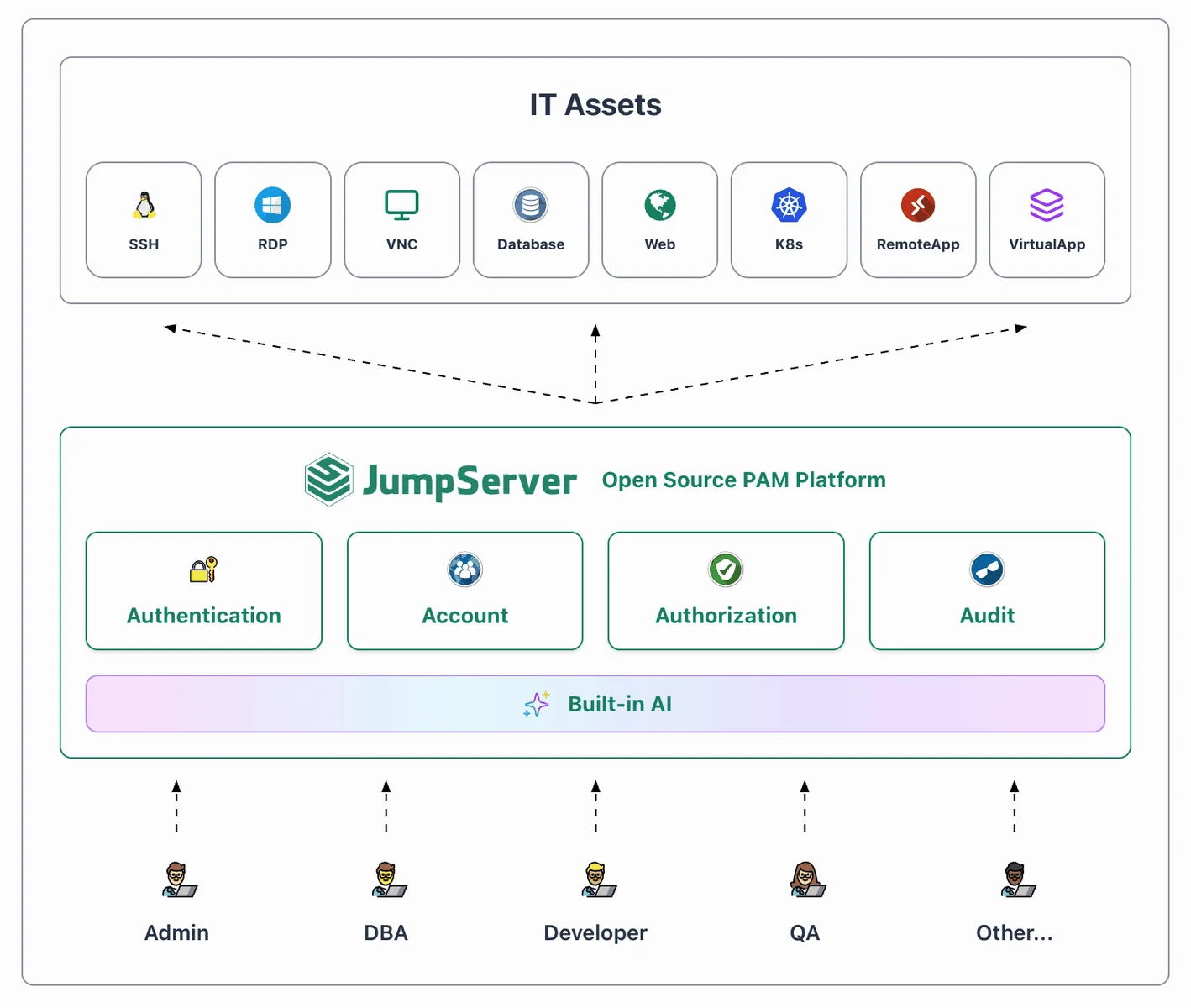
Version Maintenance
5.x is actively maintained, 4.10.x is an LTS release, and 3.10.x receives critical fixes only. V3 Community Edition (CE) reaches end of life on December 31, 2026, and Enterprise Edition (EE) on December 31, 2028.
See SECURITY.md for version maintenance status and how to report security vulnerabilities.
Quickstart
Prepare a clean 64-bit Linux server with at least 4 CPU cores and 8 GB of RAM.
curl -sSL https://github.com/jumpserver/jumpserver/releases/latest/download/quick_start.sh | bash
Open https://<jumpserver-host>/ in your browser, replacing <jumpserver-host> with the IP address or domain name of the host running JumpServer.
- Username:
admin - Password:
ChangeMe
Screenshots
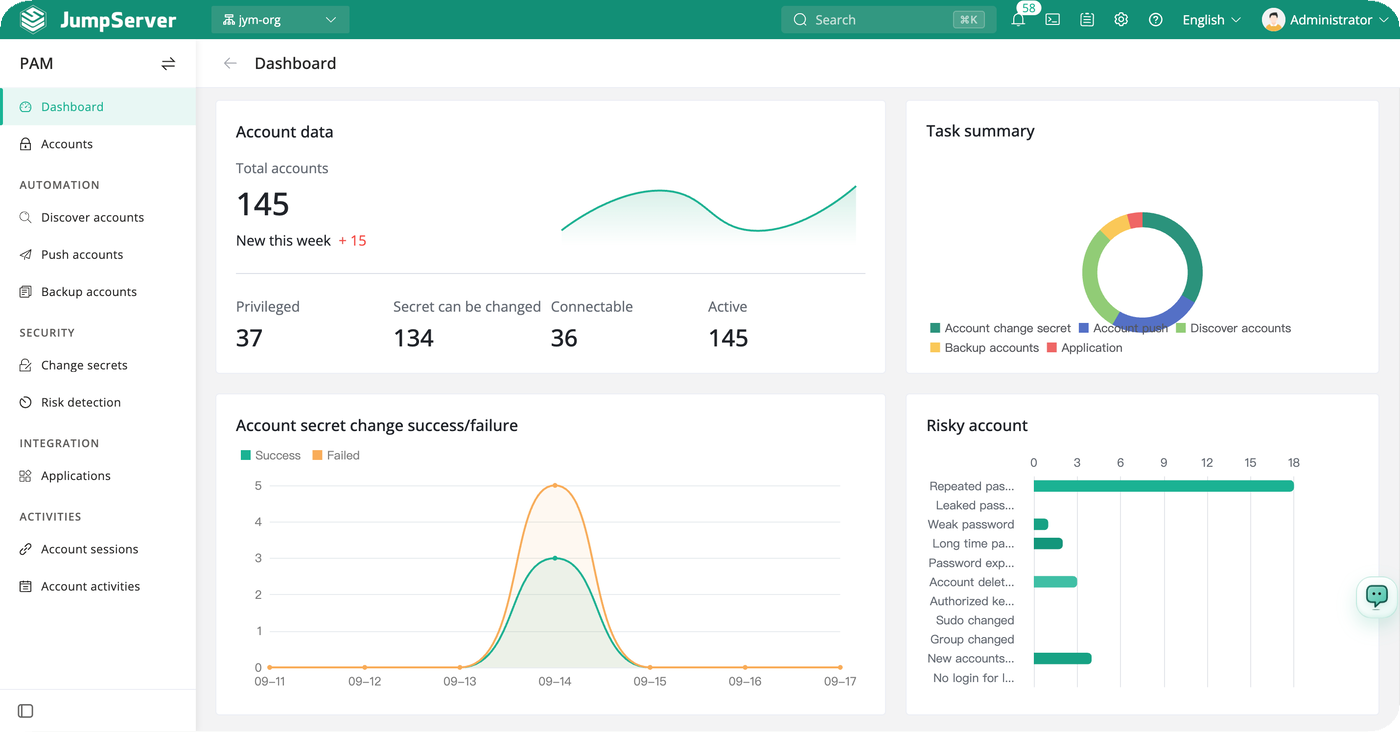
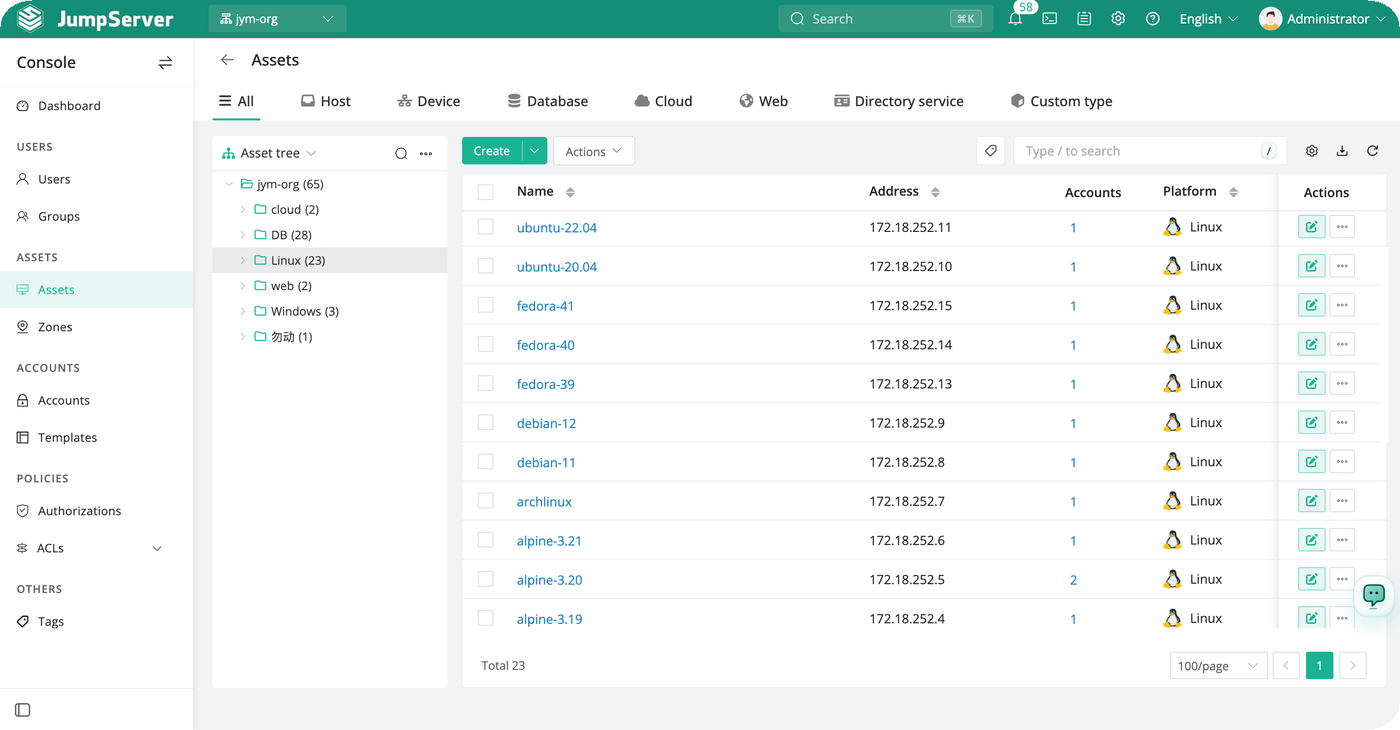
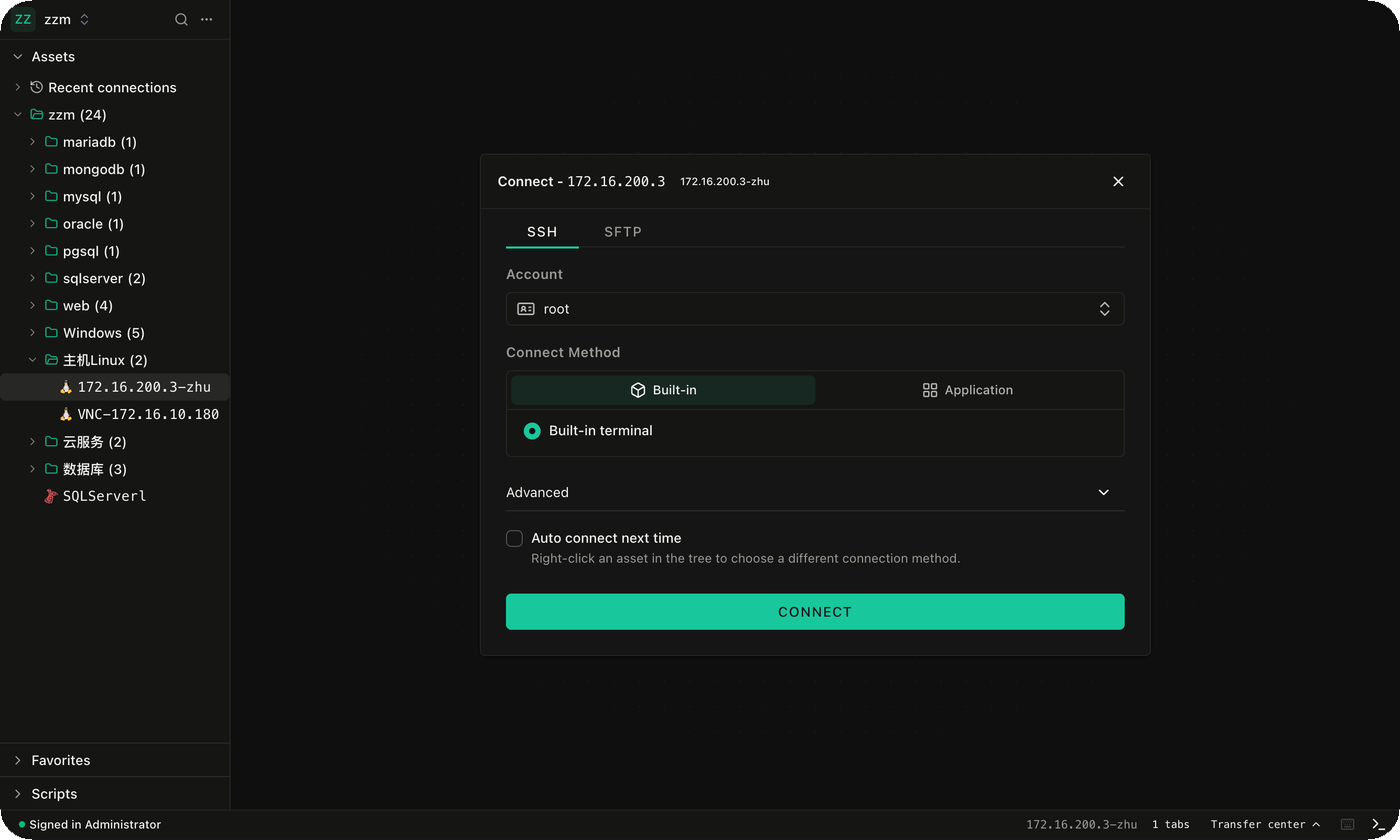
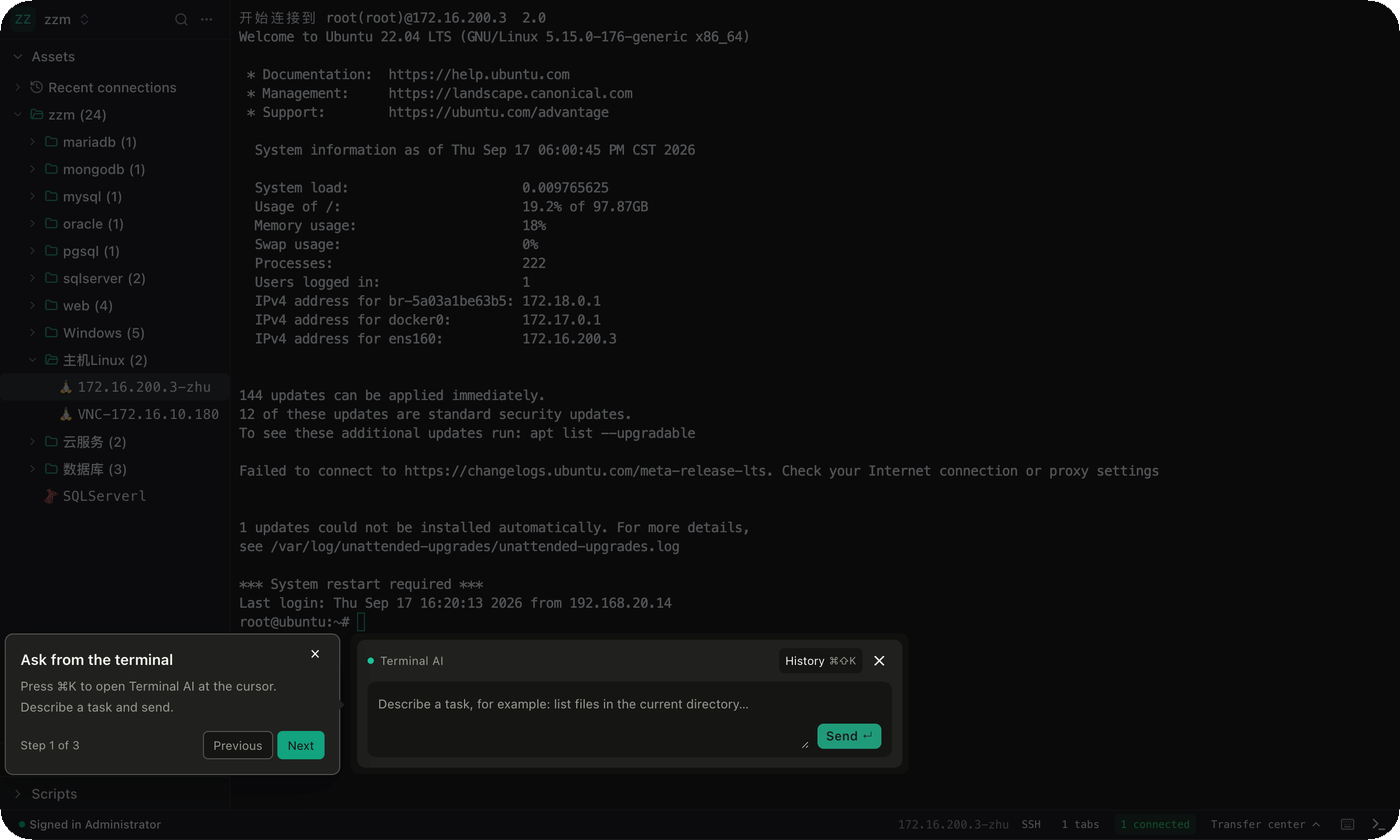
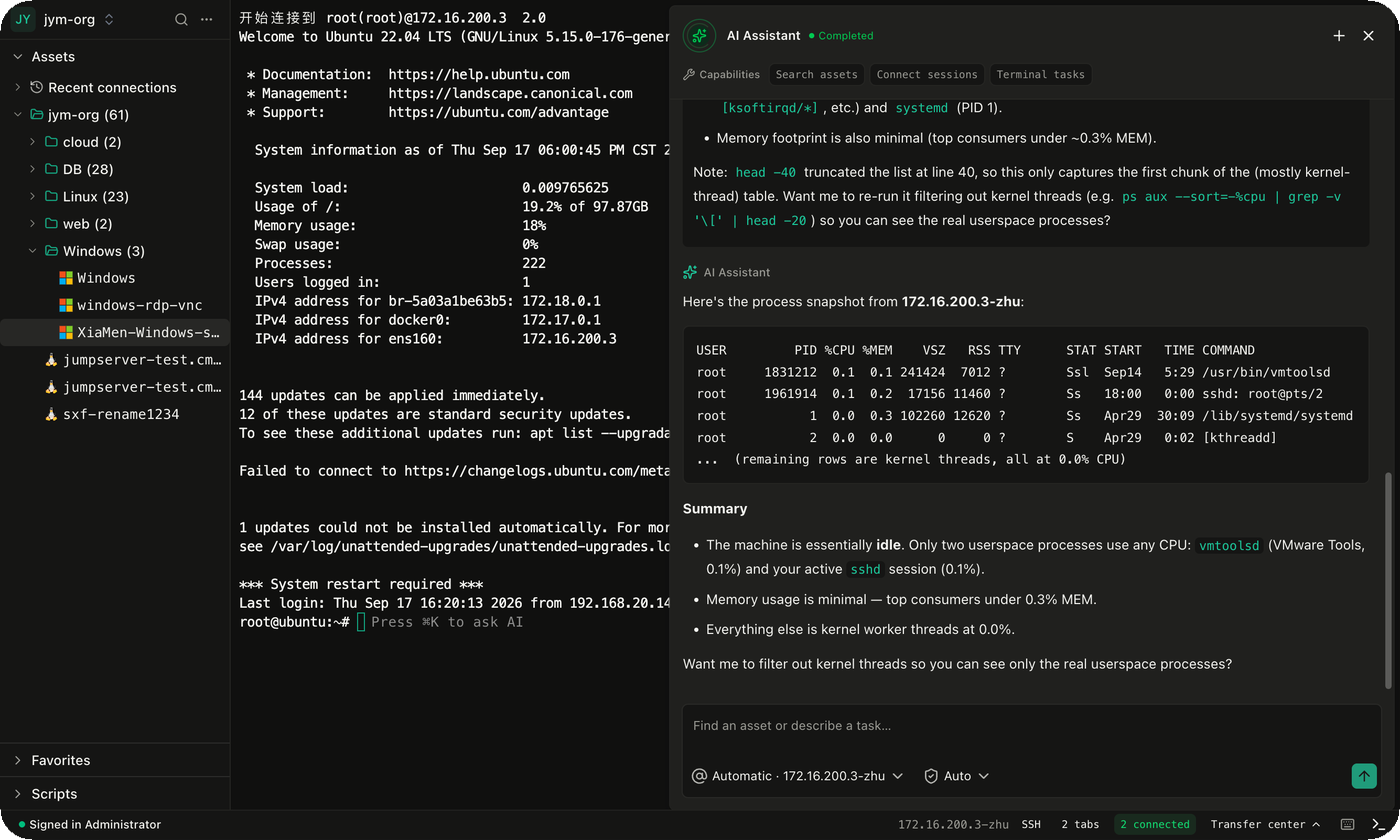
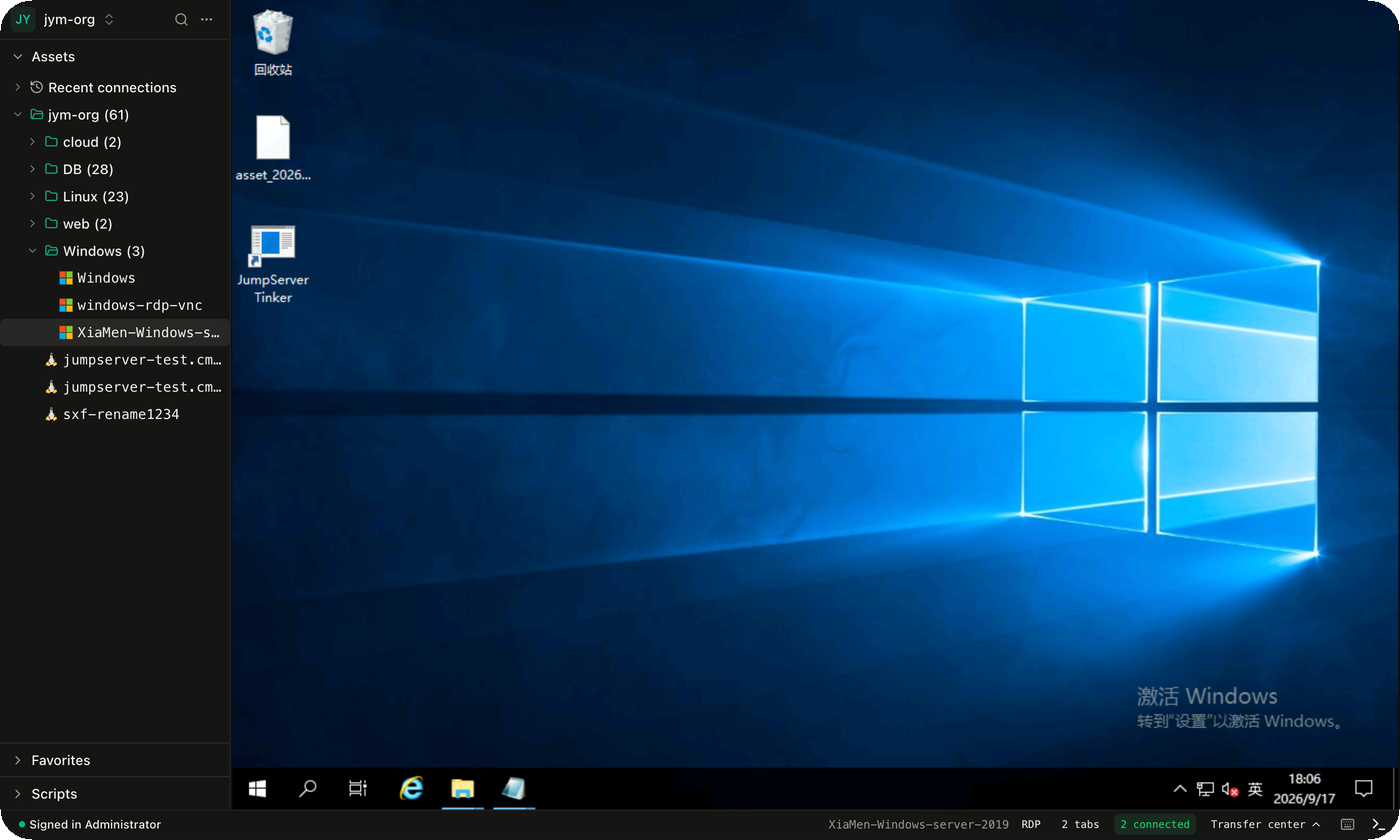
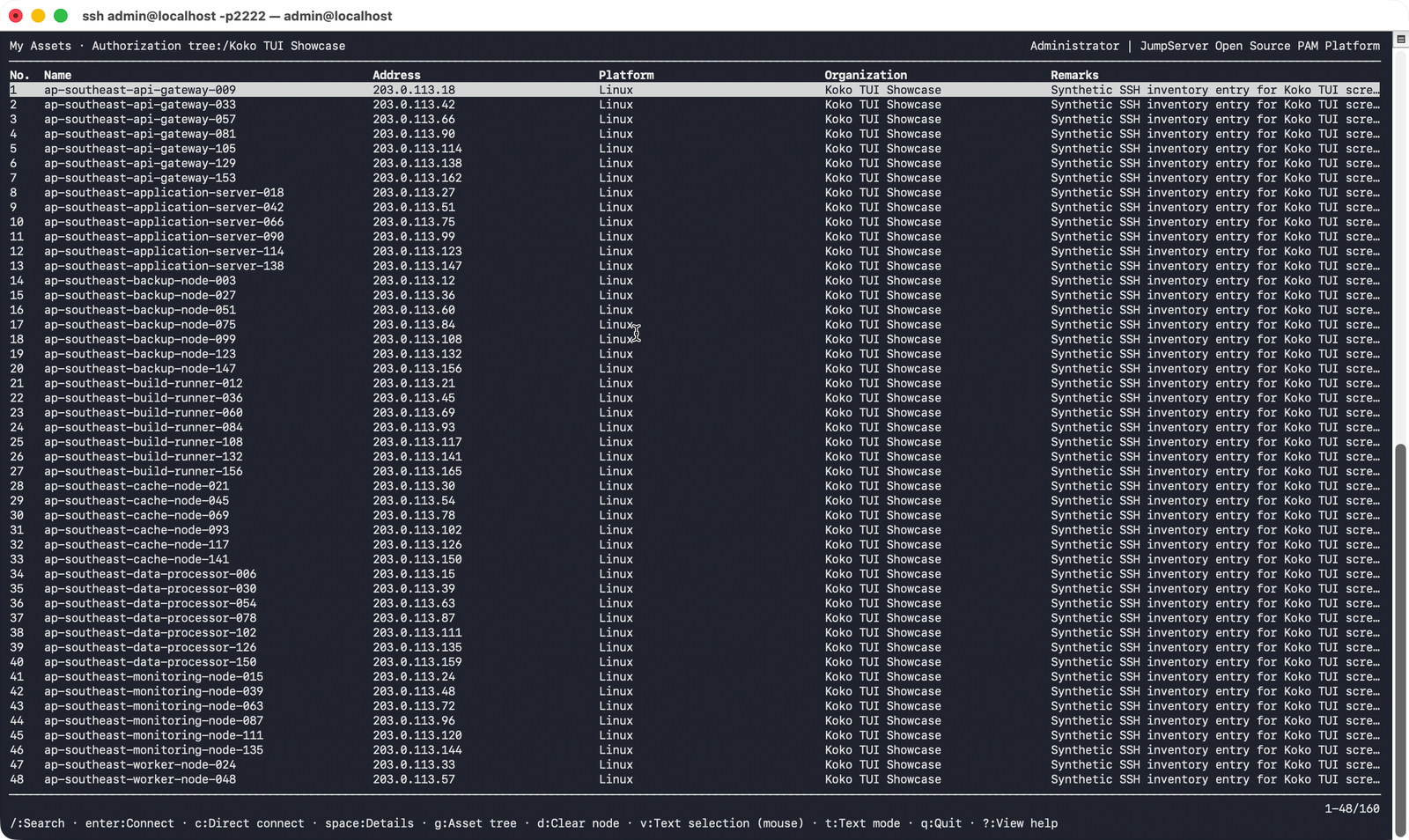
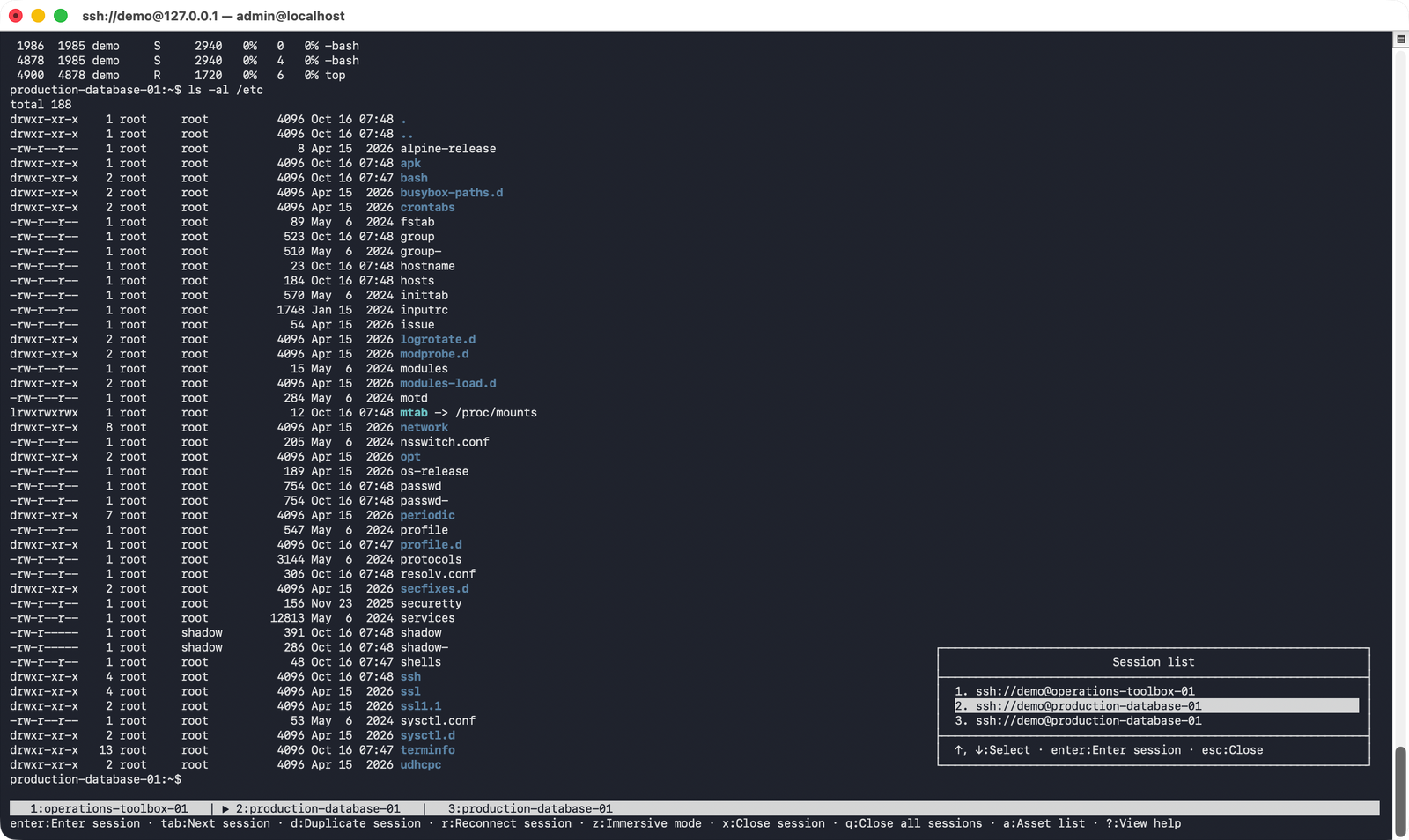
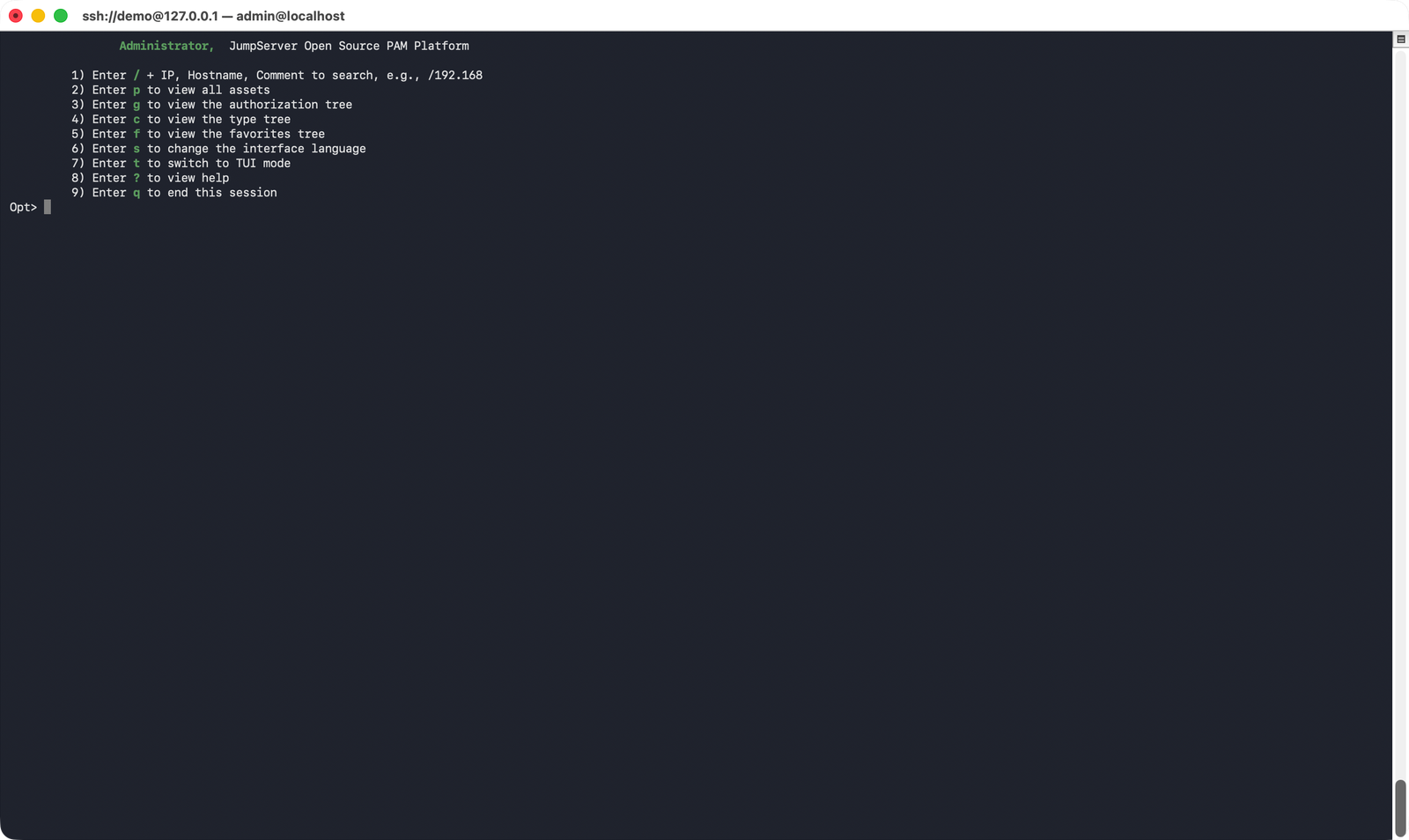
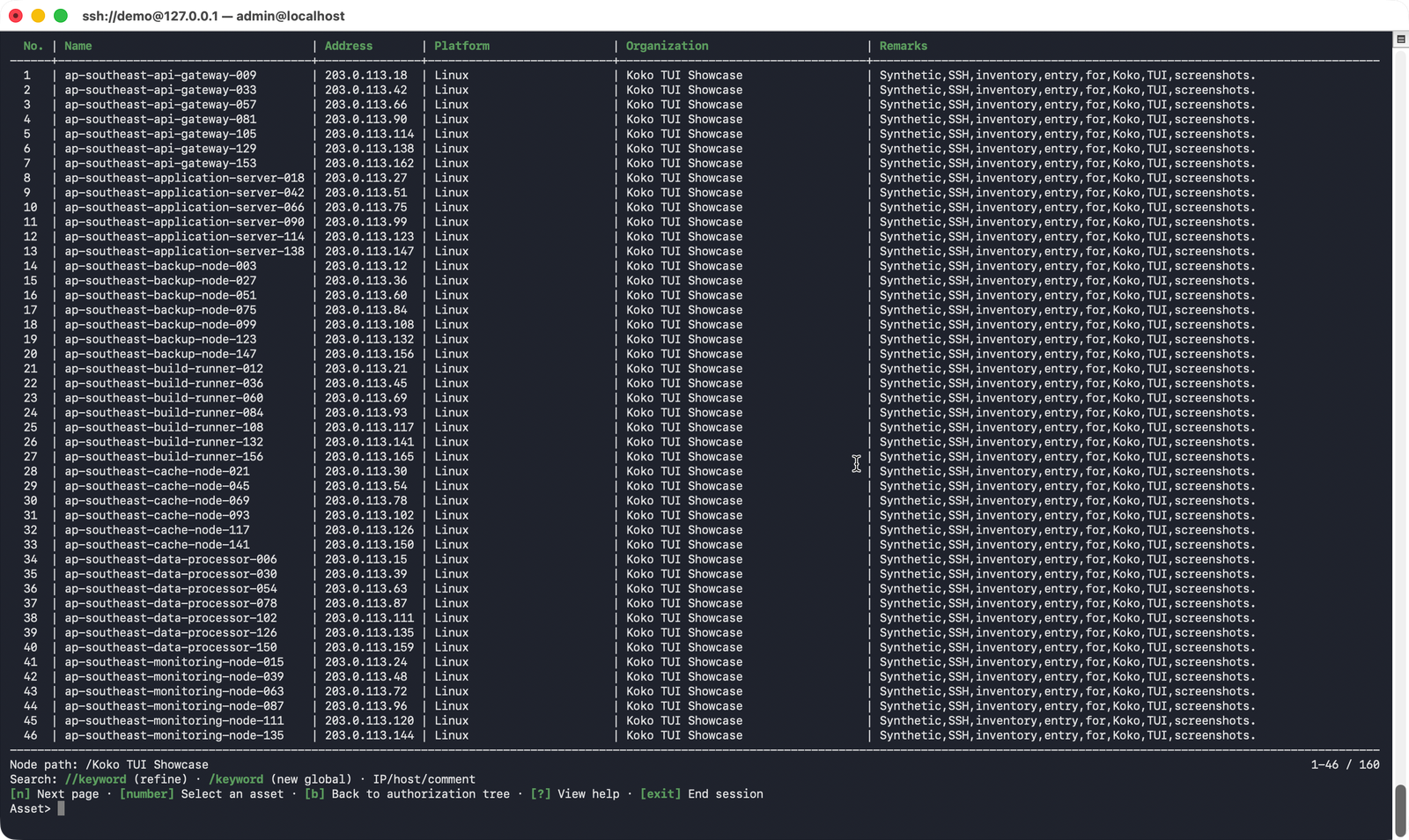
Components
JumpServer groups its components by role. Core projects provide the platform, web interface, terminal, protocol connections, and AI capabilities. Enterprise components extend application and protocol access. Supporting services handle session recordings and host operations, while deployment tools simplify installation and web delivery.