
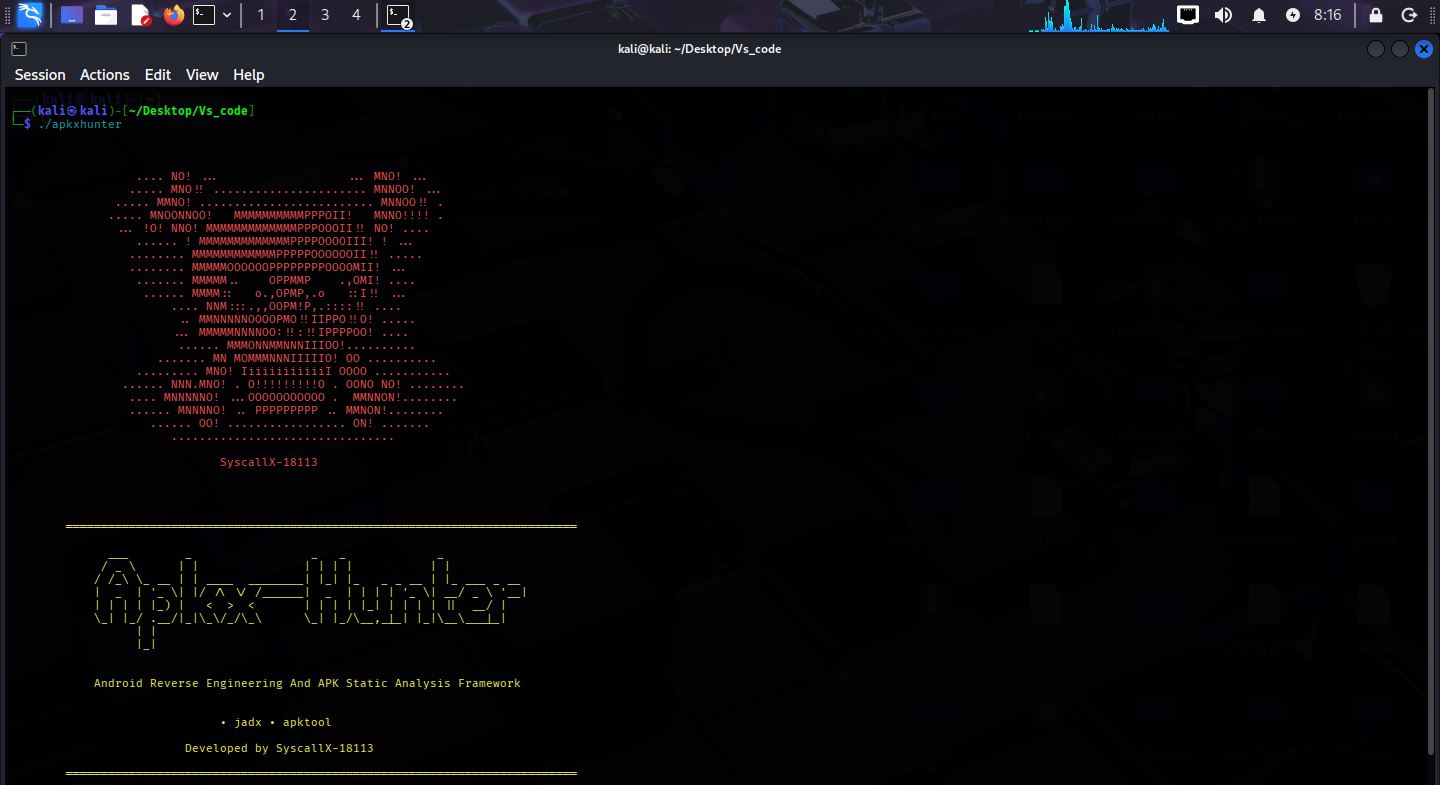
Apkx-Hunter v2.5.1
C-based Android static analysis framework for decompilation, secret detection, endpoint discovery, permission analysis, and native library scanning with ML-assisted secret classification.
APKX-Hunter v3.0.0 -- Debian Package 

APKX-Hunter at Black Hat Arsenal Europe 2026
View APKX-Hunter on Black Hat Europe Arsenal
APKX-Hunter is an open-source Android Static Analysis Framework written entirely in C, purpose-built for Android security assessments, reverse engineering, malware analysis, OWASP MASVS compliance scanning, bug bounty hunting, Apk Testing, and penetration testing.
The framework supports both single-application and large-scale Android application analysis by automatically extracting and analyzing supported Android package formats, including APK, APKS, APKM, XAPK, and ZIP archives. With Recursive Multi-APK Scanning, Silent Batch Mode, and organized scan output, APKX-Hunter is designed to efficiently process individual applications as well as large Android application collections while producing clean, structured, and actionable results.
APKX-Hunter combines multiple static analysis techniques—including decompilation, AndroidManifest analysis, permission analysis, exported component detection, endpoint discovery, hardcoded secret detection, cloud configuration discovery, native library detection, and OWASP MASVS security checks—to uncover security-relevant information inside Android applications.
APKX-Hunter also provides an integrated interactive command-line shell, giving researchers a dedicated framework interface for running analysis operations, configuring scan modes, navigating project workflows, and interacting with APKX-Hunter directly from the terminal. Shell features include command history, interactive command handling, scan controls, and framework-level commands designed to make repeated analysis workflows faster and more efficient.
The framework includes a Code Search and Investigation Engine for analyzing decompiled and extracted application source code. Researchers can recursively search project directories for specific code patterns or strings This makes it easier to investigate suspicious implementations, trace security-sensitive functionality, identify vulnerable patterns, and quickly navigate large decompiled codebases.
APKX-Hunter also integrates a lightweight Machine Learning-based Secret Classification Engine, written entirely in C, which automatically classifies detected secrets by confidence and severity. This helps reduce false positives, and accelerate vulnerability triage.
The framework generates organized and structured output files throughout the analysis process, separating relevant findings and security results into clear categories for easier investigation, reporting, and further analysis. At the end of every scan, APKX-Hunter generates detailed scan statistics, including the number of APKs scanned, files analyzed, secrets detected, patterns detected, and MASVS findings, providing researchers with a comprehensive overview of the entire security assessment.
APKX-Hunter is designed as a complete Android static analysis workflow—from application extraction and automated discovery to manual code investigation and security triage.
- GitHub: https://github.com/SyscallX-18113/Apkx-Hunter
- Developed by: SyscallX-18113
- Version: v3.0.0
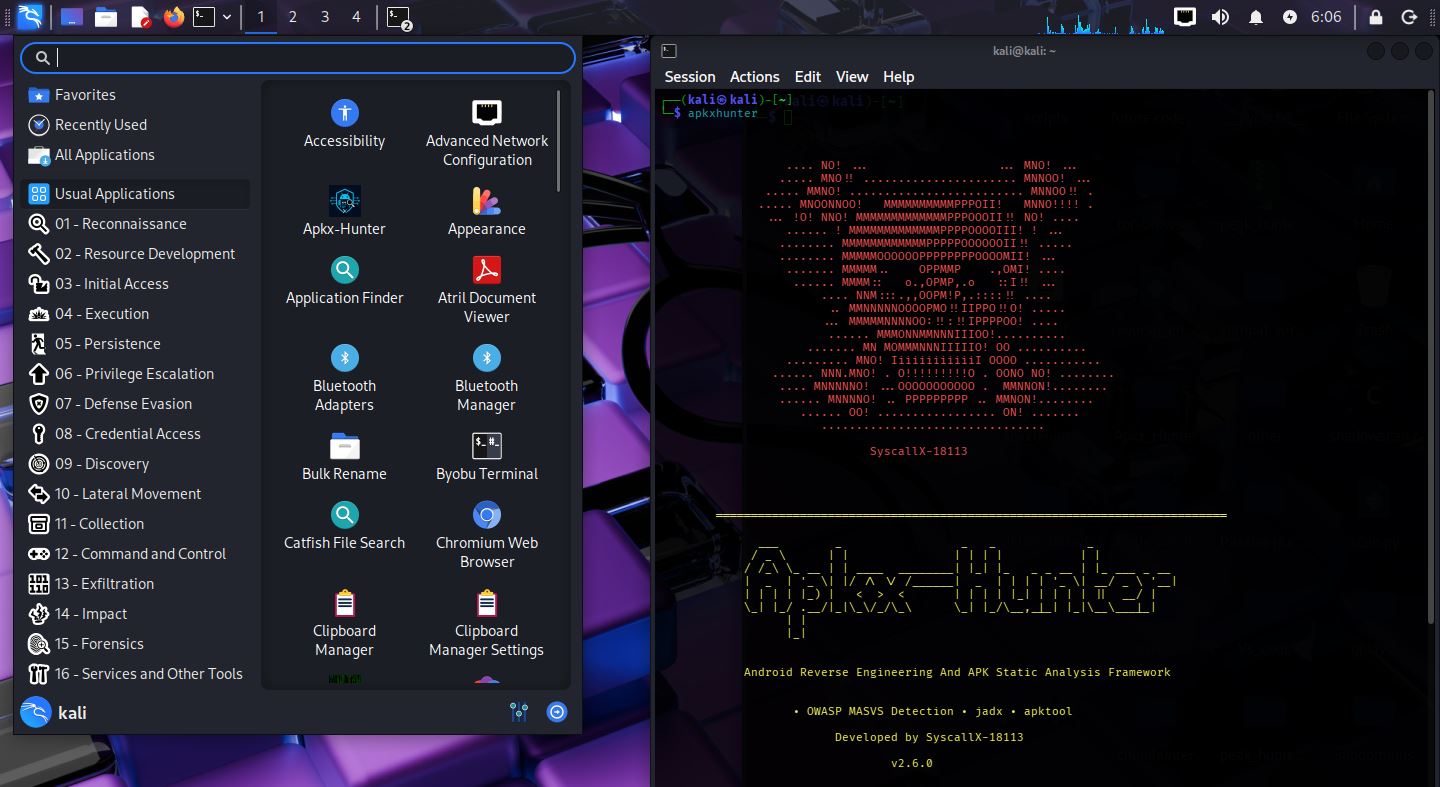
OWASP MASVS Scanning Support
Apkx-Hunter now includes OWASP MASVS security scanning with 15 categories and 100 detection patterns:
| # | Category | Patterns |
|---|---|---|
| 1 | Weak Cryptography | 18 |
| 2 | Certificate Pinning | 6 |
| 3 | Root Detection | 7 |
| 4 | Anti Debugging | 6 |
| 5 | Anti Tamper | 4 |
| 6 | SharedPreferences | 9 |
| 7 | SQLite | 3 |
| 8 | External Storage | 5 |
| 9 | Dynamic Code Loading | 3 |
| 10 | Reflection | 2 |
| 11 | Runtime Command Execution | 4 |
| 12 | WebView Security | 14 |
| 13 | Network Security | 10 |
| 14 | SSL Validation | 5 |
| 15 | Native Library Loading | 4 |
| TOTAL | 100 |
OWASP Validation
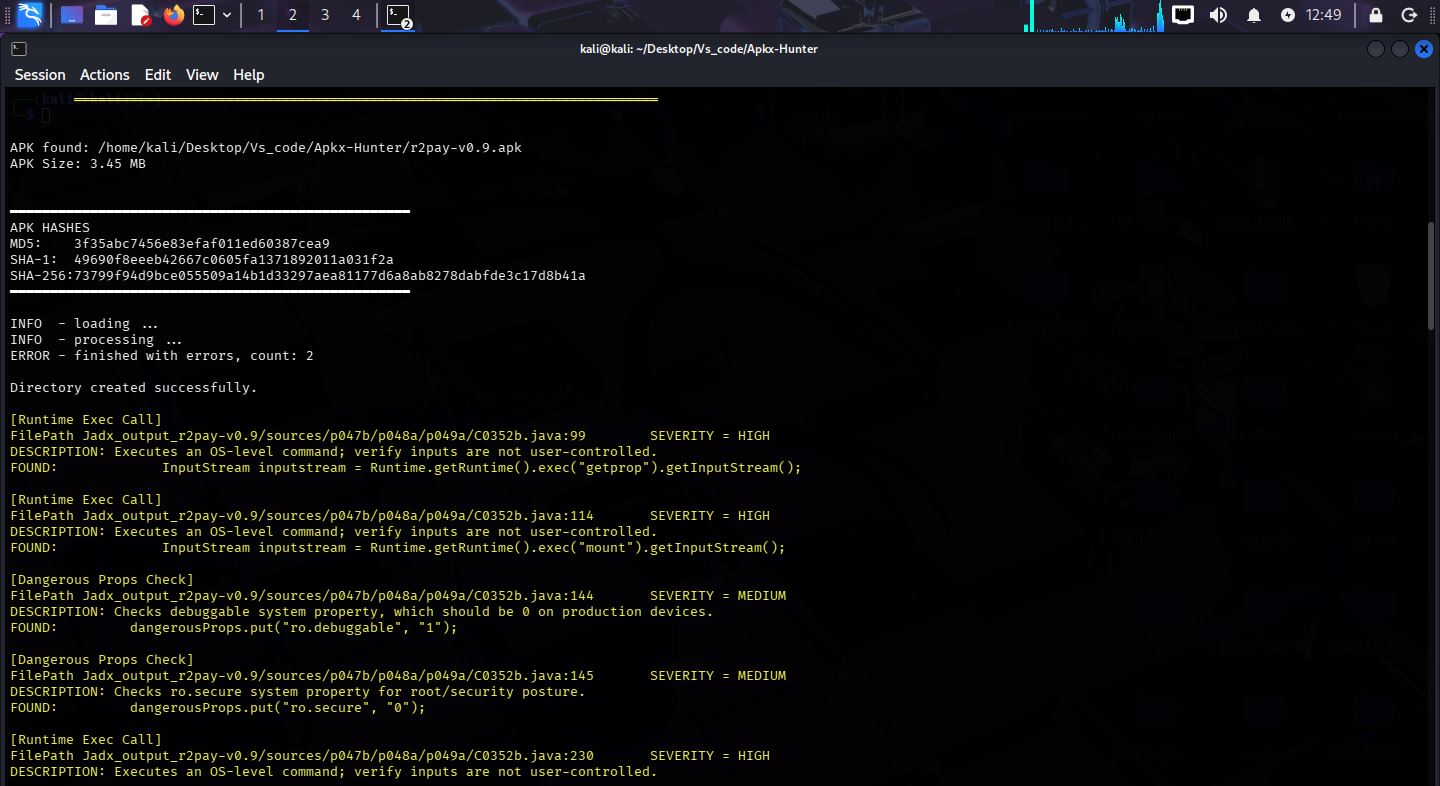
APKXHunter has been tested against the OWASP UnCrackable Level 4 application. The scan successfully identified multiple security findings, demonstrating the effectiveness of its OWASP MASVS scanning engine and Android static analysis capabilities.
Features
- OWASP MASVS Support — Apkx-Hunter now includes comprehensive OWASP MASVS security scanning with 14+ categories and 100 detection patterns:
- JADX Decompilation — Fast and deep decompilation modes
- APKTool Decompilation — Full APKTool-based decompilation and scanning
- Archive Extraction — Support for APK, APKM, APKS, XAPK, and ZIP formats
- Decompiled Folder Scanning — Scan any already-decompiled JADX source directory
- APKTool Folder Scanning — Scan any already-decompiled APKTool directory
- Secret Detection — Discover API keys, tokens, passwords, and embedded secrets
- Endpoint Discovery — Identify URLs, endpoints, and security-relevant patterns
- Android Permission Analysis — Analyze permissions and exported activities
- Native (.so) Library Detection — Detect native libraries bundled in the app
- File Inventory Generation — Generate a complete file inventory report
- Machine Learning-based Secret Classification (Highlighted Feature) — ML-assisted confidence scoring for detected secrets to accelerate triage and reducing false positive in secrets finding
- Recursive Multi-APK Scanning — Automatically scan multiple APKs recursively for large-scale Android application analysis
- Automatic Package Extraction — Automatically extract and analyze APKs from APKS, APKM, XAPK, and ZIP package formats
- Silent Batch Mode — Cleaner terminal output during large-scale scans while preserving analysis results
- End-of-Scan Statistics — Display detailed scan summary including APKs scanned, files analyzed, secrets detected, patterns detected, and MASVS findings
- Enhanced Command-Line Interface — Improved argument parsing, input validation, and user-friendly error reporting
- Improved Framework Stability — Enhanced error handling, memory management, and overall framework reliability
- Shell Integration — Added an integrated interactive framework shell with command history, scan controls, and framework-level commands
- Code Search & Investigation — Added recursive source-code searching with file paths, line numbers, matching lines, and surrounding code context
- Categorized MASVS Findings — Organized MASVS security findings into dedicated categories for easier analysis and reporting
- No Output On Terminal Mode - Prints no findings or output on terminal during scan.
Machine Learning Model
APKXHunter uses an offline machine learning classifier. model.bin contains only trained numerical weights used to calculate the confidence score of detected secrets.
It is NOT executable.
It contains no code.
It is loaded as binary data only.
- Offline ML Inference — All model inference runs locally, with no cloud APIs or internet connection required
- Confidence Probability Scoring — Each detected secret receives a confidence probability from the trained model
Project Statistics
- Language: C
- Codebase: 6,700+ lines
- Architecture: Modular
- Platform: Linux