

cottage v0.7.0
A modern git based age-encrypted secrets manager for teams.





cottage is a GitOps tool for teams to manage age-encrypted secrets in git repositories.
It provides a simple workflow to encrypt/decrypt secrets, manage recipients, and keep secrets out of the repo while still allowing for easy sharing via VCS. cottage also generates redacted previews of encrypted secrets for better visibility and supports both persistent and temporary decryption workflows, while ensuring secrets are never committed in plaintext.

- Features
- Installation
- Editor Integrations
- AI Agent Integrations
- Quick Start
- GitOps
- Git Hooks
- Path Prefixes
- Access Control
- Any Provider as Upstream
- Sync with any device
- Learn More
- Troubleshooting
- Comparison
Features
- Exposure-safe: Uses Rust's type system to make sure bugs can never accidentally expose secrets.
- Team-friendly: Share public keys (recipients) in the repo, keep private keys (identities) local.
- Access Control: Simple allow/deny rules to control which secrets are encrypted for which recipients.
- Manages .gitignore: Automatically updates
.gitignoreto keep unencrypted secrets out of the repo. - Previews: Generates timestamped redacted previews of encrypted secrets for better visibility.
- Rich diffs: Keeps git diff clean & reviewable, while
ctg diffshows diff of locally modified secrets with tracked encrypted counterparts. - Checksum verification: Prevents tampering by verifying that encrypted secrets and recipient lists match the metadata.
- Git hooks: Easily set up git hooks to automatically check/encrypt secrets before commit and decrypt them after checkout.
- Path prefixes: Optionally store encrypted secrets and metadata under dedicated directories, instead of next to the decrypted files.
- Persistent secrets workflow:
ctg decrypt/synckeeps decrypted secrets on disk. - Smart cleanup lifecycle:
ctg run(shortcutctgx) andctg editdecrypt secrets before the operation, keeping them on disk if already present beforehand or automatically cleaning them up afterwards if they were not. - Clean on completion:
ctg encrypt --clean,ctg run --clean, andctg edit --cleanensure that decrypted files are cleaned up from disk even if they were present before. - Environment injection workflow:
ctg envinjects decrypted secrets as environment variables to run a command, without writing them to disk at all. - Secure secret piping:
ctg cat PATHdecrypts in memory and prints to stdout for direct stdin piping to other tools.echo value | ctg cat PATHencrypts stdin into PATH without writing plaintext to disk. - Clean up:
ctg cleandeletes all decrypted secrets from local repo to let you run your AI agents with a tiny bit less worry. - Supports jj and non-git directories:
ctg initturns any directory into a secret store. - Sync with any provider: Lets you configure any provider with an API as the upstream, and start using
ctg pull/diff/pushlikegit pull/diff/push. - Sync with any device: Secrets encrypted with cottage and managed in a git repo can be synced across devices with Cottage Sync.
Installation
# rust: cargo-binstall/cargo
cargo binstall --locked cottage
cargo install --locked cottage

# python: pip/uv/uvx
pip install cottage
uv pip install cottage
uvx --from cottage ctg --version

# node: yarn/pnpm/npx
yarn global add @sayanarijit/cottage
pnpm add -g @sayanarijit/cottage
npx -p @sayanarijit/cottage ctg --version
Also available as docker images:
# Docker
docker run --rm -v $PWD:/app sayanarijit/cottage --version

# Podman
podman run --rm -v $PWD:/app quay.io/sayanarijit/cottage --version
Or download the latest release from GitHub.
Editor Integrations
VS Code Extension
Use the Cottage VS Code extension to install ctg, add Copilot safety hooks, encrypt files from the Explorer, and open .cott.age files through the editor workflow.
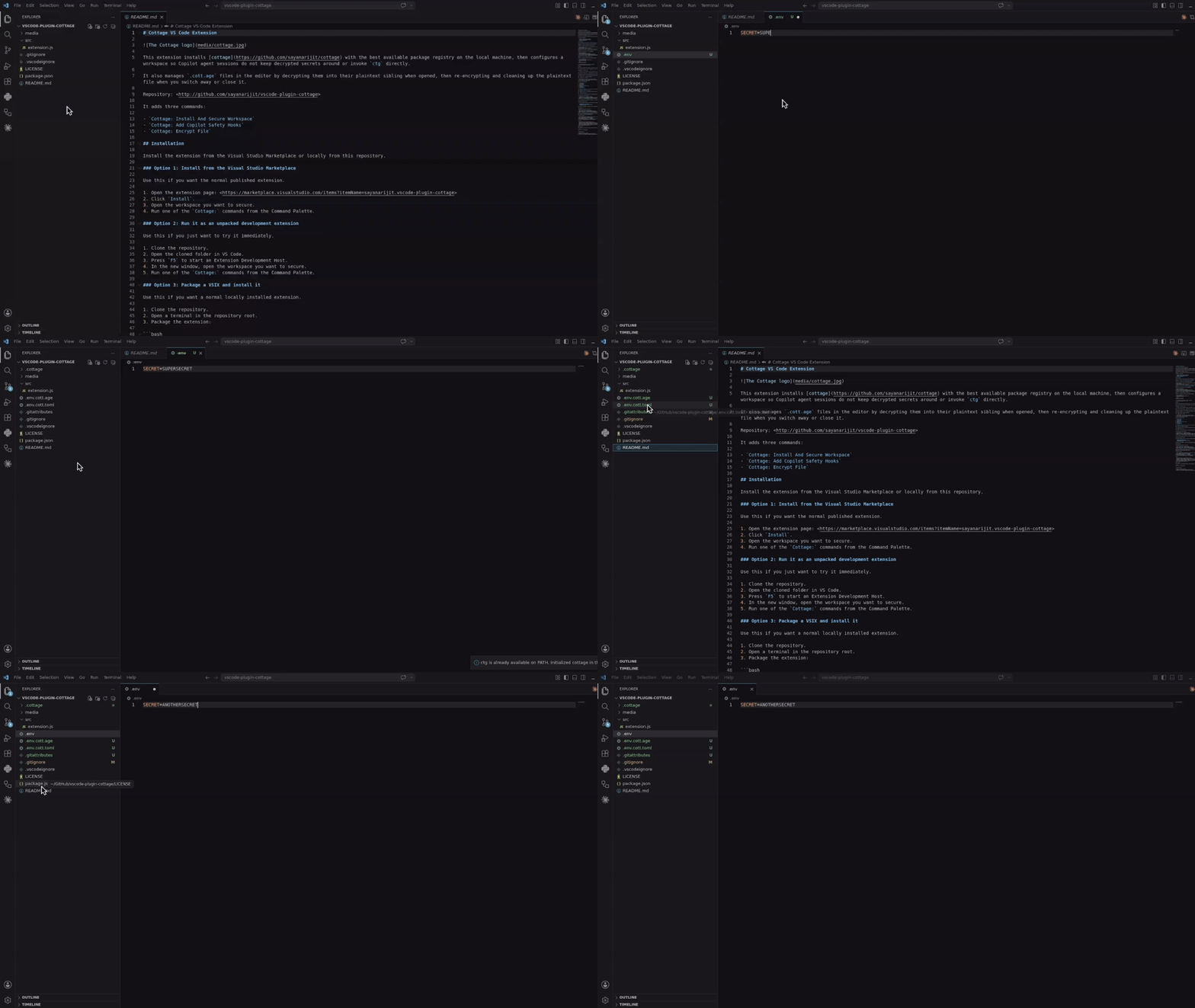
Install it from the Visual Studio Marketplace, or build and install it locally from vscode-plugin-cottage.
Cursor and Eclipse Extension
Download the VSX file and install it in your Cursor or Eclipse IDE. It works similar to the VS Code extension.
Vim Plugin
Use the cottage.vim plugin to encrypt/decrypt secrets from Vim or Neovim.
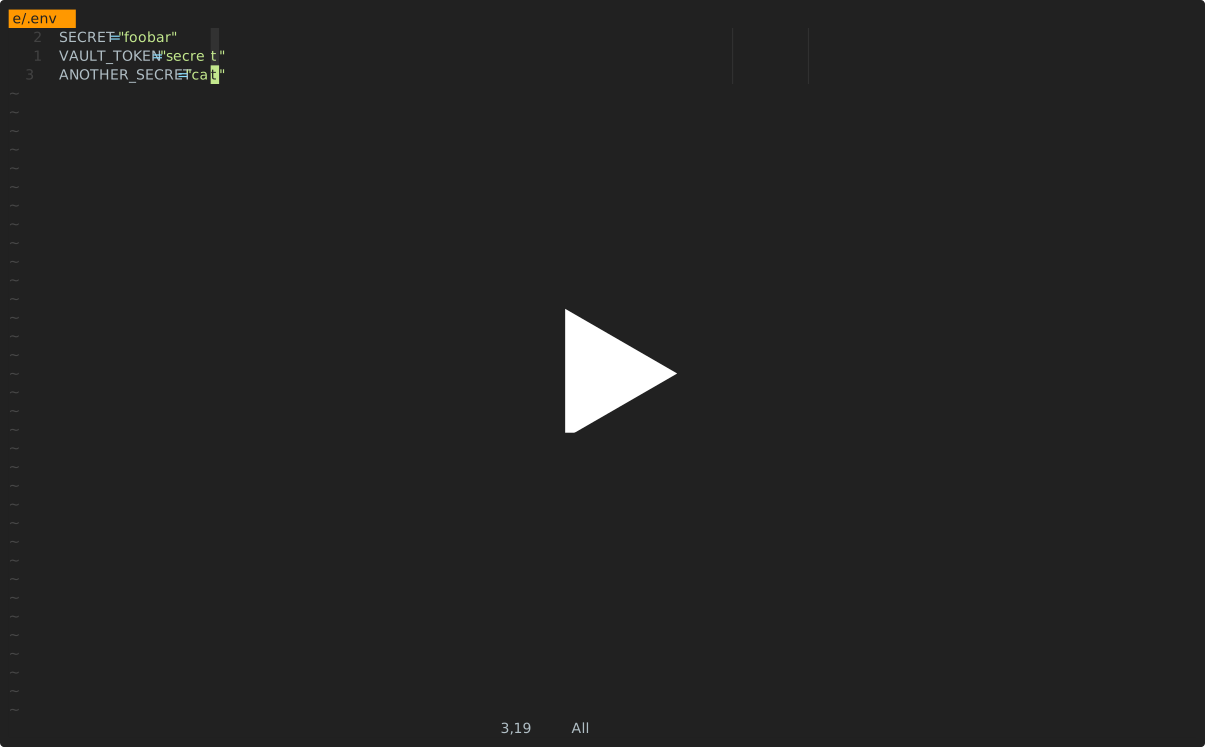
AI Agent Integrations
All of the integrations below keep AI agents from running ctg/ctgx directly and from viewing or editing secret files: anything inside .cottage/, any *.cott.* file (encrypted *.cott.age blobs and redacted *.cott.toml previews), and any decrypted file that still has a *.cott.age counterpart on disk.
- .agents for Antigravity (
agy) - .claude for Claude Code
- .codex for Codex
- .cursor for Cursor
- .github for GitHub Copilot
Quick Start
Init project:
mkdir project && cd project