
kviklet v0.8.0
Pull Request-like Review/Approval flow for database queries. For compliant but smooth Engineering access to production.
Kviklet
Kviklet.dev | Release Notes | Discord
Secure access to production environments without impairing developer productivity.
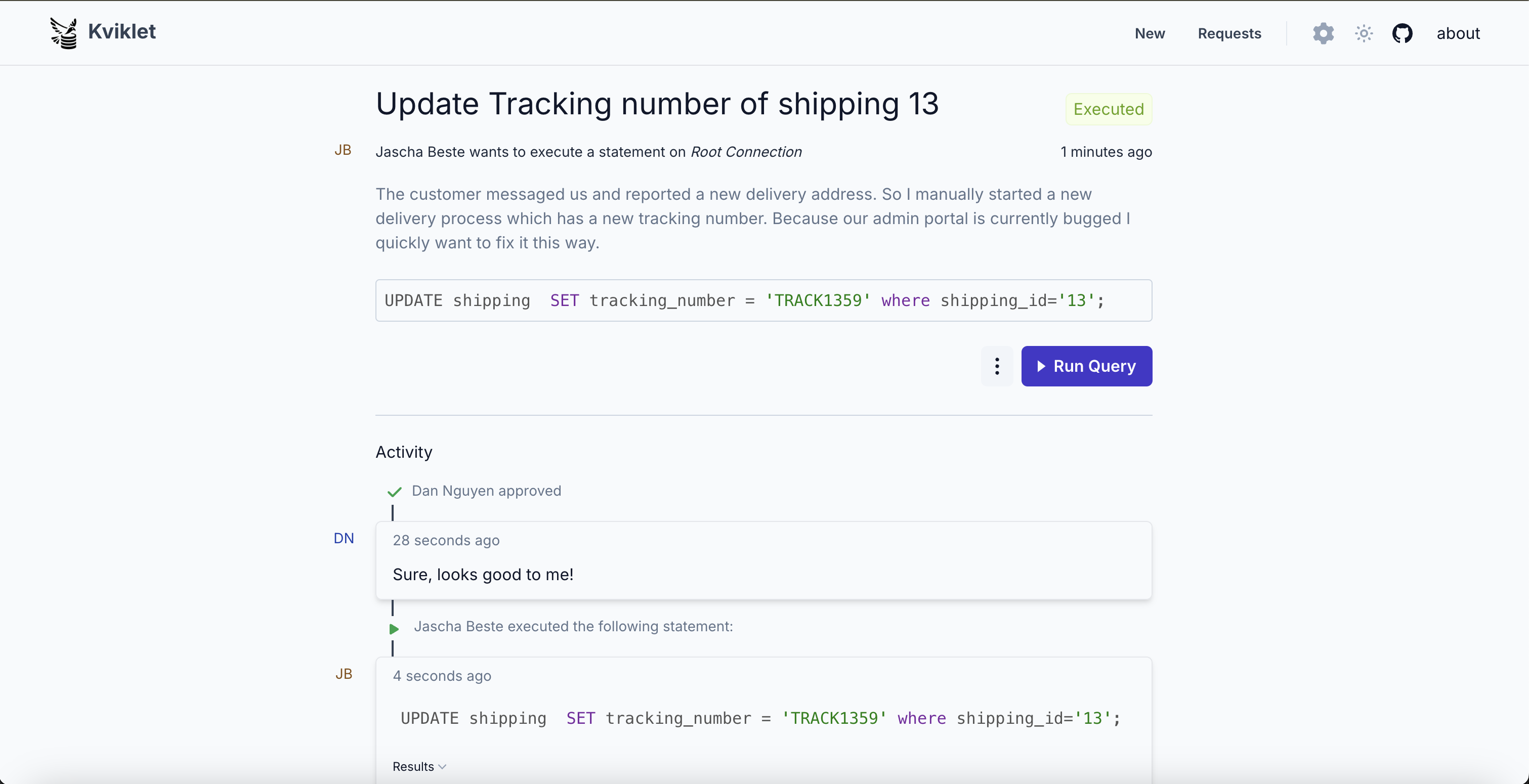
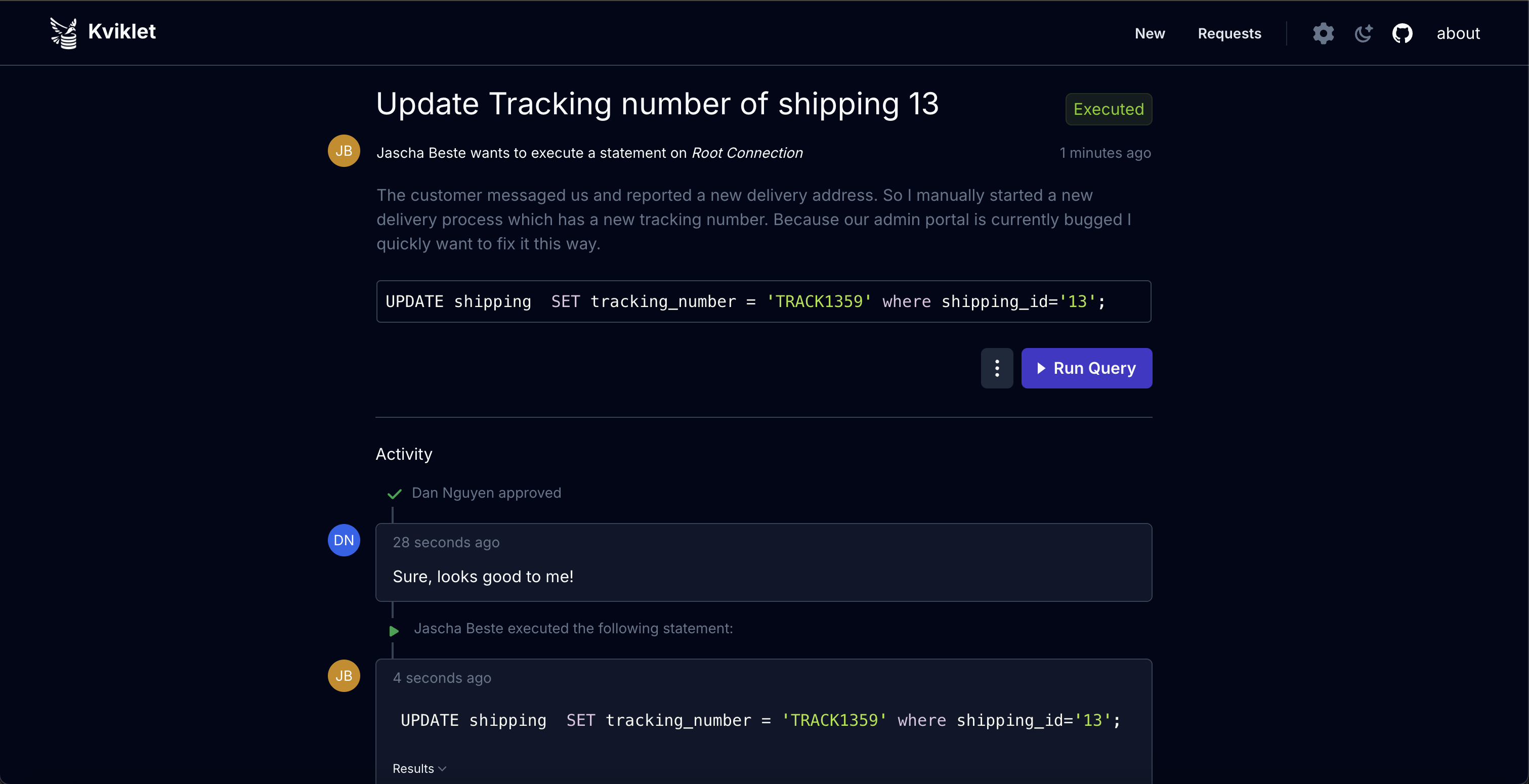
Kviklet (pronounced Quick-let) applies the Four-Eyes Principle to production database access, with a pull request-like review and approval workflow for individual SQL statements or time-limited database sessions. Engineers can review and approve each other’s requests without routing every query through a DBA or operations team.
Kviklet is self-hosted and runs as a Docker container with a PostgreSQL database for application state. Its web interface lets you submit, review, and execute requests. An optional enterprise license unlocks SAML authentication, role-based review requirements, role sync, API keys, the database proxy and the MCP server for AI agents. Request an enterprise license at kviklet.dev.
Supported databases are Postgres, MySQL, MariaDB, MS SQL Server and MongoDB.
Access Model
We recommend connecting Kviklet to your existing identity provider. Kviklet supports SSO through OIDC (Google, Keycloak, etc.) or SAML (enterprise only), as well as LDAP authentication (Active Directory, etc.).
Users then create requests for connections which map to a specific database user. These requests are either:
- Single Query: a specific SQL statement submitted for review.
- Temporary Access: a time-limited session in which you can run multiple statements.
Depending on configuration the requests are reviewed and approved by other users before Kviklet allows execution.
Kviklet connects to the database on the user’s behalf. The connection’s database password is never shown to the user.
An admin can configure which role has access to which connection and which review gates are required for execution. The database-level access is managed via the underlying database's RBAC mechanisms. E.g. it is possible to create a read-only role for a read-only connection and assign fewer review requirements for that one than a write connection.
Kviklet records executed statements and associates them with the user and access request. For complete coverage of manual database access, restrict direct connections and route any manual access through Kviklet. Engineers don’t need to receive or share the underlying database credentials.
Additional Enterprise features include:
- SAML: Support for SAML authentication.
- Proxy (Postgres, MariaDB, MySQL): Use your preferred database client through an approved temporary-access session with a temporary password. Executed statements are recorded in Kviklet’s audit log.
- Role-Based Review Gates: Require approvals from specific roles before execution.
- Role Sync: Automatically sync user roles from your identity provider groups.
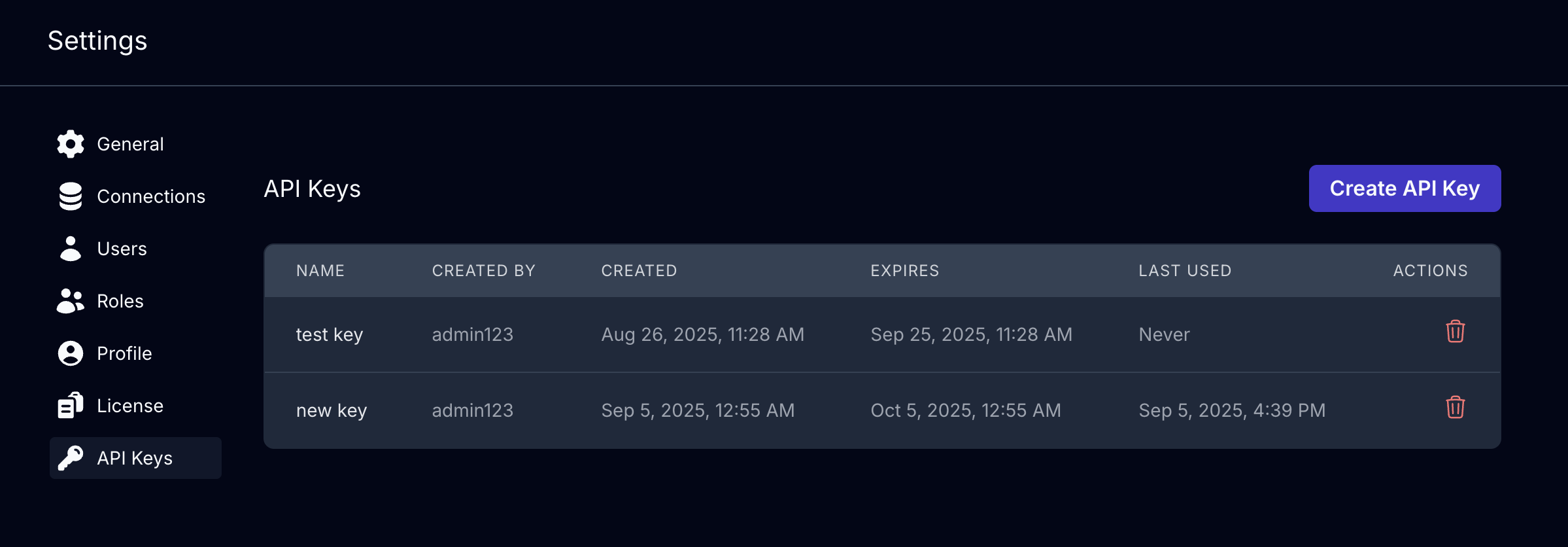
- API Keys: Programmatic access to the Kviklet API.
- MCP Server: Connect AI agents like Claude Code or Codex to Kviklet. They act with the user's own permissions and go through the same reviews.
More screenshots
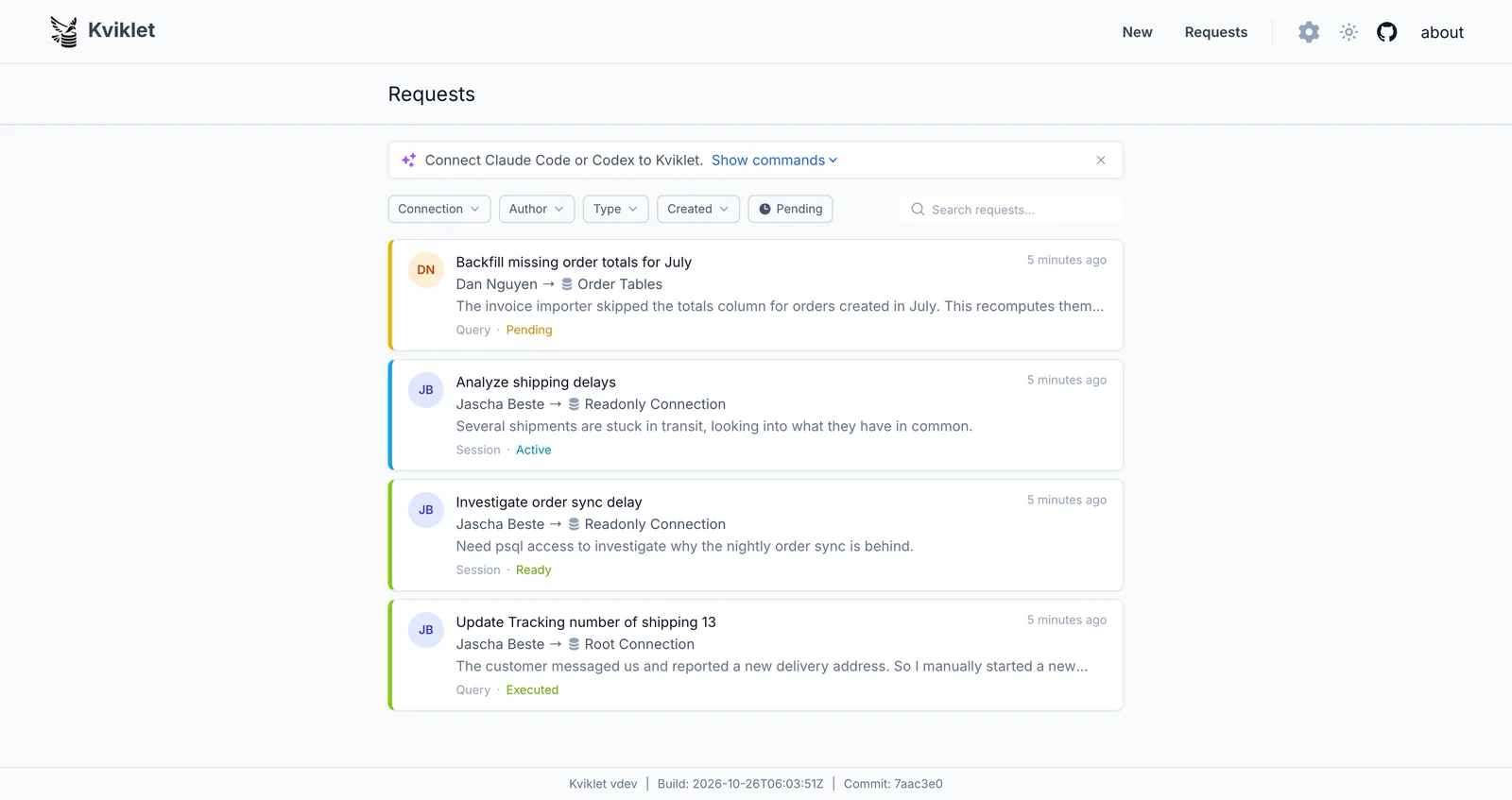
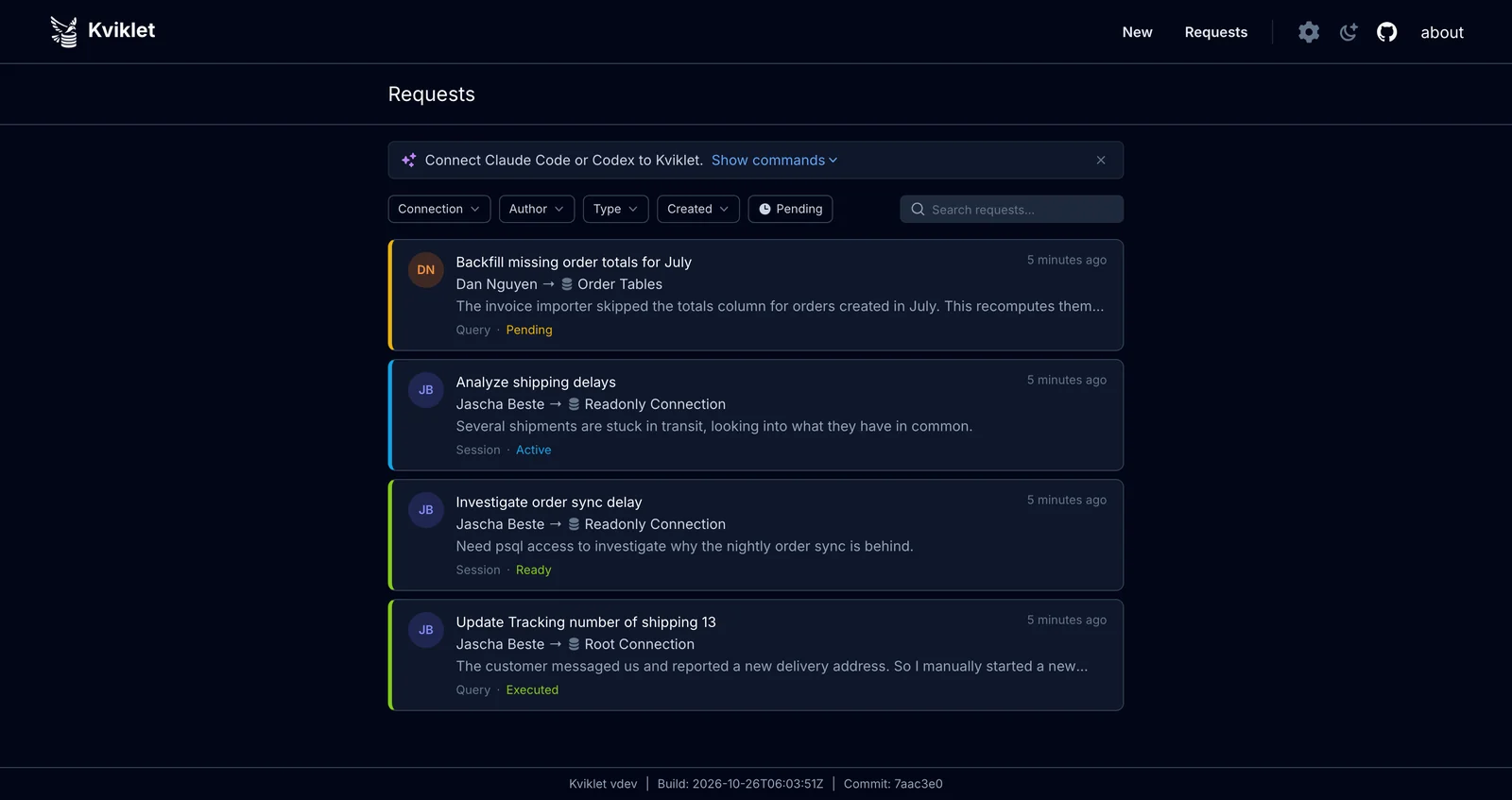
Requests
All data requests live in one place. Like open PRs for your production databases:
Live Sessions
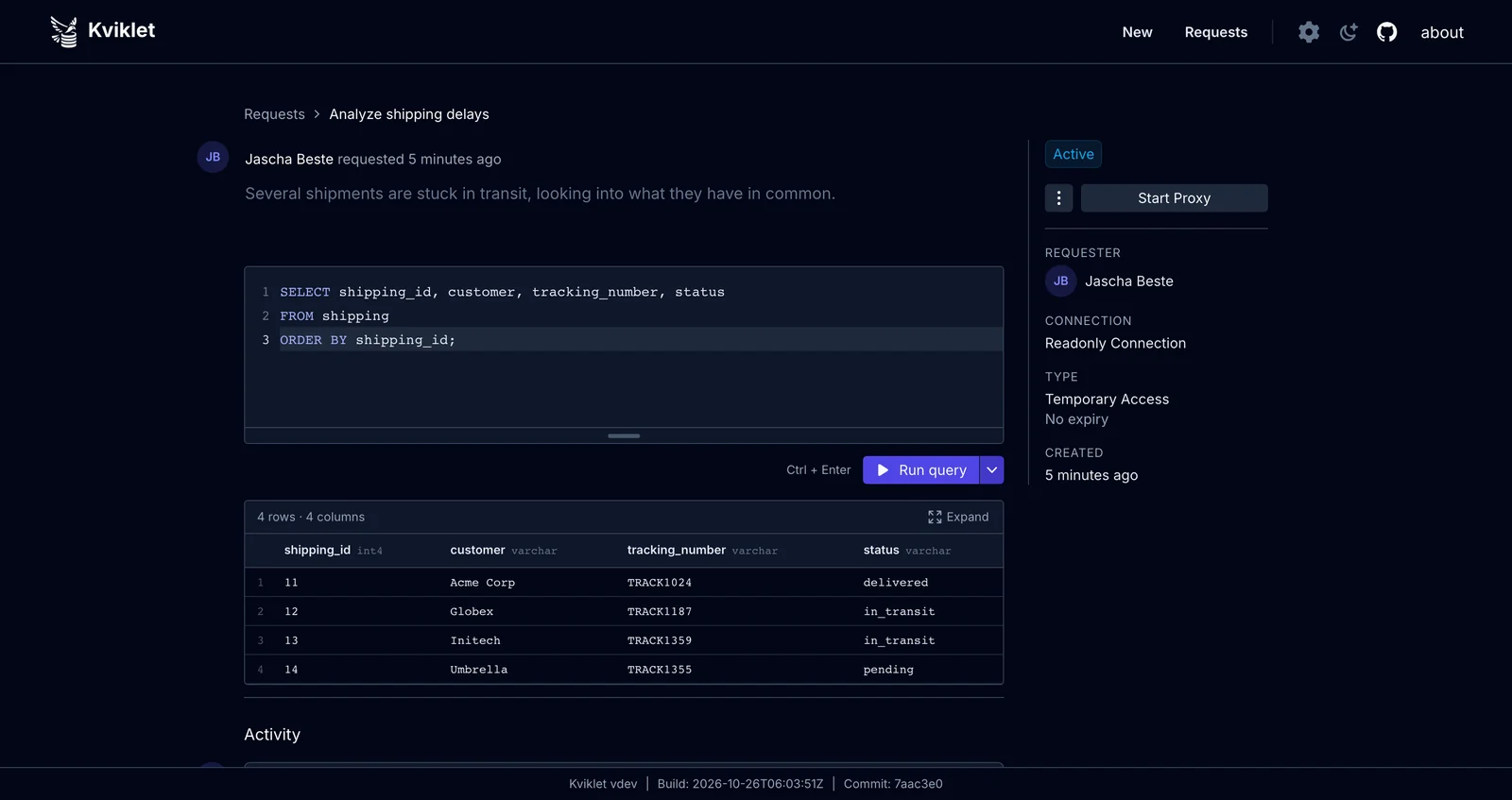
An approved temporary access request opens a live SQL session right in the browser:

Audit log
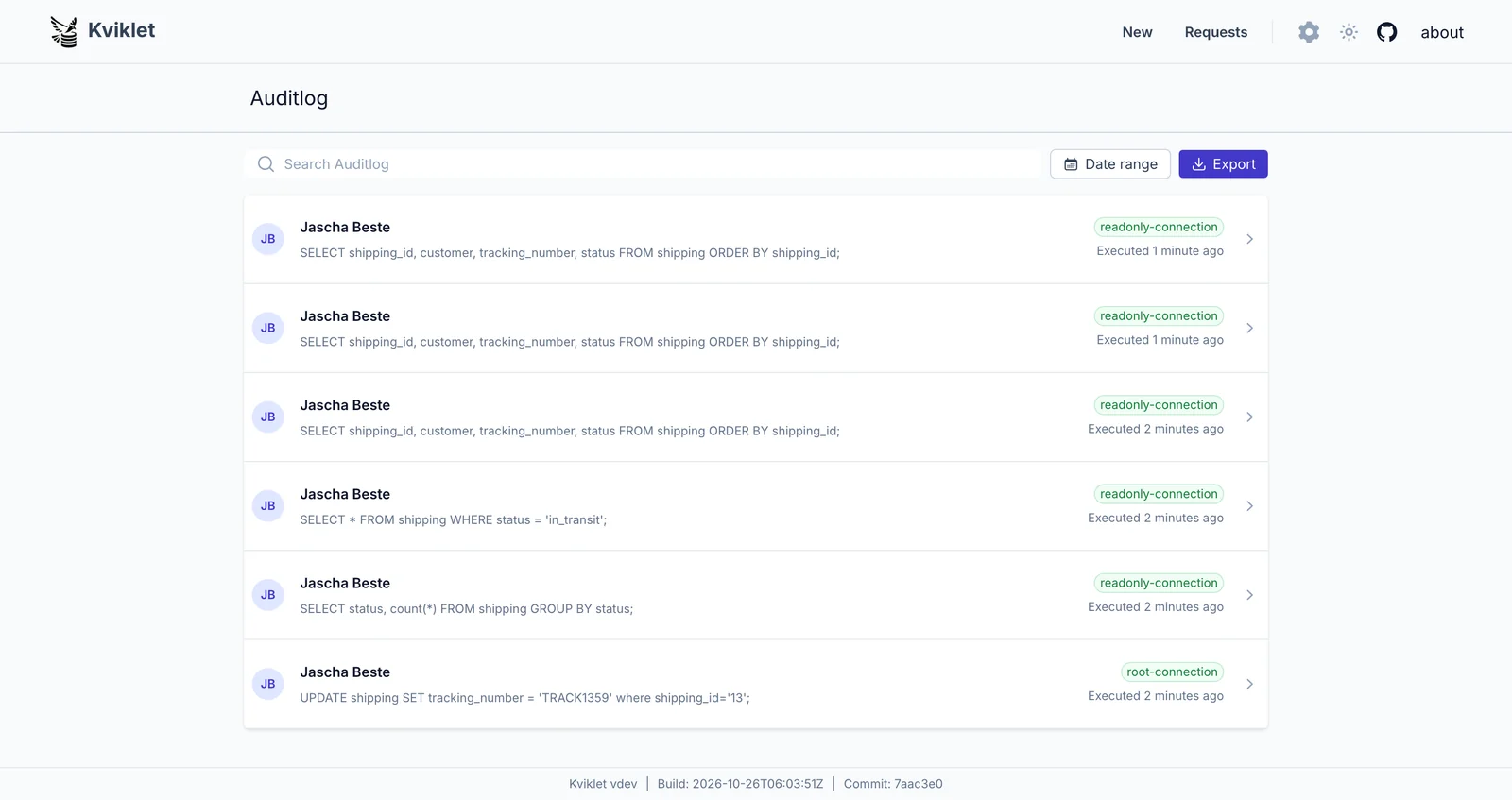
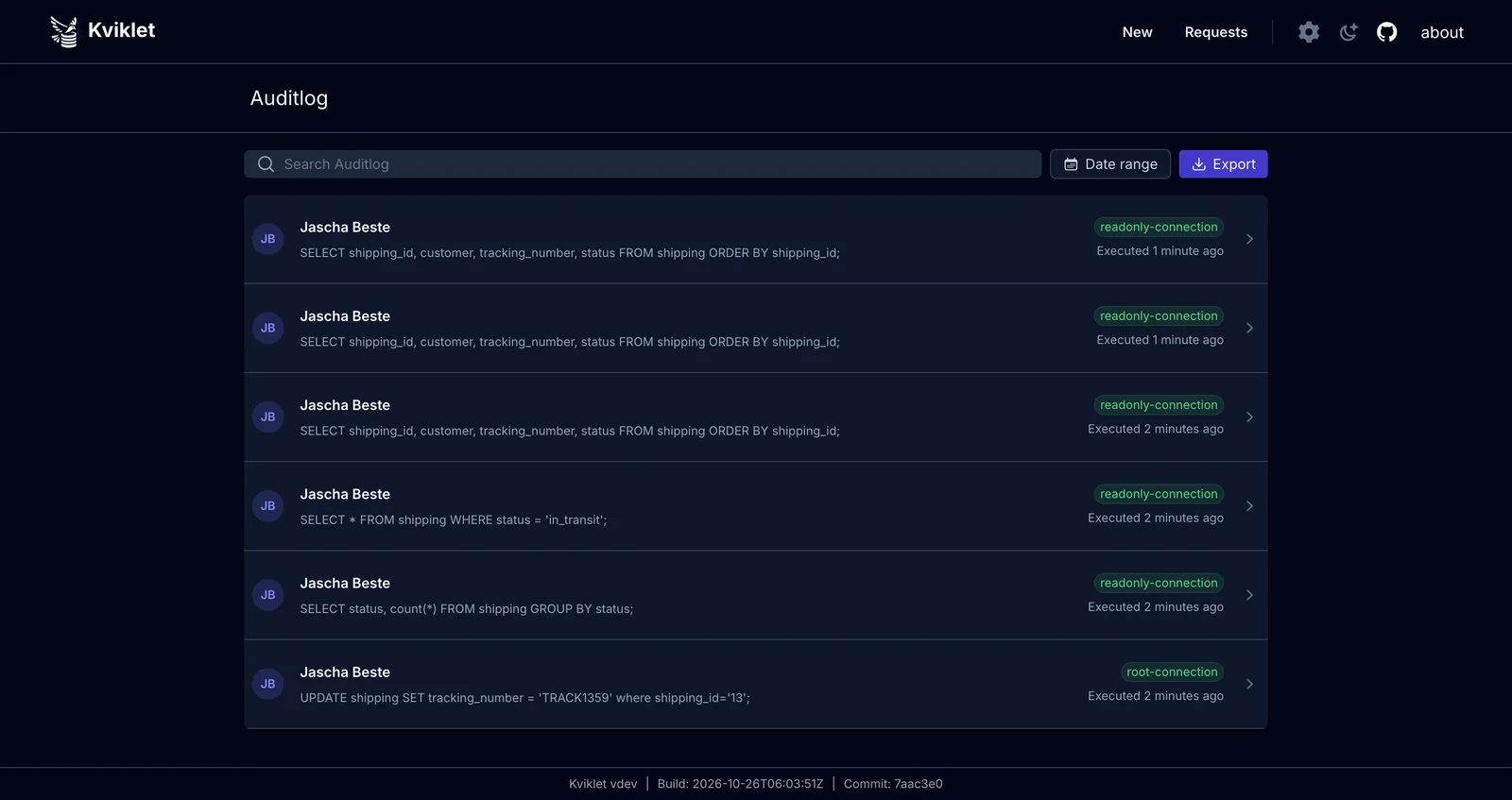
Every executed statement is recorded — whether it ran as a reviewed single query, in a live session, or through the database proxy:
Feature by Database/Connection Type
Most features are available for all databases (SSO, LDAP, RBAC, Review/Approval Flow, audit log, etc.). But some features are restricted, either because it simply hasn't been built yet or because it makes no sense for that specific purpose. The following table shows which features are available for which database type:
| Database | Statement Review | Temporary Access | Proxy(Beta) | Explain Plan |
|---|---|---|---|---|
| Postgres | ✓ | ✓ | ✓ | ✓ |
| MySQL | ✓ | ✓ | ✓ | ✓ |
| MariaDB | ✓ | ✓ | ✓ | ✓ |
| SQL Server | ✓ | ✓ | ✗ | ✓ |
| MongoDB | ✓ | ✓ | ✗ | ✗ |
| Kubernetes | ✓ | ✗ | ✗ | ✗ |
Setup
Kviklet ships as a simple docker container.
You can find the available versions under Releases. We recommend regularly updating the version you are using as we continue to build new features.
The latest one currently is ghcr.io/kviklet/kviklet:0.10.0, you can also use :main but it might happen every now and then that we accidentally merge something buggy. Though we try to avoid that.
Quick Start
If you just want to try out how it works:
-
Here is a minimal docker-compose.yaml:
Click to expand compose content
services:
  postgres:
    image: postgres:16
    restart: always
    environment:
      POSTGRES_USER: postgres
      POSTGRES_PASSWORD: postgres
      POSTGRES_DB: postgres
    ports:
      - "5432:5432"
    volumes:
      - ./postgres-data:/var/lib/postgresql/data
#      - ./sample_data.sql:/docker-entrypoint-initdb.d/init.sql

  kviklet-postgres:
    image: postgres:16
    restart: always
    environment:
      POSTGRES_USER: postgres
      POSTGRES_PASSWORD: postgres
      POSTGRES_DB: kviklet
    ports:
      - "5433:5432"
    volumes:
      - ./kviklet-postgres-data:/var/lib/postgresql/data

  kviklet:
    image: ghcr.io/kviklet/kviklet:main
    ports:
      - "80:8080"
    environment:
      - SPRING_DATASOURCE_URL=jdbc:postgresql://kviklet-postgres:5432/kviklet
      - SPRING_DATASOURCE_USERNAME=postgres
      - SPRING_DATASOURCE_PASSWORD=postgres
      - [email protected]
      - INITIAL_USER_PASSWORD=admin
    depends_on:
      - kviklet-postgres