
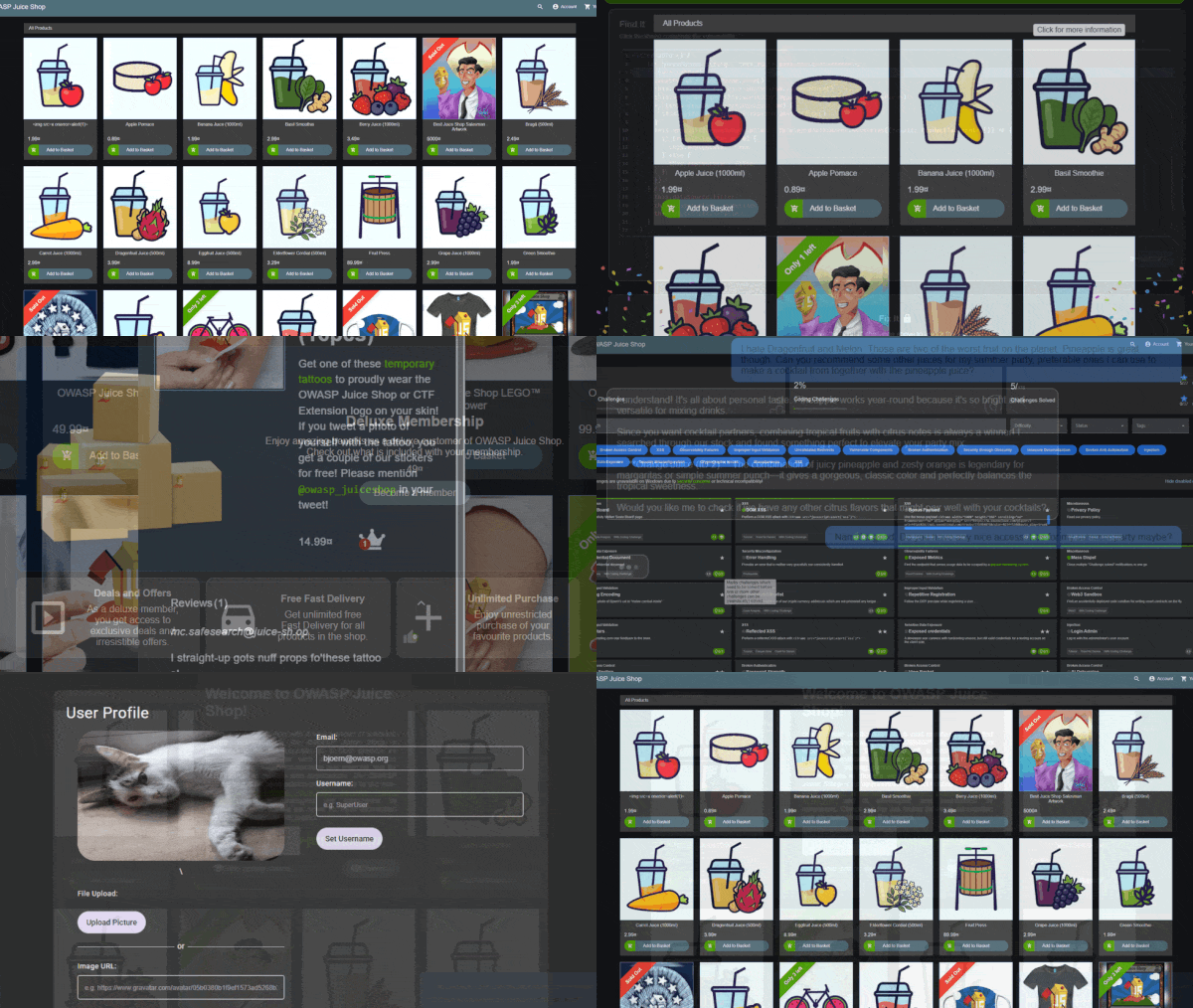
juice-shop v20.2.0
Intentionally vulnerable web application covering OWASP Top 10 vulnerabilities for security training, CTF competitions, and penetration testing practice with over 100 hacking challenges.
 OWASP Juice Shop









The most trustworthy online shop out there. (@dschadow) — The best juice shop on the whole internet! (@shehackspurple) — Actually the most bug-free vulnerable application in existence! (@vanderaj) — First you 😂😂then you 😢 (@kramse) — But this doesn't have anything to do with juice. (@coderPatros' wife)
OWASP Juice Shop is probably the most modern and sophisticated insecure web application! It can be used in security trainings, awareness demos, CTFs and as a guinea pig for security tools! Juice Shop encompasses vulnerabilities from the entire OWASP Top Ten along with many other security flaws found in real-world applications!
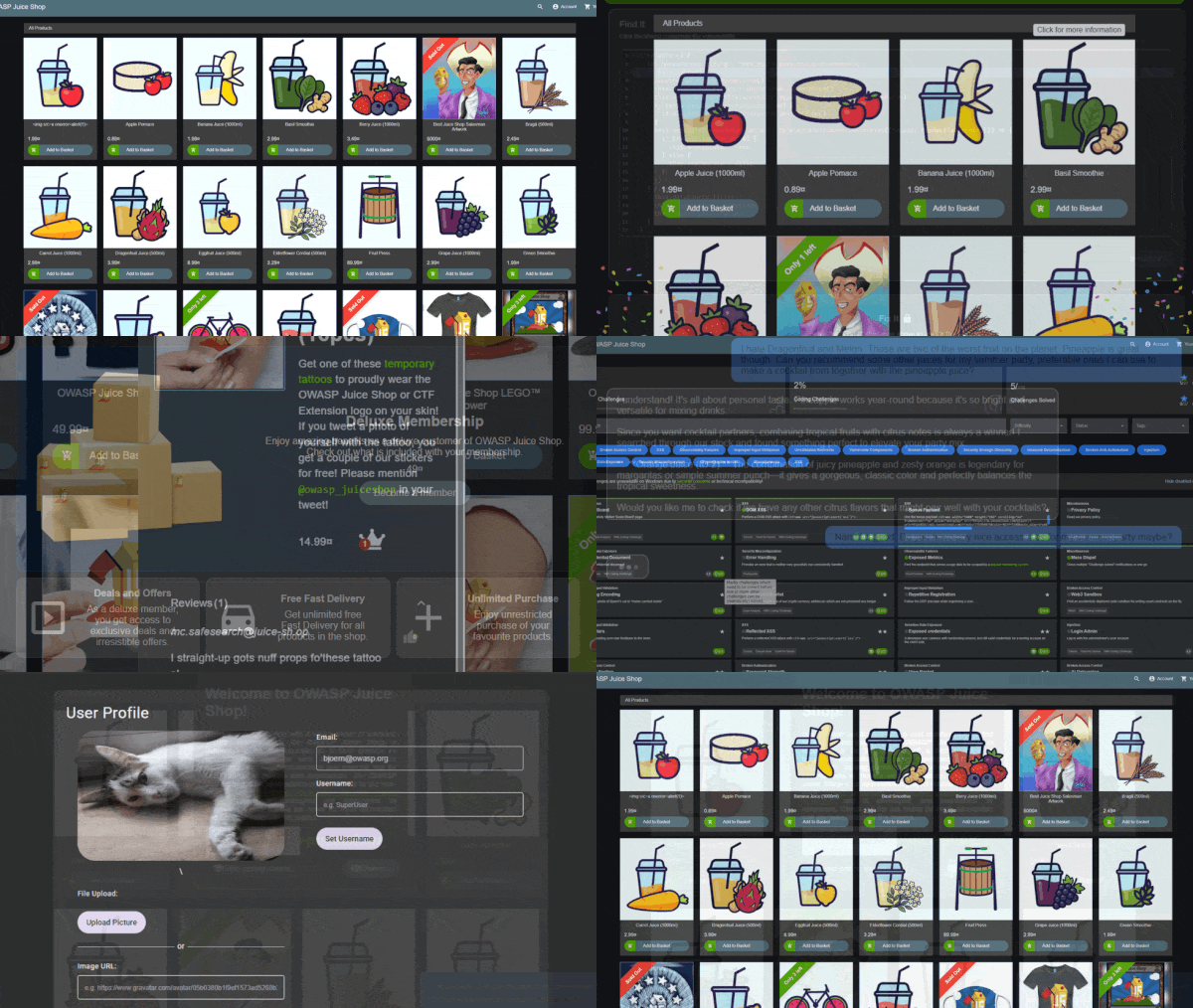
For a detailed introduction, full list of features and architecture overview please visit the official project page: https://owasp-juice.shop
Table of contents
Setup
You can find some less common installation variations as well as instructions to run Juice Shop on a variety of cloud computing providers in the Running OWASP Juice Shop documentation.
Some challenges require an AI/LLM provider to work properly. Check the Setting up external dependencies documentation for instructions on configuring local or cloud-based AI providers.
From Sources

- Install node.js
- Run
git clone https://github.com/juice-shop/juice-shop.git --depth 1(or clone your own fork of the repository) - Go into the cloned folder with
cd juice-shop - Run
npm install(only has to be done before first start or when you change the source code) - Run
npm start - Browse to http://localhost:3000
Packaged Distributions



- Install a 64bit node.js on your Windows, MacOS or Linux machine
- Download
juice-shop-<version>_<node-version>_<os>_x64.zip(or.tgz) attached to latest release - Unpack and
cdinto the unpacked folder - Run
npm start - Browse to http://localhost:3000
Each packaged distribution includes some binaries for
sqlite3andlibxmljs2bound to the OS and node.js version whichnpm installwas executed on.
Docker Container




- Install Docker
- Run
docker pull bkimminich/juice-shop - Run
docker run --rm -p 127.0.0.1:3000:3000 bkimminich/juice-shop - Browse to http://localhost:3000 (on macOS and Windows browse to http://192.168.99.100:3000 if you are using docker-machine instead of the native docker installation)
Vagrant
- Install Vagrant and Virtualbox
- Run
git clone https://github.com/juice-shop/juice-shop.git(or clone your own fork of the repository) - Run
cd vagrant && vagrant up - Browse to 192.168.56.110
Demo
Feel free to have a look at the latest version of OWASP Juice Shop: http://demo.owasp-juice.shop
This is a deployment-test and sneak-peek instance only! You are not supposed to use this instance for your own hacking endeavours! No guaranteed uptime! Guaranteed stern looks if you break it!
Documentation
Node.js version compatibility

