 unkn0wn-root/resterm
Terminal API client for HTTP, GraphQL, gRPC, WebSocket and SSE. Plain .http files you can diff and version, with scripted tests, workflows, mocks, recorder, and a CLI runner.


An API-as-code workbench for the terminal.
resterm.app · docs
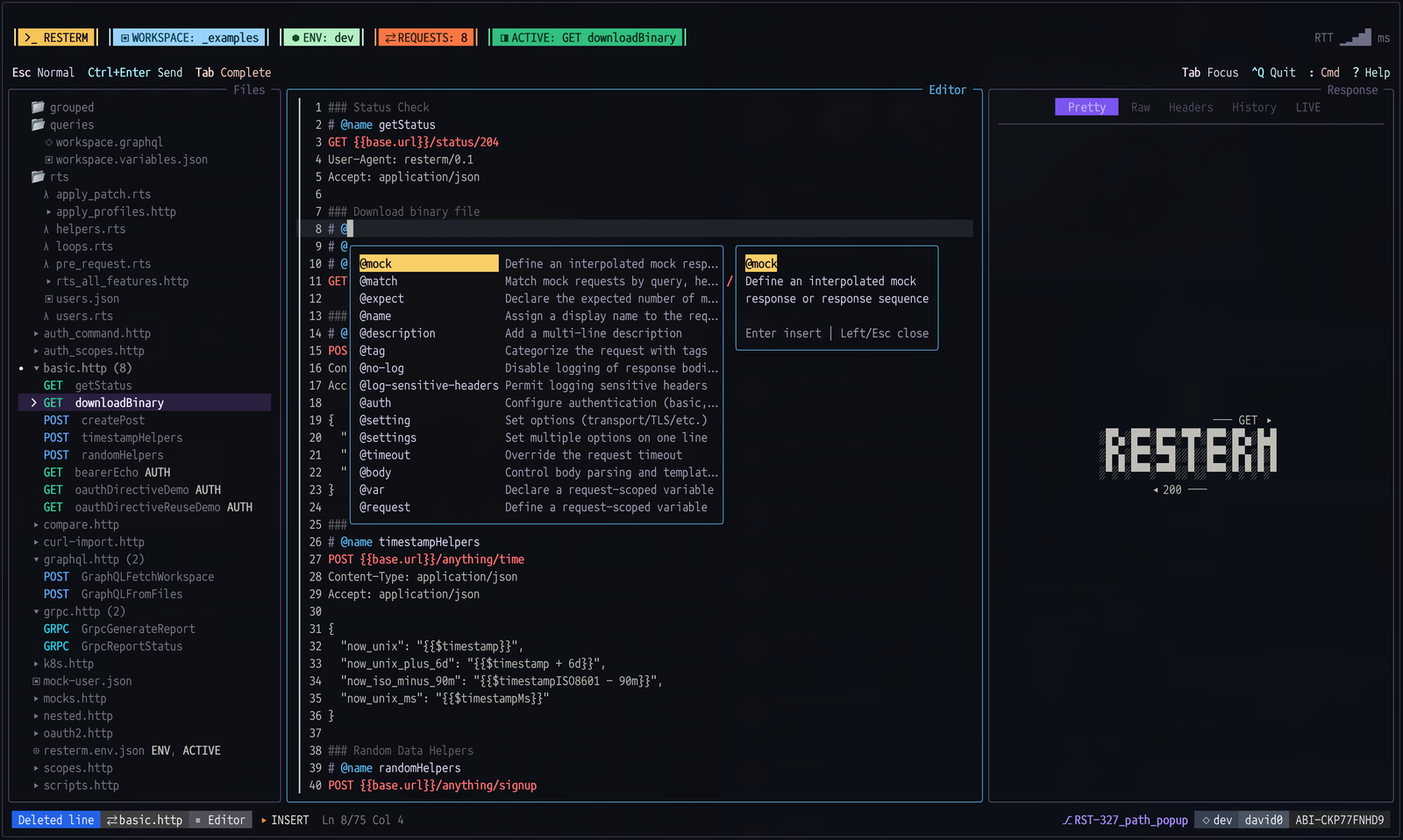
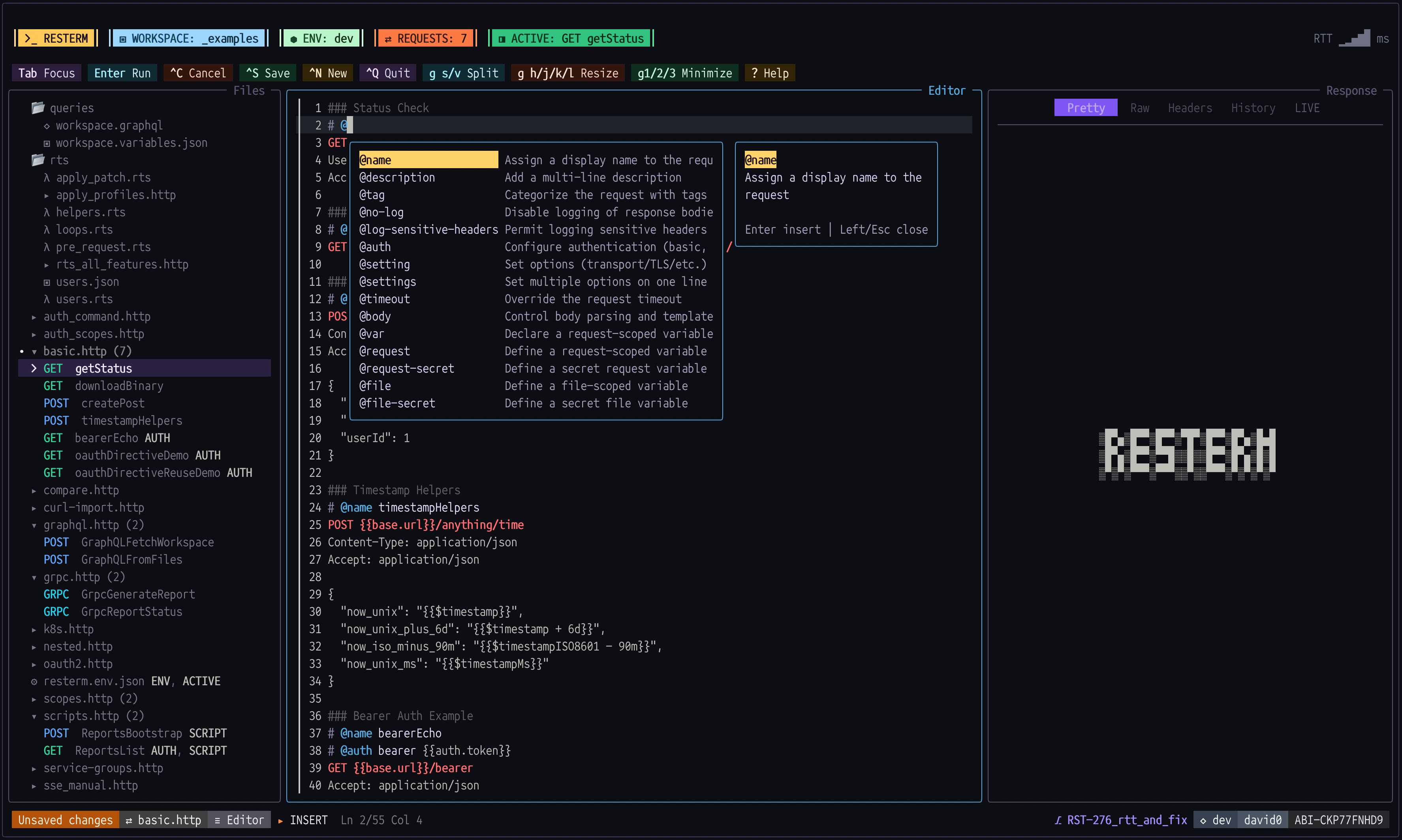
Resterm treats the file as the interface. A request is plain text in a .http or .rest file: method, URL, headers, body, auth, checks and settings. Environments, workflows and local mocks work the same way, and so do themes and key bindings. You can use the terminal UI, or run the same files from the CLI with resterm run. If your API sits behind an SSH bastion or inside a Kubernetes cluster, Resterm opens the tunnel or port-forward for you.
gh auth token@capture and @assert, plus @poll and @retry@if and @for-each@rts test blocks@compare to send one request to several environments and diff the results@profile with latency stats, a histogram, P95 and P99resterm run to run requests and workflows from the command line, with JSON or JUnit output$EDITOR, or a response body in your default appNo account and no telemetry.
[!NOTE] Resterm has no MCP server or built-in AI features. To help your LLM use Resterm, install the skill with
resterm skill --agent claudeorresterm skill --agent codex. See the skill docs for other agents. You can also point your agent atdocs/or resterm.app/docs.
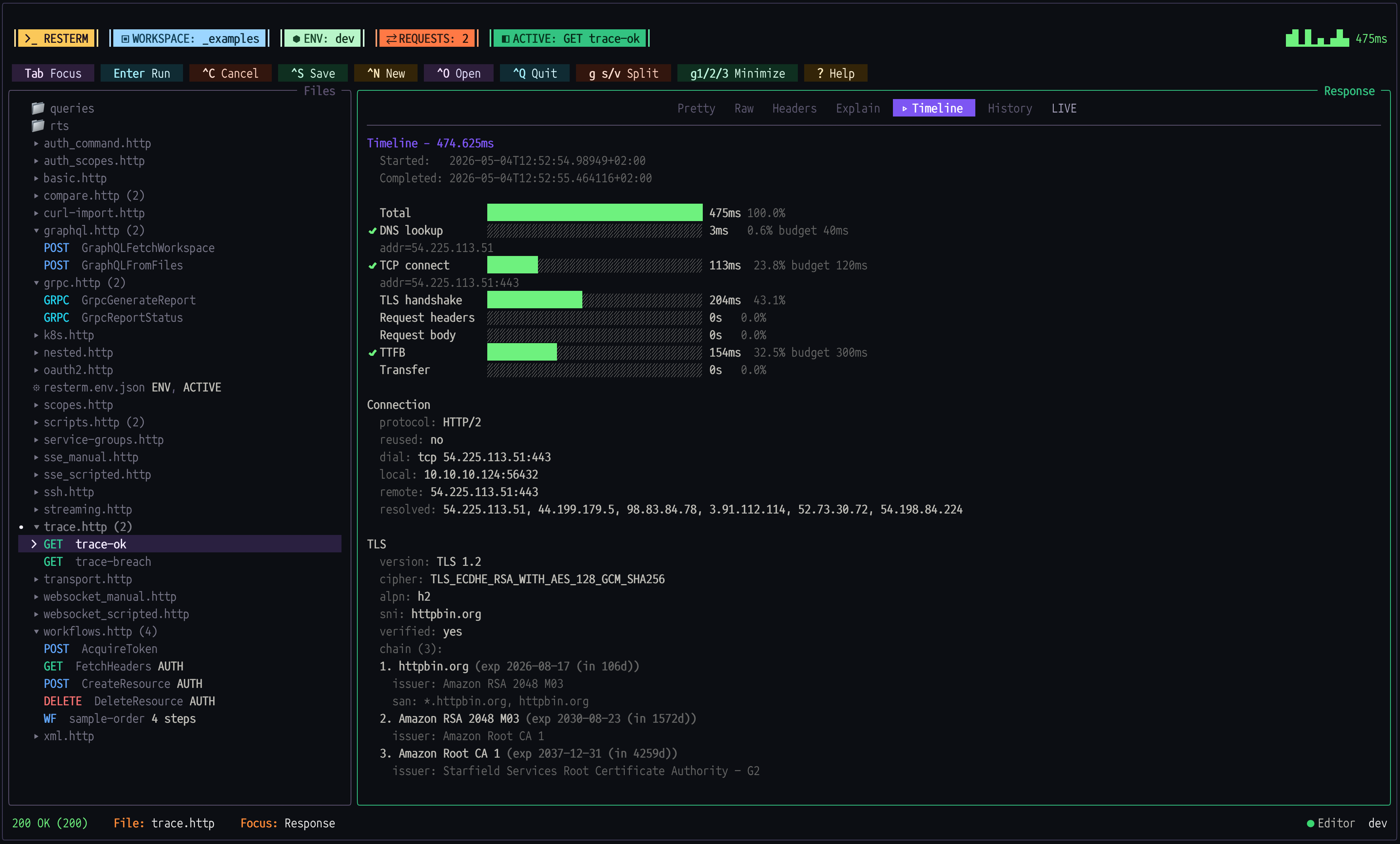
Trace and timeline
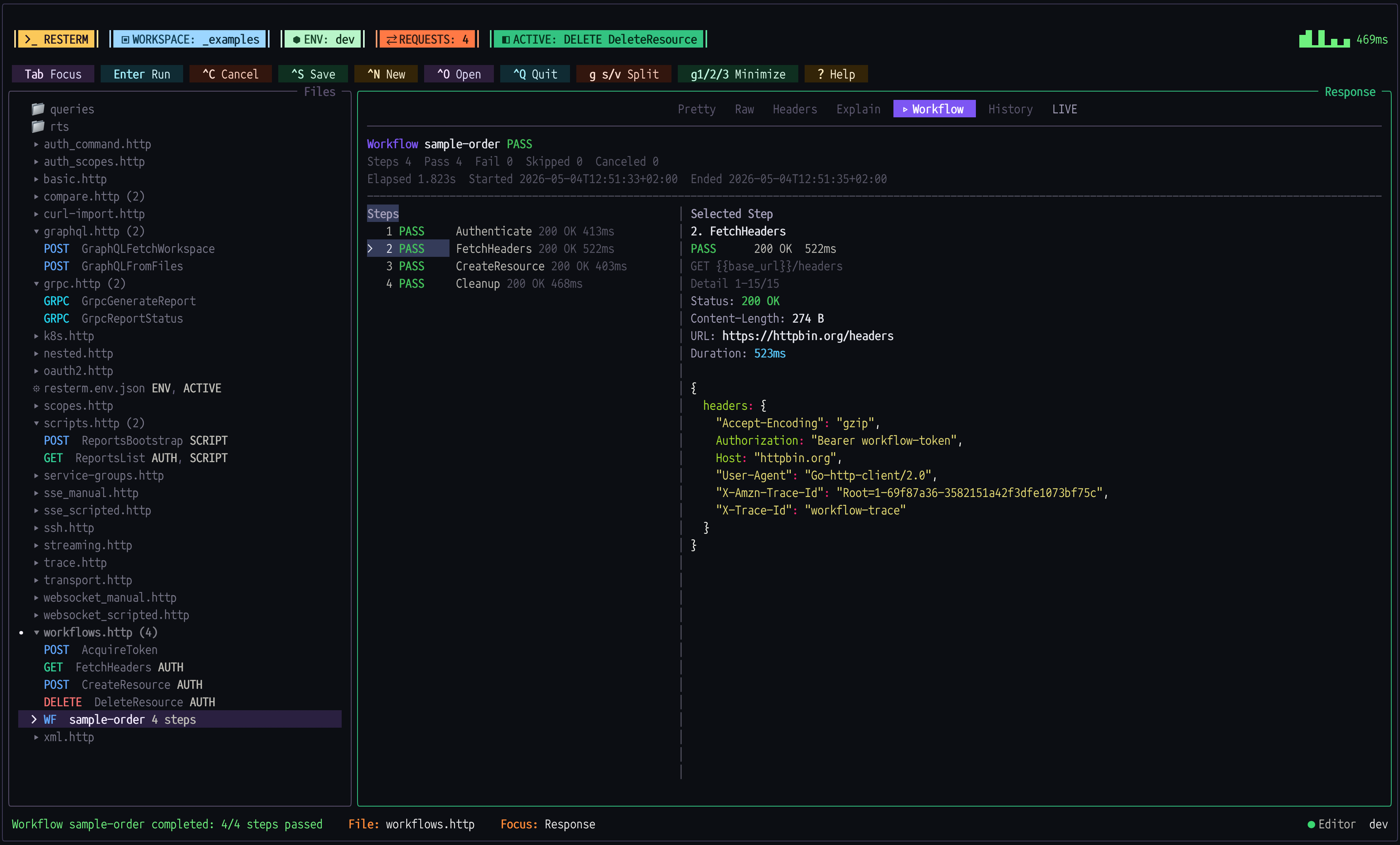
Workflows
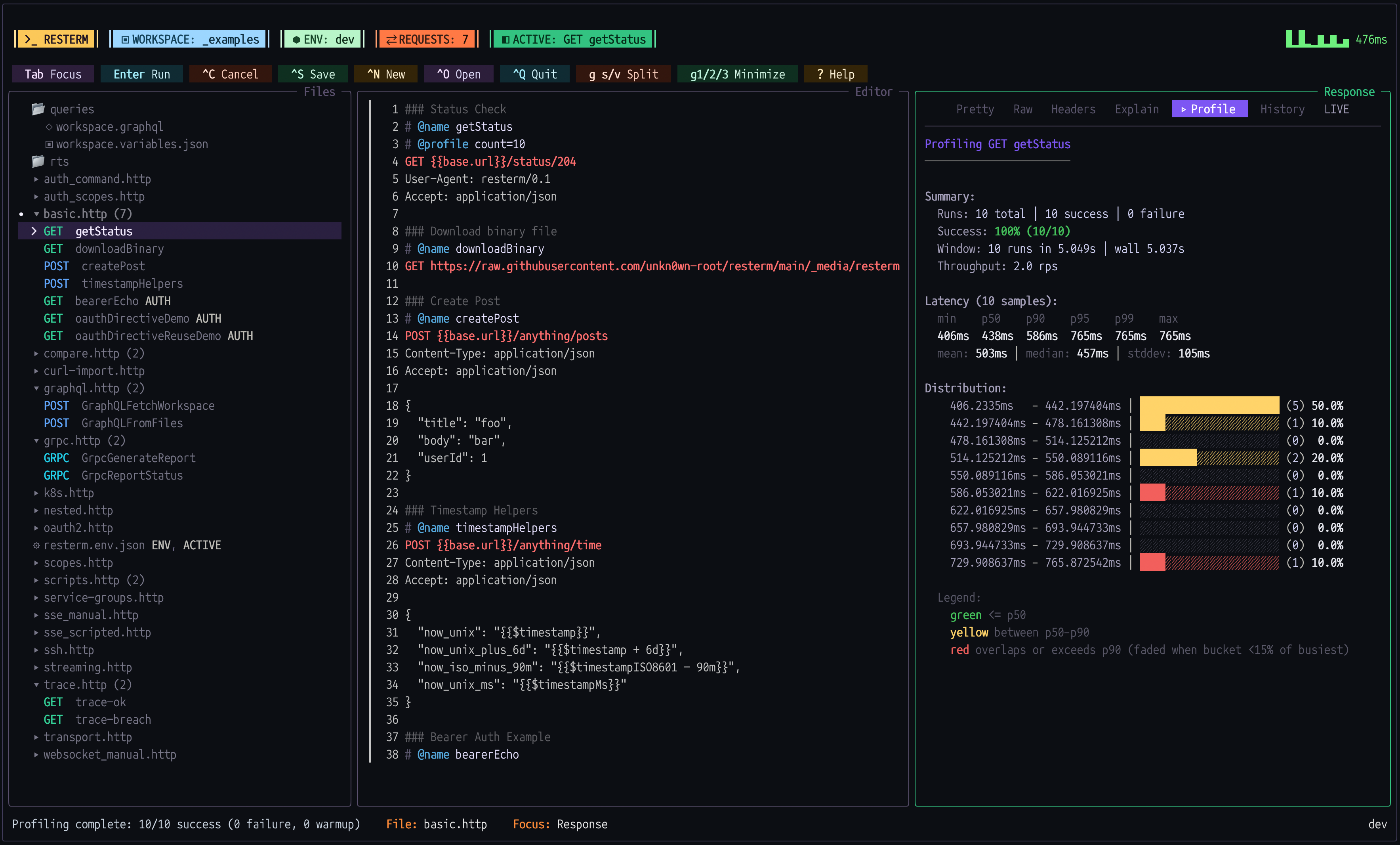
Profiler
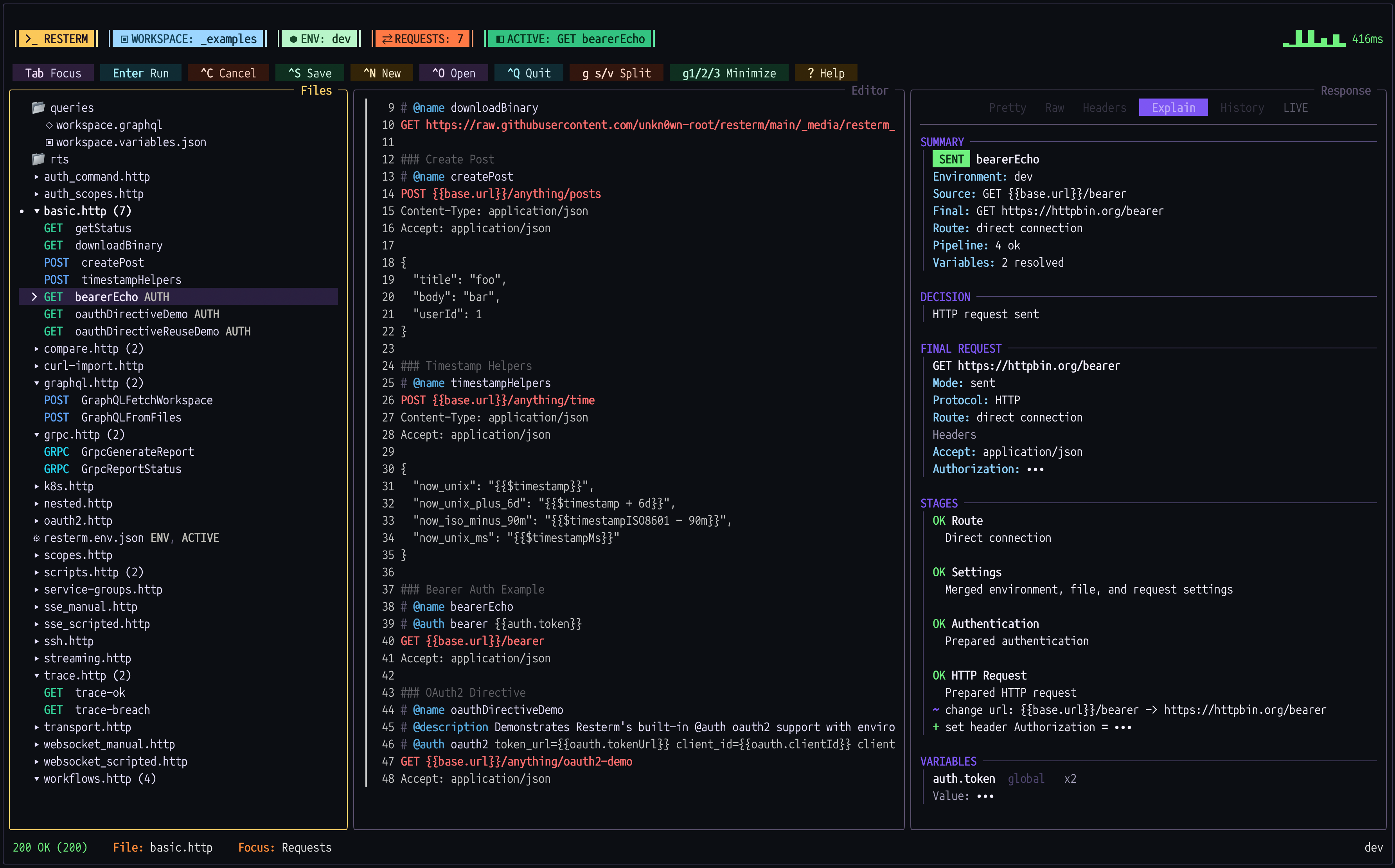
Explain
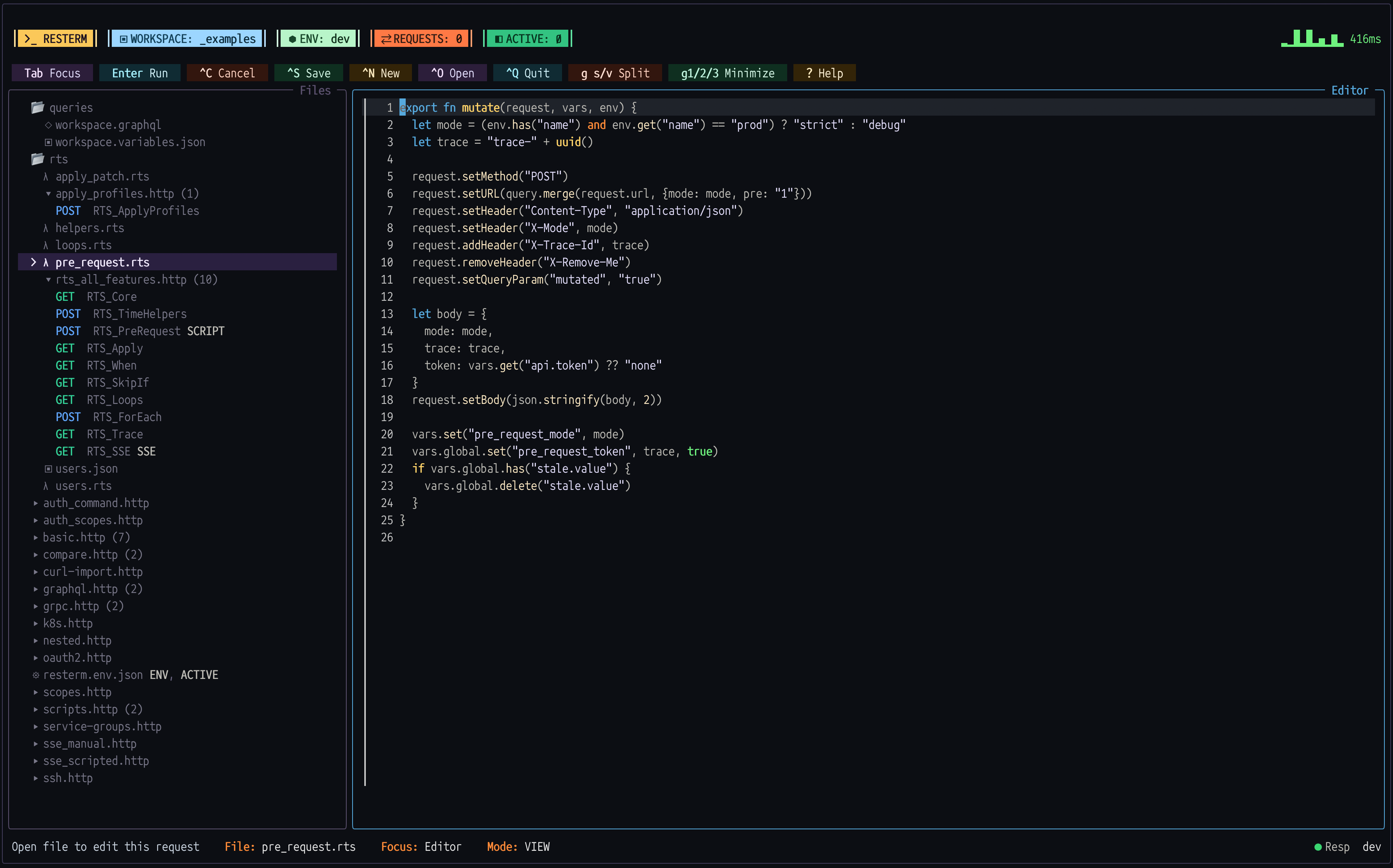
RestermScript
macOS and Linux:
brew install resterm
# or
curl -fsSL https://raw.githubusercontent.com/unkn0wn-root/resterm/main/install.sh | bash
Windows:
iwr -useb https://raw.githubusercontent.com/unkn0wn-root/resterm/main/install.ps1 | iex
With Go 1.25 or newer:
go install github.com/unkn0wn-root/resterm/cmd/resterm@latest
Prebuilt binaries for macOS, Linux and Windows are on the releases page. The macOS binaries need macOS 13 Ventura or newer, and the Linux binaries need glibc 2.32 or newer.
To update a Homebrew installation, run brew upgrade resterm. For release binaries or installations made with the scripts, run resterm --update. If you installed with Go, rerun the go install command above. More in the install guide.
mkdir my-api && cd my-api
resterm init
resterm
resterm init creates a requests.http file with a few sample requests and local mocks to answer them, so you don't need a real API to try it. Press g Shift+M to start the mock server, move the cursor to a request and press Ctrl+Enter to send it. Press ? for help at any time.
You don't need init either. Run resterm, type a URL or paste a curl command, and press Ctrl+Enter.
The same file also runs without the UI. Start the mocks in one terminal and run a request in another:
resterm mock requests.http                       # terminal 1
resterm run --request CreateUser requests.http   # terminal 2
Resterm reads the standard .http format and adds # @ directives on top for settings and automation:
# @setting base-url https://api.example.com/v1/

### Create users
// Send this request once for each name in the list.
# @for-each ["david", "tom"] as name
# @when env.meta.name == "dev"
# @assert response.statusCode == 201
# @rts test "user has an id"
> if response.json().id == null {
>   t.error("no id for", name)
> }
POST users
Content-Type: application/json

{"name":"{{= name }}"}
A @setting before the first request applies to the whole file. ### starts a new request. Directives above a request can repeat it, skip it or check the response, either with @assert or with an @rts test block of RestermScript code.
There are more examples at resterm.app/examples and in _examples/, and every directive is listed in the request file reference.
The full docs are at resterm.app/docs. Good places to start are workflows, mock servers, recording, the CLI and RestermScript.
Inside the TUI, :help <topic> opens the built-in manual and :docs <topic> opens the same page on the website.
To run request files from your own Go code, see the headless package.
To suggest a feature, start a discussion in the Ideas category. To report a bug, open an issue. To contribute code, open a pull request.
Reporting bugs and suggesting features helps just as much as code.