 orange-cyberdefense/graphcat
توليد رسوم بيانية ومخططات استنادًا إلى نتيجة اختراق كلمات المرور

نص برمجي بسيط لإنشاء الرسوم البيانية على ملفات potfile الخاصة بـ hashcat (و john) وملفات NTDS.
git clone https://github.com/Orange-Cyberdefense/graphcat
cd graphcat
pip install .
$ graphcat.py -h
usage: graphcat.py [-h] -potfile hashcat.potfile -hashfile hashfile.txt [-john] [-format FORMAT] [-export-charts] [-output-dir OUTPUT_DIR] [-debug]

تقارير رسوم بيانية لتكسير كلمات المرور

options:
  -h, --help            show this help message and exit
  -potfile hashcat.potfile
                        ملف potfile الخاص بـ hashcat
  -hashfile hashfile.txt
                        ملف يحتوي على التجزئات (تجزئة واحدة لكل سطر)
  -john                 ملف potfile خاص بـ john
  -format FORMAT        تنسيق ملف التجزئات (الافتراضي 3): 1 للتجزئة; 2 لاسم المستخدم:التجزئة; 3 لـ secretsdump (اسم المستخدم:uid:lm:ntlm)
  -export-charts        إخراج الرسوم البيانية بصيغة png أيضًا
  -output-dir OUTPUT_DIR
                        دليل الإخراج
  -debug                تشغيل إخراج DEBUG
يحتاج Graphcat فقط إلى ملف potfile مع -potfile (الافتراضي هو hashcat، لكن يمكنك استخدام -john لتقديم ملف potfile خاص بـ john) وملف تجزئات مع -hashfile. يجب أن يكون ملف التجزئات بتنسيق محدد من التنسيقات الثلاثة المتاحة باستخدام علامة -format. الافتراضي هو Secretsdump.
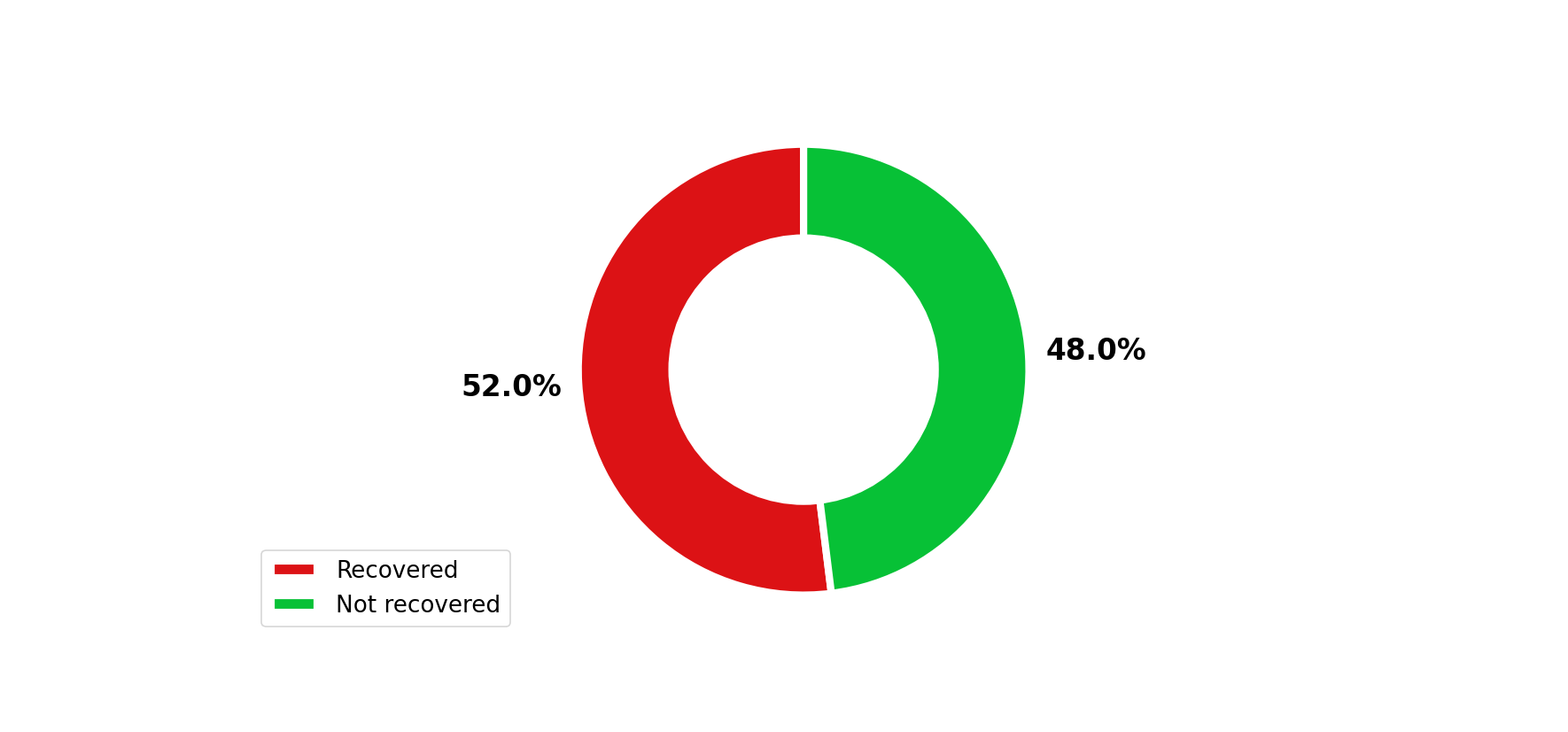
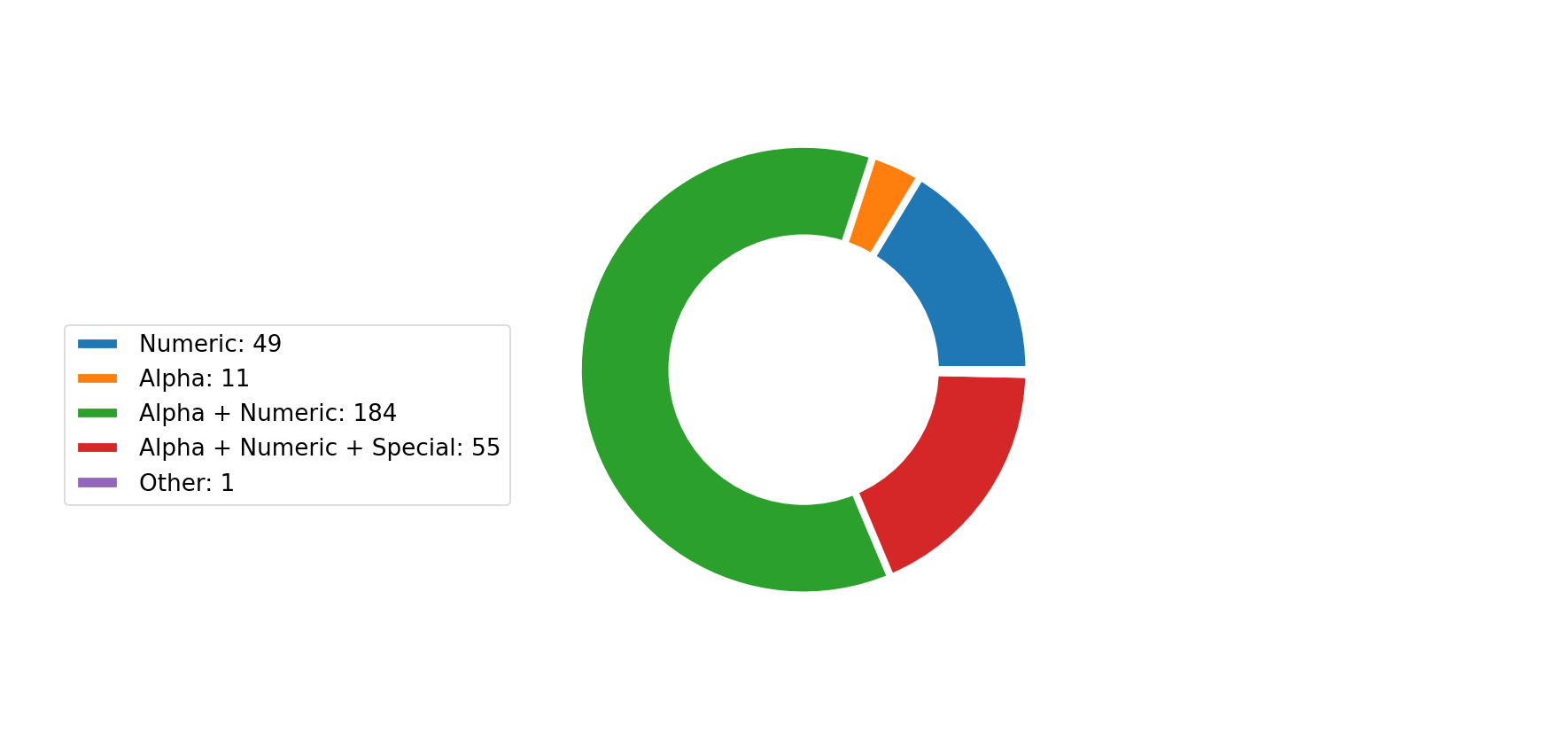
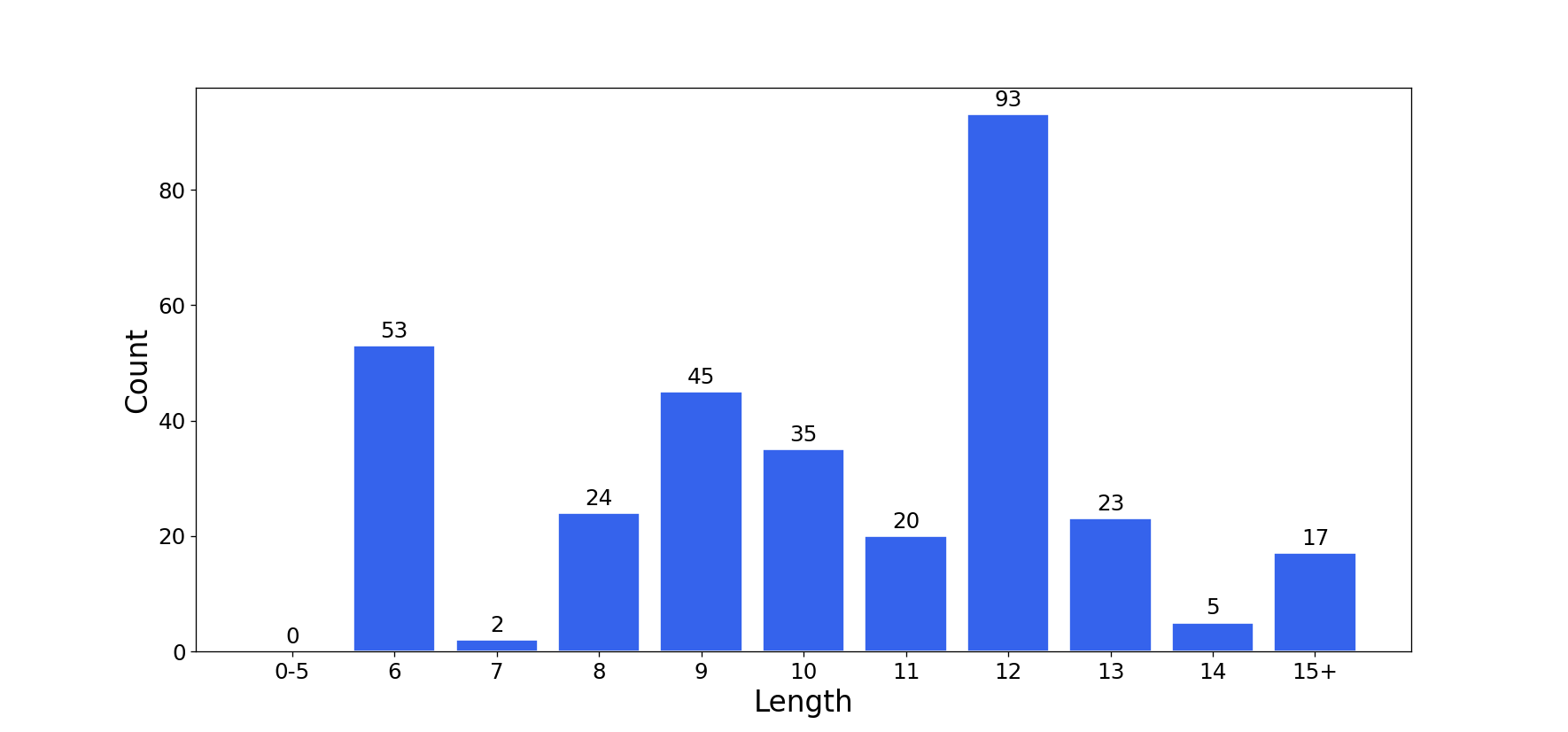
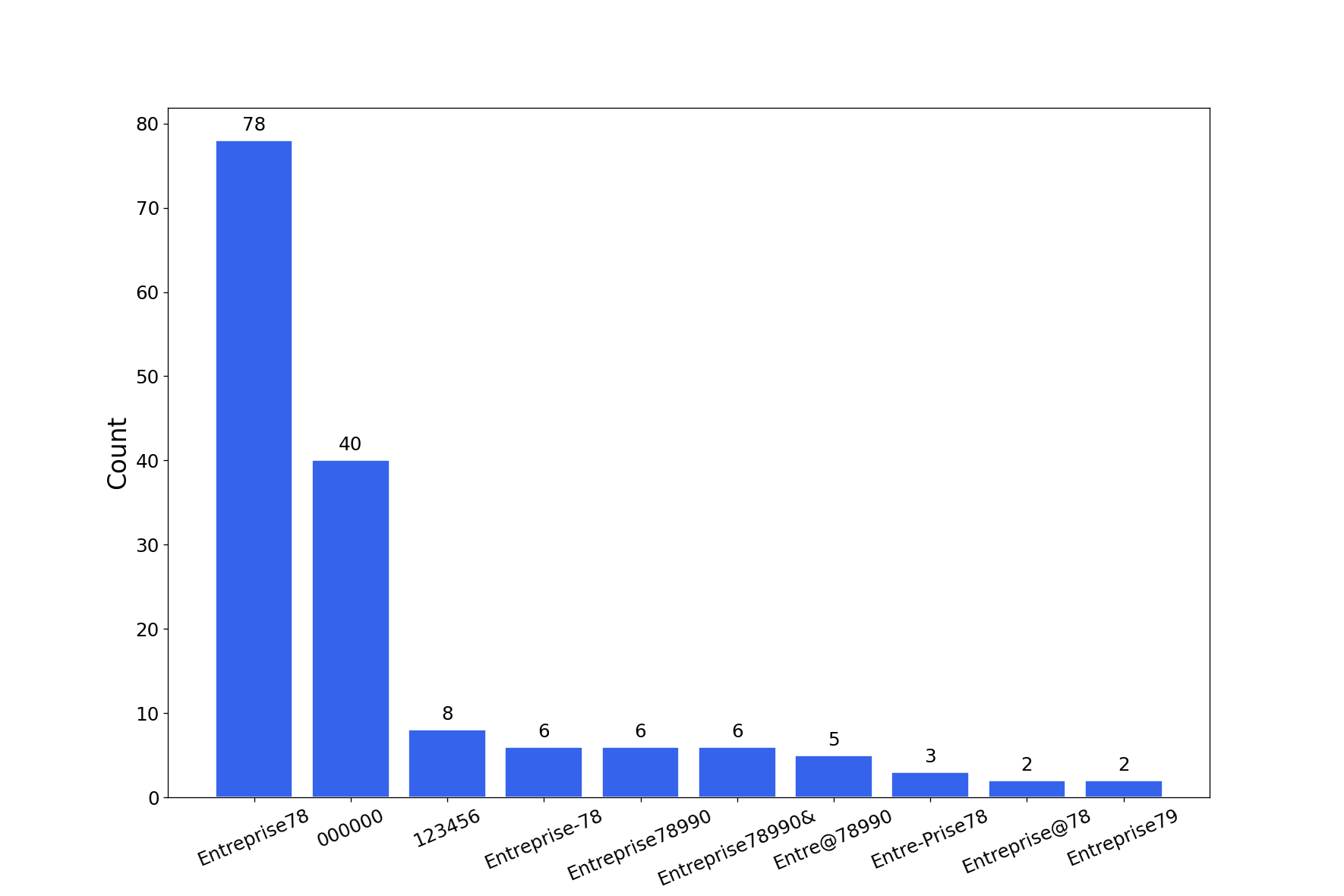
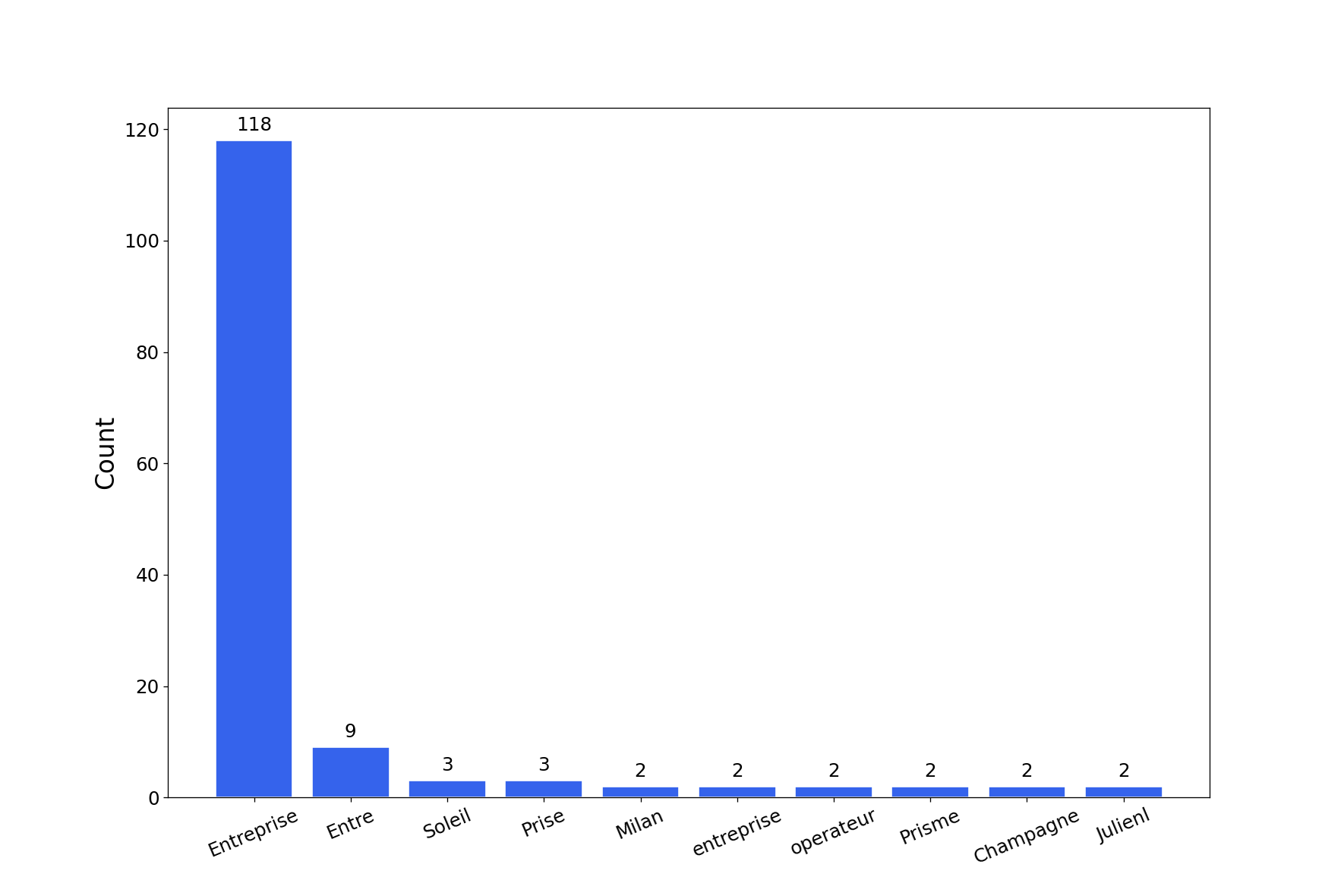
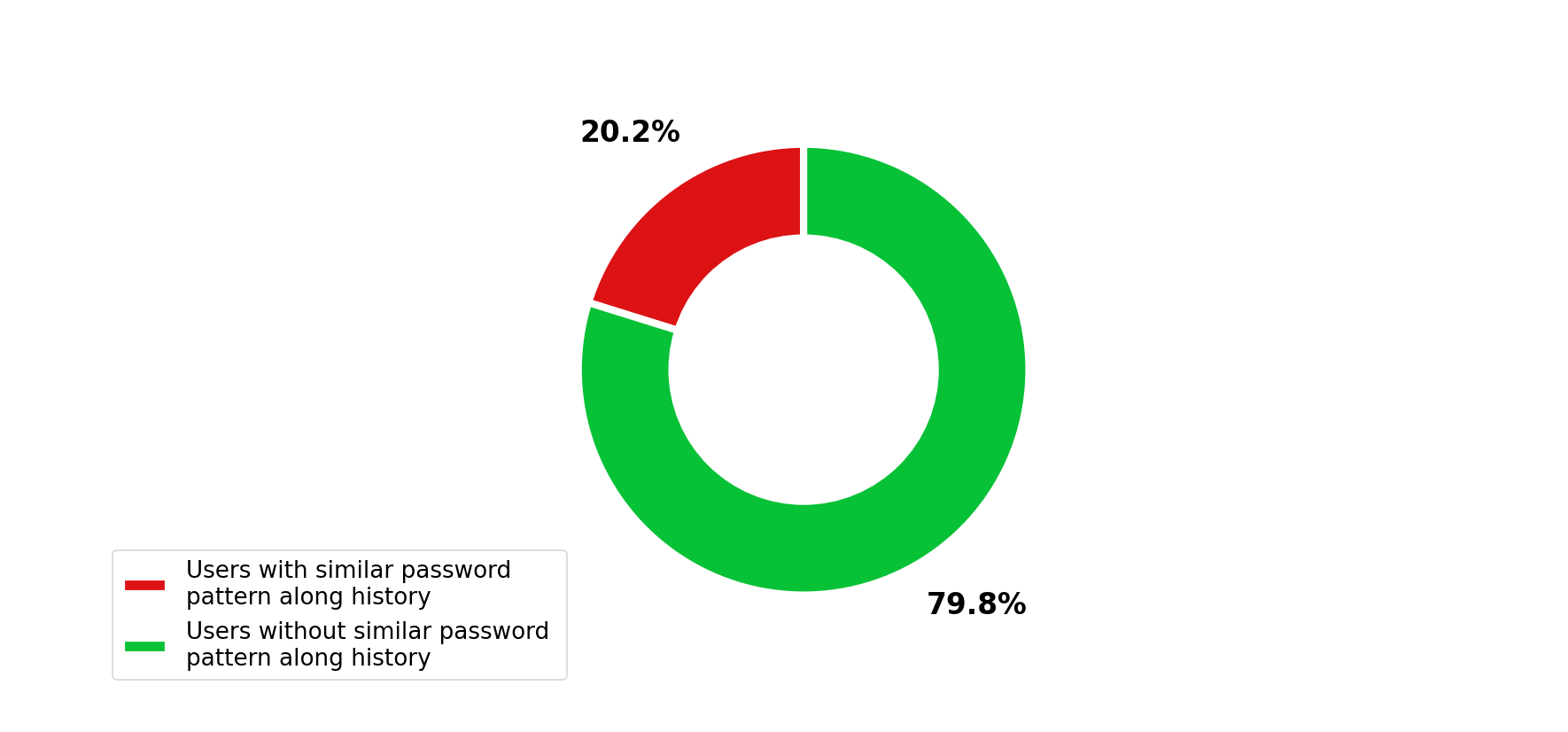
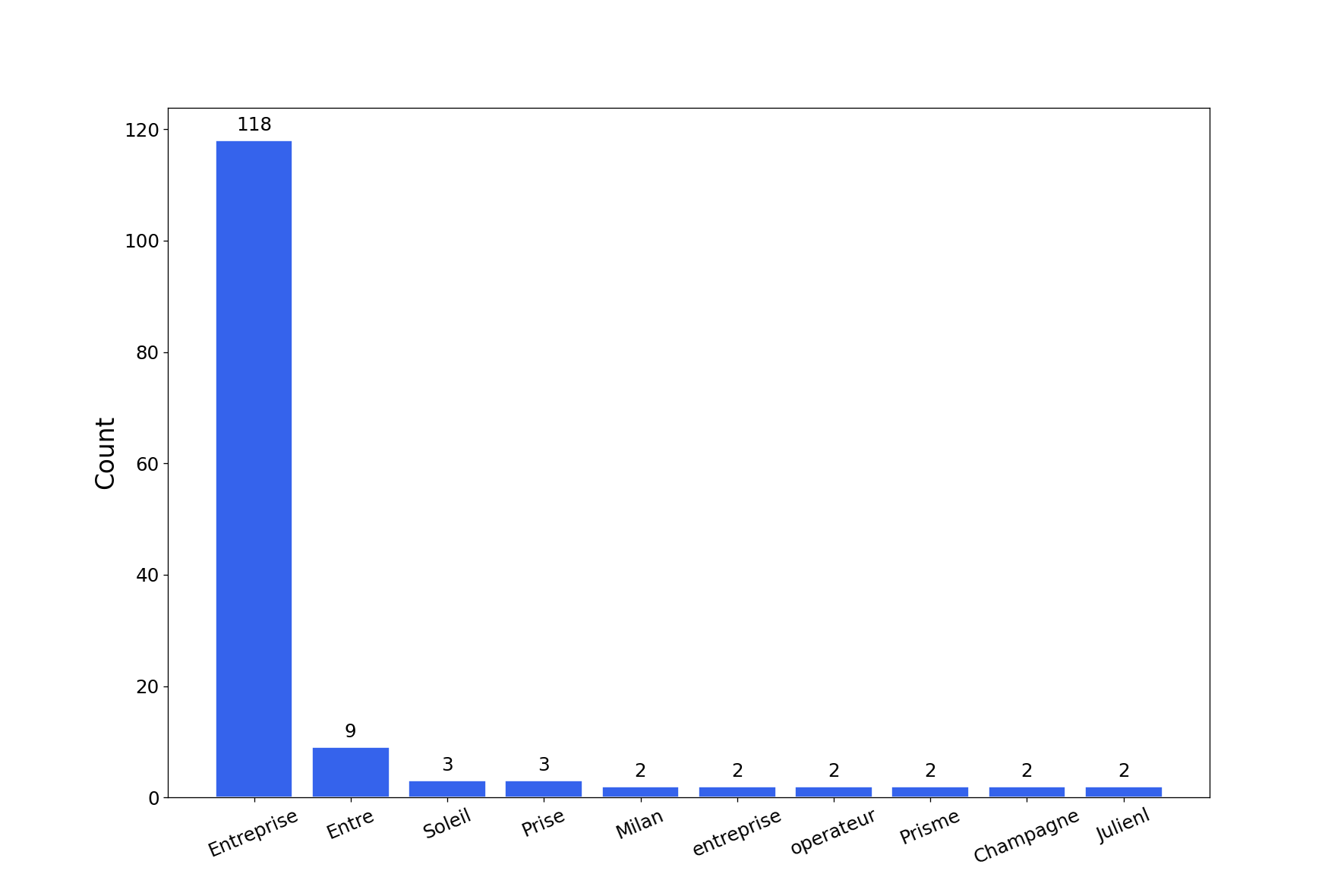
ستقوم الأداة بإنشاء تقرير يحتوي على رسوم بيانية متعددة لتكسير كلمات المرور. يمكنك الحصول على الرسوم البيانية بصيغة png باستخدام العلامة -export-charts.
$ graphcat.py -hashfile entreprise.local.ntds -potfile hashcat.pot
[-] Parsing potfile
[-] 164 entries in potfile
[-] Parsing hashfile
[-] 1600 entries in hashfile
[-] Generating graphs...
[-] Generating report...
[-] Report available at graphcat_1672941324.pdf
1: تجزئة فقط
aad3b435b51404eeaad3b435b51404ee
aad3b435b51404eeaad3b435b51404ee
aad3b435b51404eeaad3b435b51404ee
2: اسم المستخدم + التجزئة
test1:aad3b435b51404eeaad3b435b51404ee
test2:aad3b435b51404eeaad3b435b51404ee
test3:aad3b435b51404eeaad3b435b51404ee
3: Secretsdump
waza.local\test1:4268:aad3b435b51404eeaad3b435b51404ee:aad3b435b51404eeaad3b435b51404ee:::
waza.local\test2:4269:aad3b435b51404eeaad3b435b51404ee:aad3b435b51404eeaad3b435b51404ee:::
waza.local\test3:4270:aad3b435b51404eeaad3b435b51404ee:aad3b435b51404eeaad3b435b51404ee:::
إذا ظهرت تجزئة أكثر من مرة في ملف التجزئات، فسيتم عدها بعدد المرات هذه.
علاوة على ذلك، إذا قدمت secretsdump مع سجل كلمات المرور (-history في أمر secretsdump)، فسيقوم بتحليل التشابه في سجل كلمات المرور.