 codeyourweb/fastfinder
استجابة للحوادث - مكتشف سريع للملفات المشبوهة


أداة استجابة للحوادث خفيفة الوزن لصيد التهديدات والفحص الجنائي





FastFinder هي أداة استجابة للحوادث قوية وخفيفة الوزن، مصممة لمتخصصي الأمن السيبراني الذين يقومون بصيد التهديدات، والفحص الجنائي المباشر، والفرز الأولي لنقاط النهاية. تم بناؤها لكل من منصتي ويندوز ولينكس، وتتفوق في الاكتشاف السريع للملفات المشبوهة باستخدام معايير كشف متعددة.
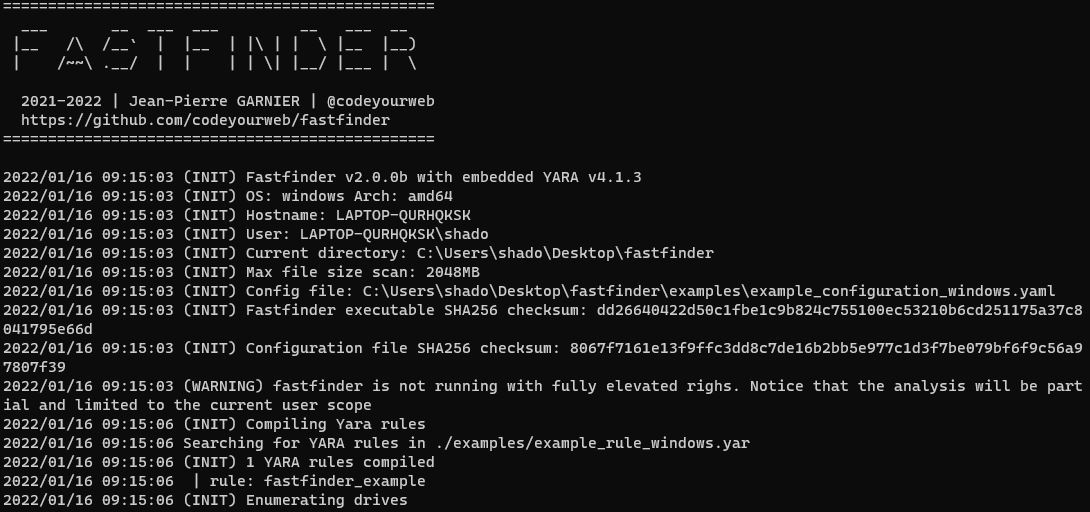
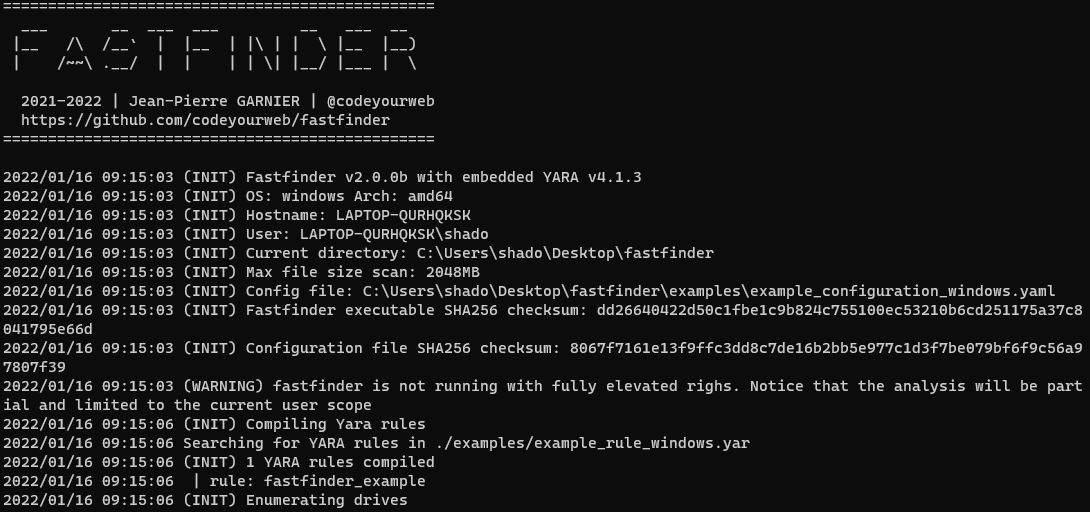 واجهة المستخدم الأساسية
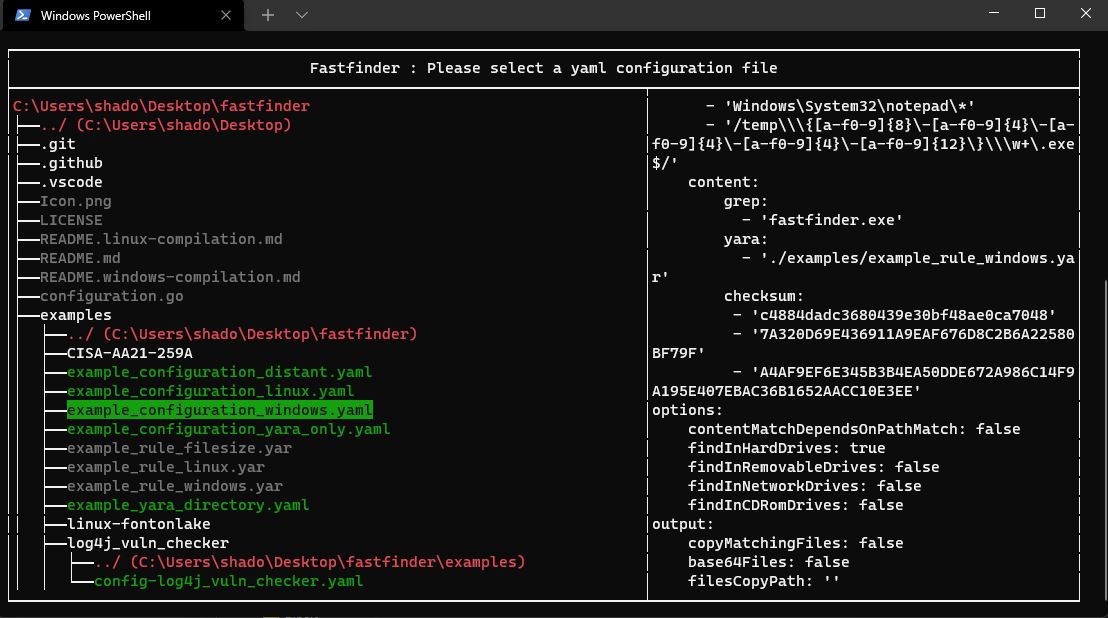 اختيار التهيئة
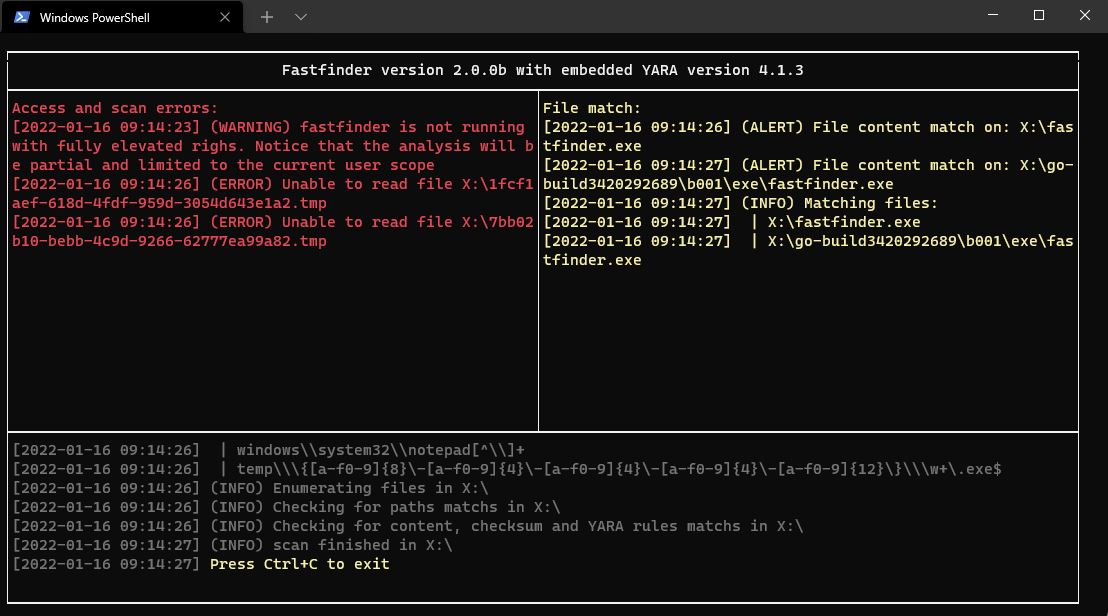 نتائج المسح والمطابقات
⚠️ ملاحظة: يتطلب التجميع الاعتماديات CGO و YARA. راجع الأدلة الخاصة بكل منصة:
أسهل طريقة لبناء FastFinder دون تثبيت أي اعتماديات:
# Build binaries for Linux and Windows
cd docker
make build-binaries

# Binaries will be in ./bin/
# - fastfinder-linux-amd64
# - fastfinder-windows-amd64.exe
قم بتشغيل FastFinder داخل حاوية Docker ذات صلاحيات مميزة لمسح وحدات التخزين أو أنظمة الملفات المثبتة:
# Build the runtime image (includes FastFinder + YARA + editors)
.\docker-helper.ps1 build-runtime

# Run scan with configuration directory
.\docker-helper.ps1 run-runtime -ConfigPath "C:\path\to\config_folder" -ScanPath "C:\data\to\scan"

# Interactive shell mode (no scan, just shell access)
.\docker-helper.ps1 run-runtime -Interactive
fastfinder [OPTIONS]
| الخيار | الوصف | الافتراضي |
|---|---|---|
-h, --help | طباعة معلومات المساعدة | |
-c, --configuration <yaml config file> | مسار ملف التهيئة | |
-b, --build <output executable> | إنشاء ملف تنفيذي مستقل مع إعدادات مضمنة (معمارية x64 فقط) | |
-r, --root <Path> | مسار الجذر للمسح (يتجاوز تعداد الأقراص) | |
-s, --silent | وضع صامت - التشغيل دون أي نافذة أو وحدة تحكم مرئية | |
-v, --verbosity <verbosityLevel> | مستوى تفصيل السجلات (1-5) | 3 |
-t, --triage | وضع المراقبة المستمرة | false |
# Basic scan with configuration file
./fastfinder -c config.yaml

# Continuous monitoring mode
./fastfinder -c config.yaml -t

# Create standalone executable (x64 architecture only)
./fastfinder -c config.yaml -b standalone_scanner.exe
💡 نصيحة: يمكن تشغيل FastFinder بصلاحيات مستخدم عادية، لكن حقوق المسؤول توفر الوصول إلى جميع ملفات النظام.
أمثلة التهيئة متاحة هناك. فيما يلي مثال كامل لتهيئة فارغة. لست بحاجة لتنفيذ كل سمة إذا كنت لا تستخدم كل شيء.
input:
    path: [] # match file path AND / OR file name based on simple string
    content:
        grep: [] # match literal string value inside file content
        yara: [] # use yara rule and specify rules path(s) for more complex pattern search (wildcards / regex / conditions)
        checksum: [] # parse for md5/sha1/sha256 in file content
options:
    contentMatchDependsOnPathMatch: true # if true, paths are a pre-filter for grep (string) searches only. YARA and Checksums are always evaluated.
    findInHardDrives: true	# enumerate hard drive content
    findInRemovableDrives: true # enumerate removable drive content
    findInNetworkDrives: true # enumerate network drive content
    findInCDRomDrives: true # enumerate physical CD-ROM and mounted iso / vhd...
    findInMemory: true # check for results in processes memory
output:
    copyMatchingFiles: true # create a copy of every matching file
    base64Files: true # base64 matched content before copy
    filesCopyPath: '' # empty value will copy matched files in the fastfinder.exe folder
advancedparameters:
    yaraRC4Key: ''    # yara rules can be (un)/ciphered using the specified RC4 key
    maxScanFilesize: 2048 #  ignore files up to maxScanFileSize Mb (default: 2048)
    cleanMemoryIfFileGreaterThanSize: 512 # clean fastfinder internal memory after heavy file scan (default: 512Mb)
eventforwarding:
  enabled: true
  buffer_size: 5
  flush_time_seconds: 10
  file: # save app activity in jsonl files
    enabled: true
    directory_path: "./event_logs"
    rotate_minutes: 1    # Rotate every minute for testing
    max_file_size_mb: 1  # Rotate at 1MB for testing
    retain_files: 5      # Keep 5 old files
  http: # forward app activity with HTTP POST json data
    enabled: false
    url: "https://your-forwarder-url.com/api/events"
    ssl_verify: false
    timeout_seconds: 10
    headers:
      Authorization: "Bearer YOUR_API_KEY"
      MY-CUSTOM-HEADER: "My-Header-Value"
    retry_count: 3
  filters:
    event_types:
      - "error"
      - "warning"
      - "alert"
      - "info"
يتم حل المسارات النسبية في ملفات YAML بالنسبة لموقع ملف التهيئة:

