 caio-ishikawa/netscout
أداة OSINT تكتشف النطاقات والنطاقات الفرعية والدلائل ونقاط النهاية والملفات لعنوان URL أولي معيّن.

NetScout هي أداة OSINT تعثر على النطاقات، والنطاقات الفرعية، والدلائل، ونقاط النهاية، والملفات لعنوان URL أساسي معيّن. تتكون من المكونات التالية:
go install github.com/caio-ishikawa/netscout@latestmake installيستخدم NetScout واجهتين خارجيتين: BinaryEdge و SerpAPI. تُستخدم BinaryEdge للاستعلام عن البيانات التاريخية للنطاقات الفرعية المسجلة لعنوان URL الأساسي، وتُستخدم SERP API لجمع نتائج بحث Google لأنواع ملفات محددة خاصة بعنوان URL الأساسي.
يتوقع NetScout ضبط مفاتيح API كمتغيرات بيئة:
export BINARYEDGE_API_KEY="<key>"export SERP_API_KEY="<key>"الاستخدام:
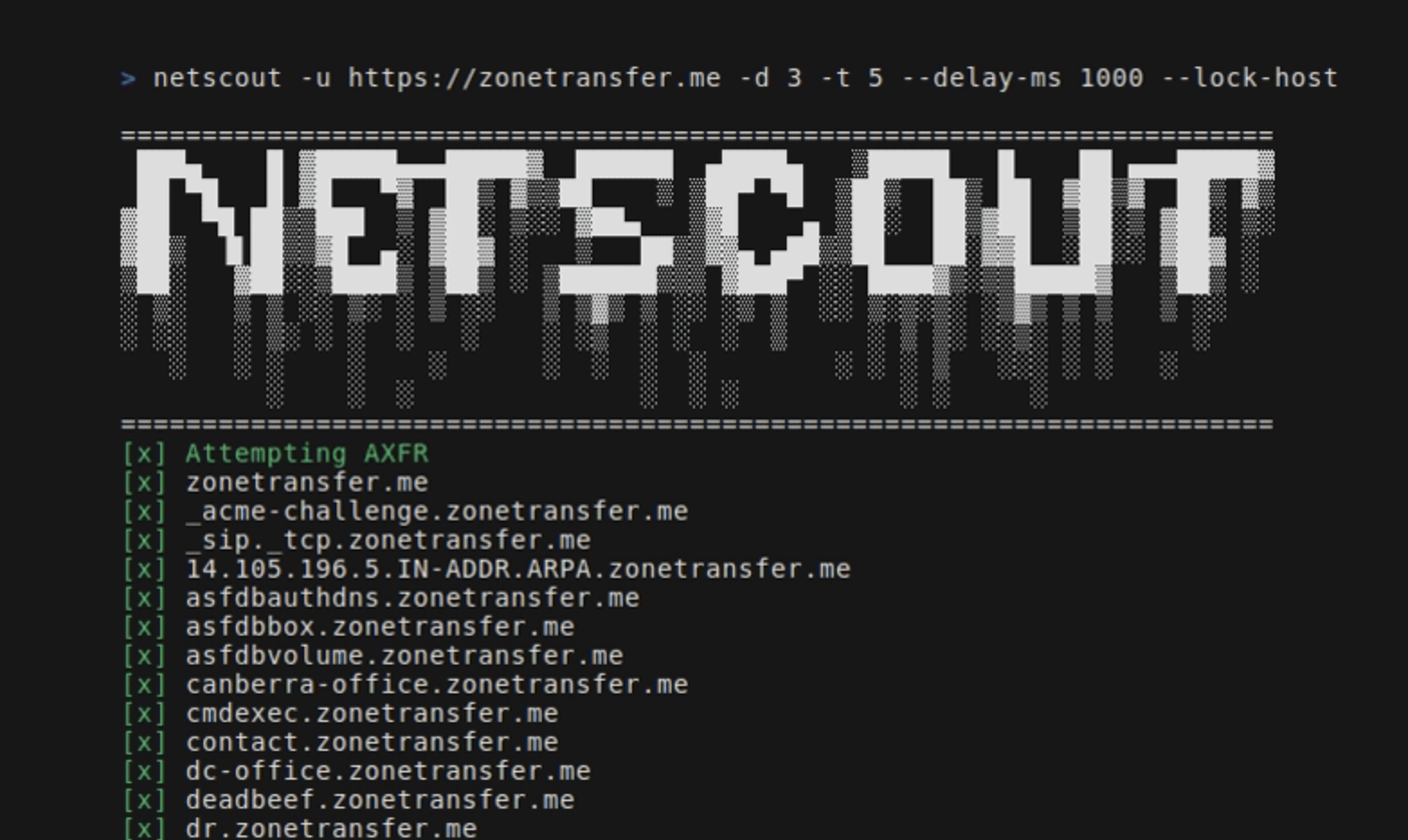
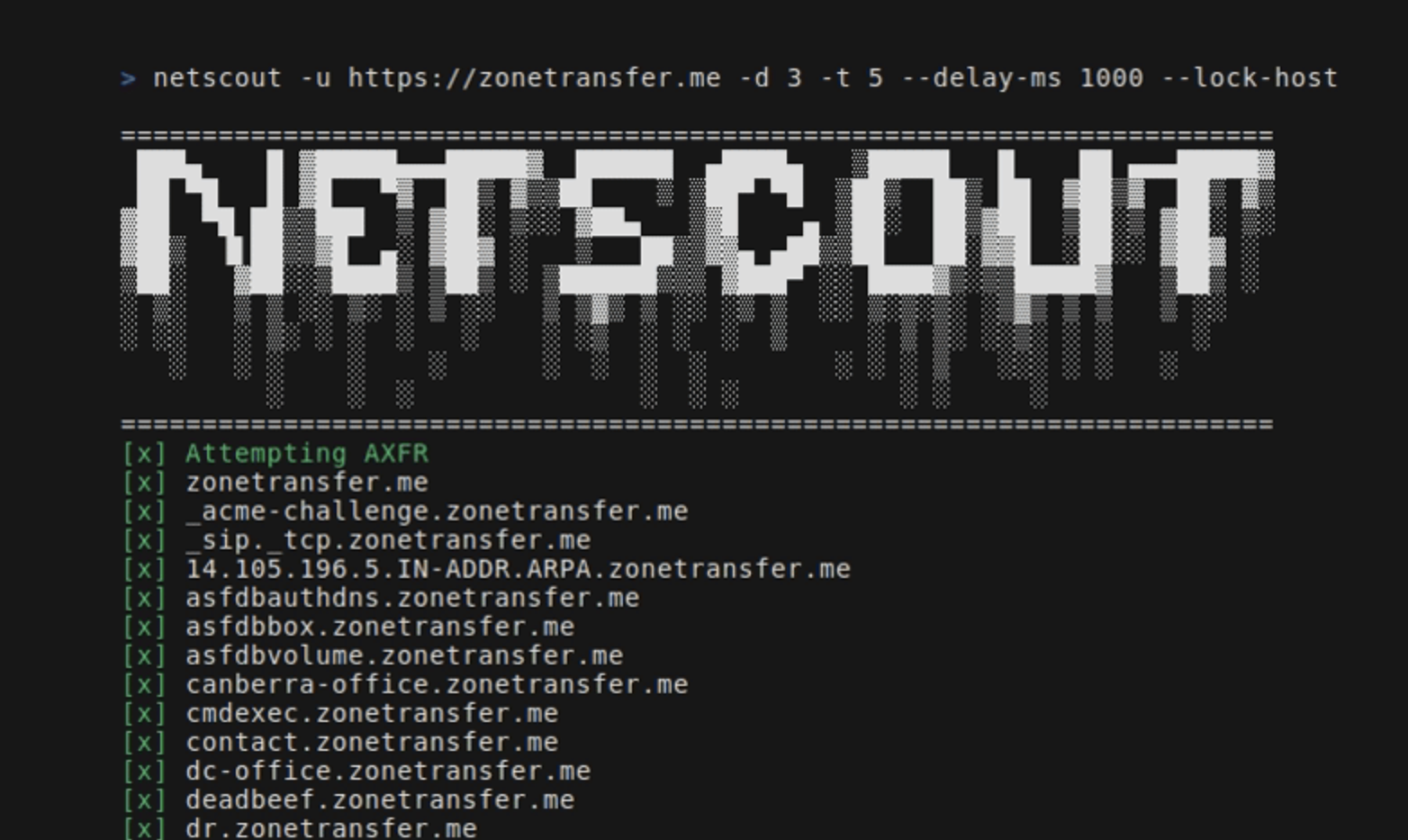
=======================================================================
 ███▄    █ ▓█████▄▄▄█████▓  ██████  ▄████▄   ▒█████   █    ██ ▄▄▄█████▓
 ██ ▀█   █ ▓█   ▀▓  ██▒ ▓▒▒██    ▒ ▒██▀ ▀█  ▒██▒  ██▒ ██  ▓██▒▓  ██▒ ▓▒
▓██  ▀█ ██▒▒███  ▒ ▓██░ ▒░░ ▓██▄   ▒▓█    ▄ ▒██░  ██▒▓██  ▒██░▒ ▓██░ ▒░
▓██▒  ▐▌██▒▒▓█  ▄░ ▓██▓ ░   ▒   ██▒▒▓▓▄ ▄██▒▒██   ██░▓▓█  ░██░░ ▓██▓ ░
▒██░   ▓██░░▒████▒ ▒██▒ ░ ▒██████▒▒▒ ▓███▀ ░░ ████▓▒░▒▒█████▓   ▒██▒ ░
░ ▒░   ▒ ▒ ░░ ▒░ ░ ▒ ░░   ▒ ▒▓▒ ▒ ░░ ░▒ ▒  ░░ ▒░▒░▒░ ░▒▓▒ ▒ ▒   ▒ ░░
░ ░░   ░ ▒░ ░ ░  ░   ░    ░ ░▒  ░ ░  ░  ▒     ░ ▒ ▒░ ░░▒░ ░ ░     ░
   ░   ░ ░    ░    ░      ░  ░  ░  ░        ░ ░ ░ ▒   ░░░ ░ ░   ░
         ░    ░  ░              ░  ░ ░          ░ ░     ░
=======================================================================
Usage:
  -u string
        A string representing the URL
  -d int
        An integer representing the depth of the crawl
  -t int
        An integer representing the amount of threads to use for the scans (default 5)
  -delay-ms int
        An integer representing the delay between requests in miliseconds
  -lock-host
        A boolean - if set, it will only save URLs with the same host as the seed
  -o string
        A string representing the name of the output file
  -h string
        A comma-separated key-value string representing request headers
  -c string
        A comma-separated key-value string representing the cookies
  -v
        A boolean - if set, it will display all found URLs


  -skip-axfr
        A bool - if set, it will skip the DNS zone transfer attempt
  -skip-binaryedge
        A bool - if set, it will skip BinaryEdge subdomain scan
  -skip-google-dork
        A bool - if set, it will skip the Google filetype scan
  -headless
        A bool - if set, all requests in the crawler will be made through a headless Chrome browser (requires Google Chrome)
  -deep
        A bool - if set, the shortened URL scan will be performed (can take several minutes)
يحدد عنوان URL الأساسي والعمق وملف الإخراج:
netscout -u https://crawler-test -d 2 -o netscout.txt
يتخطى BinaryEdge وGoogle dork:
netscout -u https://crawler-test.com -d 2 --skip-binaryedge --skip-google-dork -o netscout.txt
يضبط عدد الخيوط على 5، وتأخير الطلبات على 1000 مللي ثانية، ويفرض إجراء الطلبات عبر متصفح Chrome بدون واجهة رسومية (headless).
netscout -u https://crawler-test.com -d 2 -t 5 --delay-ms 1000 --headless -o netscout.txt
يضبط العمق على 2، ويضيف قيم الكوكيز والترويسات
netscout -u https://crawler-test.com --deep -d 2 -t 5 -h "key=test,key_two=test_2" -c "key=test,key_two=test_2"
يفعّل فحص الروابط المختصرة، ويضبط عمق الزاحف على 2، وعدد الخيوط على 5
netscout -u https://crawler-test.com --deep -d 2 -t 5
قبل تقديم طلب سحب (PR)، يرجى التأكد من أن المشروع يُبنى بنجاح وأن جميع الاختبارات الحالية تجتاز بنجاح. مزيد من المعلومات في الاختبار
شكرًا لاهتمامك بالمساهمة في هذا المشروع!
تُوضع الاختبارات في نفس الدليل الذي يحتوي الملف المختبر، وتتطلب اختبارات الزاحف تشغيل DVWA (Damn Vulnerable Web App) محليًا مع فتح المنفذ 80. قبل تشغيل الاختبارات، يجب إعداد ملفات الاختبار.
تُدار جميع الإعدادات اللازمة للاختبارات في Makefile:
make test-container-pullmake testfiles-setupmake test-container-runmake testmake testfiles-teardown