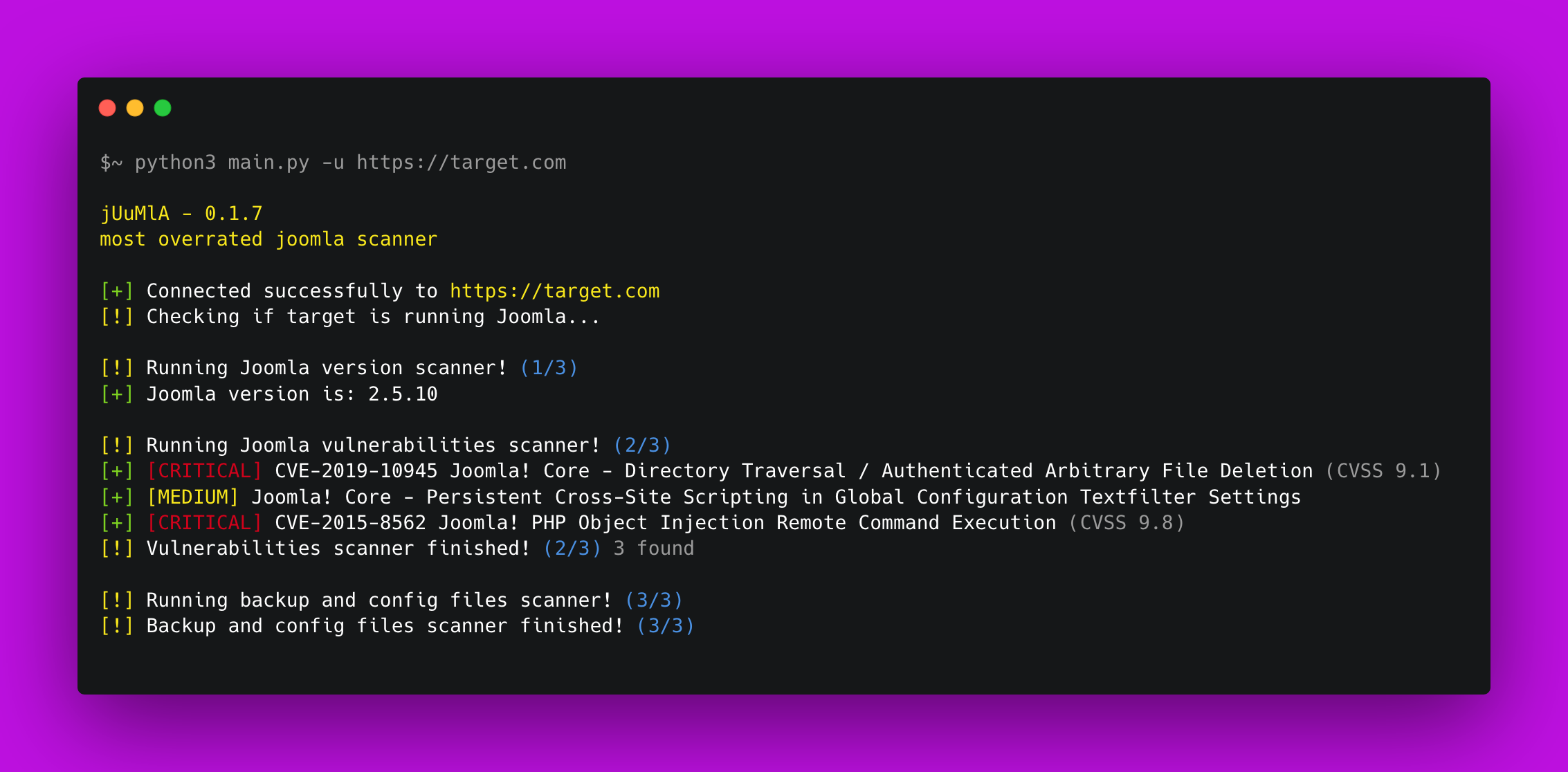
 0xdsm/juumla
🦁 مشروع بايثون لتحديد ومسح الثغرات الأمنية المتعلقة بمشروع Joomla CMS. يقوم بمسح التكوينات الخاطئة الشائعة والثغرات العامة.

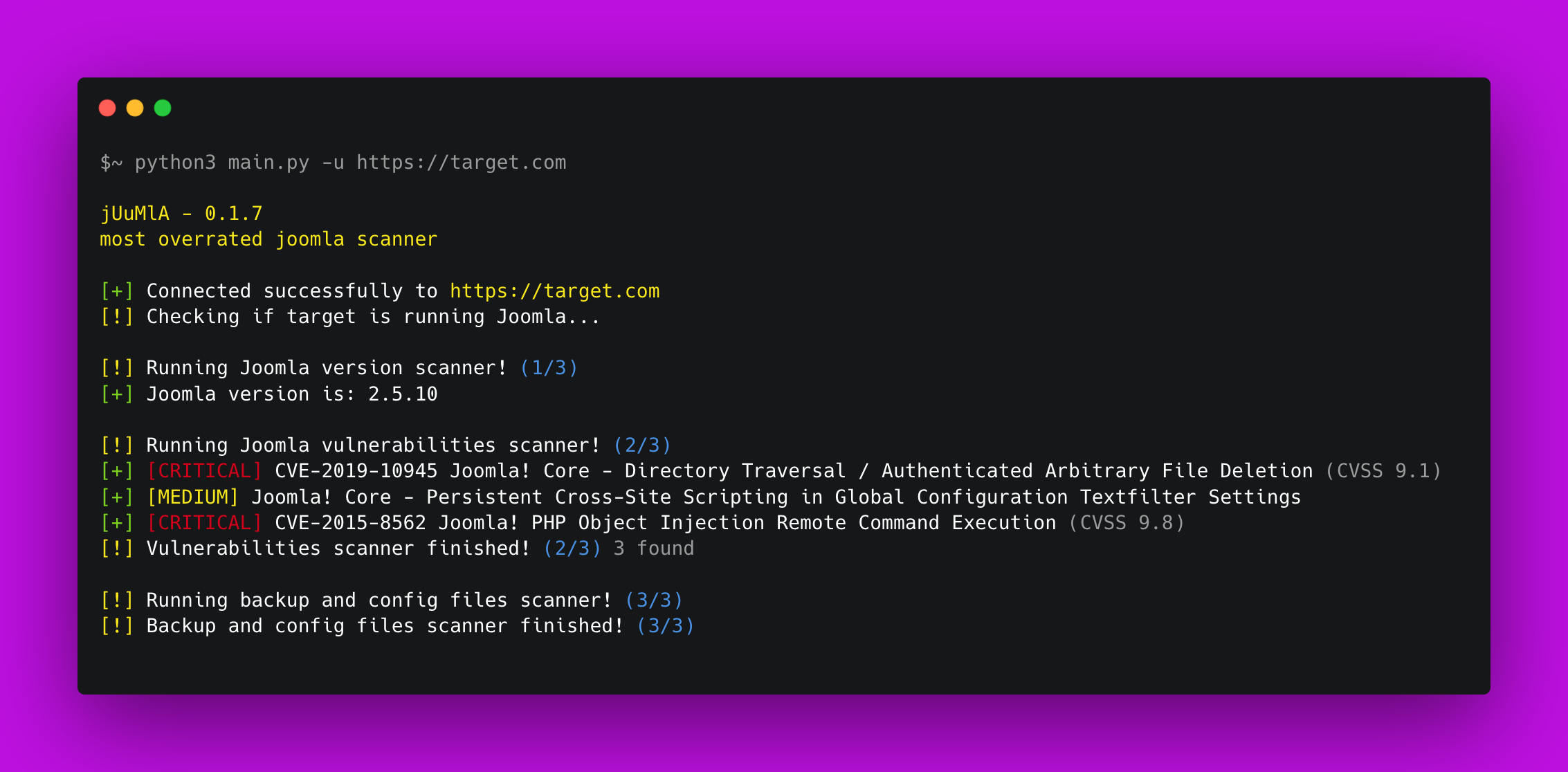


🦁 Juumla هي أداة بايثون صُممت لتحديد إصدار Joomla، وفحص الثغرات الأمنية والملفات الحساسة.
دليل سريع حول كيفية تثبيت واستخدام Juumla.
1. Clone the repository - git clone https://github.com/oppsec/juumla.git
2. Install the libraries - pip3 install -r requirements.txt
3. Run Juumla - python3 main.py -u https://example.com
إذا كنت ترغب في تشغيل Juumla في حاوية دوكر، اتبع هذه الأوامر:
1. Clone the repository - git clone https://github.com/oppsec/juumla.git
2. Build the image - sudo docker build -t juumla:latest .
3. Run container - sudo docker run juumla:latest
إذا كنت ترغب في إنشاء بيئة Joomla في حاوية دوكر، اتبع هذه الأوامر:
1. Clone the repository - git clone https://github.com/oppsec/juumla.git (or download the docker-compose.yml file)
2. Install docker-compose (e.g: sudo apt install docker-compose)
3. sudo docker-compose up
4. Access http://localhost:8080/

The default root password is: example
The default database name is: joomladb
The default DBMS is: MySQL 5.6
pip3 install -r requirements.txtدليل سريع حول كيفية المساهمة في المشروع.
1. Create a fork from Juumla repository
2. Download the project with git clone https://github.com/your/juumla.git
3. Make your changes
4. Commit and makes a git push
5. Open a pull request

