 madhavmehndiratta/dorkscanner
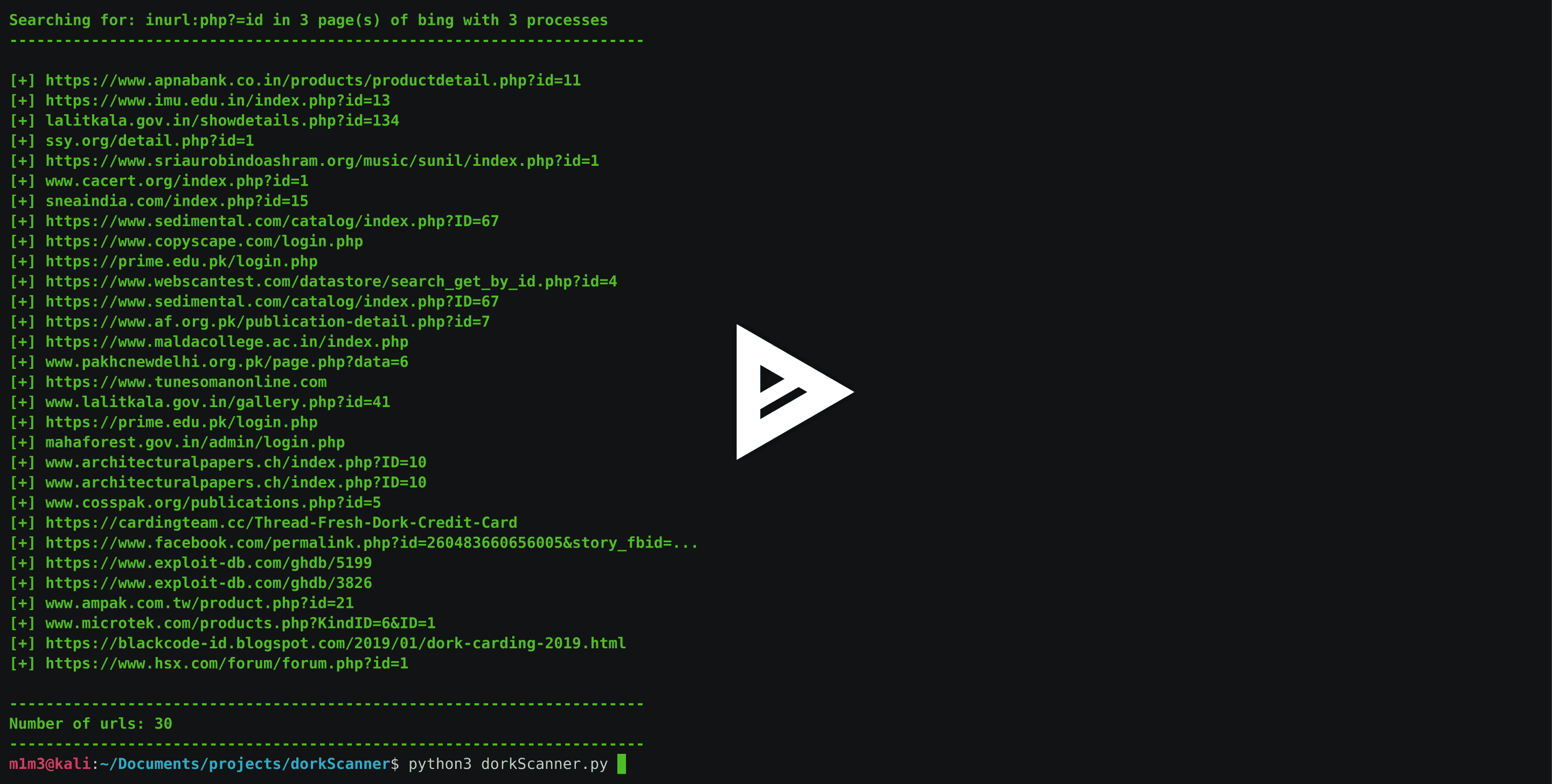
A typical search engine dork scanner scrapes search engines with dorks that you provide in order to find vulnerable URLs.

A typical search engine dork scanner that scrapes search engines with queries that you provide in order to find vulnerable URLs.
Dorking is a technique used by newsrooms, investigative organisations, security auditors as well as tech savvy criminals to query various search engines for information hidden on public websites and vulnerabilities exposed by public servers. Dorking is a way of using search engines to their full capacity to penetrate web-based services to depths that are not necessarily visible at first.
pip3 install -r requirements.txt
$ python3 dorkScanner.py --help
usage: dorkScanner.py [-h] [-q QUERY] [-e ENGINE] [-p PAGES] [-P PROCESSES]

optional arguments:
  -h, --help            show this help message and exit
  -q QUERY, --query QUERY
                        Specify the Search Query within ''
  -e ENGINE, --engine ENGINE
                        Specify the Search Engine (Google/Bing)
  -p PAGES, --pages PAGES
                        Specify the Number of Pages (Default: 1)
  -P PROCESSES, --processes PROCESSES
                        Specify the Number of Processes (Default: 2)
Enter the Search Query:
Choose the Search Engine (Google/Bing):